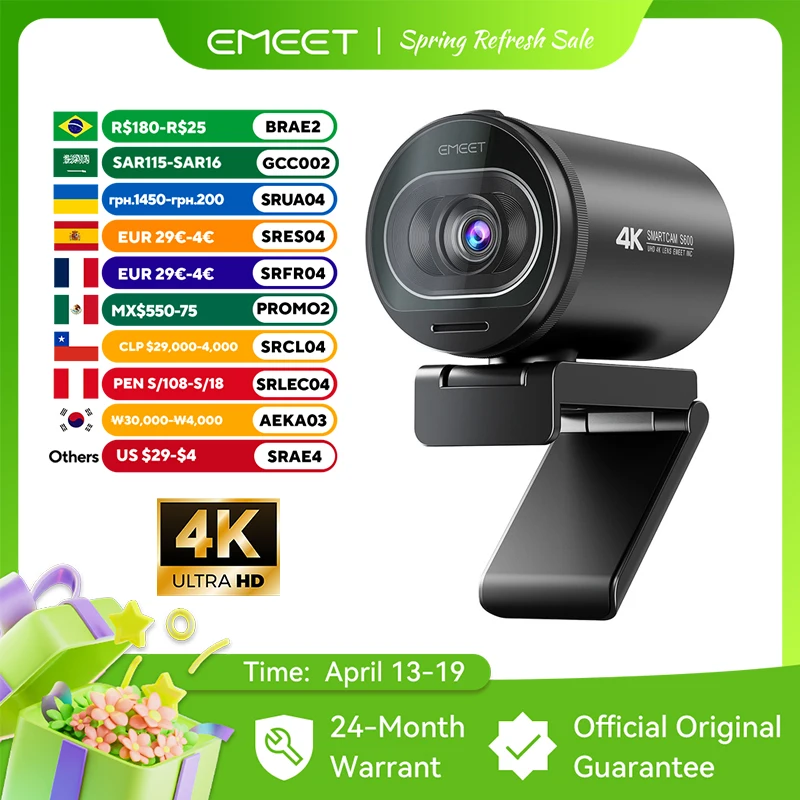
Best 4K Webcam Home Office: Ultimate 2024 Buying Guide
Remote work has transformed how we present ourselves professionally, making video call quality more crucial than ever. The difference between a grainy, pixelated image and crystal-clear 4K footage can impact your career trajectory, client relationships, and overall professional presence.
The best 4K webcam home office setups combine ultra-high definition video, superior low-light performance, and reliable autofocus to ensure you always look your professional best. Top models like the EMEET S6 and dedicated 4K streaming cameras deliver broadcast-quality footage that rivals expensive studio equipment, while offering plug-and-play simplicity for busy professionals.
Key Takeaways:
- 4K webcams provide 4x the resolution of standard 1080p cameras for professional clarity
- Look for autofocus, noise cancellation, and low-light performance features
- USB 3.0 connectivity and wide compatibility ensure seamless integration
- Budget ranges from $80-300 depending on features and brand reputation
- Proper lighting and positioning maximize any webcam's potential
What Makes the Best 4K Webcam for Home Office Use?
When evaluating 4K webcams for professional use, several critical factors distinguish exceptional models from mediocre options. True 4K resolution (3840 x 2160 pixels) provides four times the detail of standard 1080p cameras, ensuring your facial expressions, gestures, and presentation materials appear crisp and professional.
However, resolution alone doesn't guarantee quality. The best 4K webcam home office solutions excel in multiple areas:
- Sensor Quality: Larger sensors capture more light, producing clearer images in typical home office lighting conditions
- Autofocus Speed: Professional meetings require instant focus adjustments as you move or gesture
- Field of View: 90-110 degree viewing angles accommodate various desk setups and presentation styles
- Frame Rate: 30fps minimum for smooth motion, with 60fps preferred for dynamic presentations
- Built-in Audio: Noise-canceling microphones eliminate background distractions
Premium models also include advanced features like automatic exposure adjustment, background blur capabilities, and software integration with popular video conferencing platforms.
Top 4K Webcam Models for Professional Video Calls
The current market offers several standout options for professionals seeking broadcast-quality video calls. The EMEET S6 4K Streaming Webcam represents exceptional value, combining true 4K recording with 1080p 60fps streaming capabilities. Its advanced autofocus system and built-in noise-canceling microphones make it ideal for client presentations and team meetings.
For users prioritizing maximum compatibility and plug-and-play simplicity, the 4K Webcam with Autofocus offers reliable performance across all major video conferencing platforms. Its 2K streaming mode provides the perfect balance between quality and bandwidth efficiency for most home internet connections.
Premium Features Worth Considering
High-end 4K webcams often include sophisticated software packages that rival professional streaming setups. Look for models offering:
- Real-time background replacement without green screens
- Automatic lighting correction for consistent appearance throughout the day
- Multi-camera switching for presentations requiring multiple angles
- Direct streaming integration with platforms like Zoom, Teams, and Slack
These features transform basic video calls into polished, professional presentations that command attention and respect.
Essential Home Office Setup Tips for 4K Video Quality
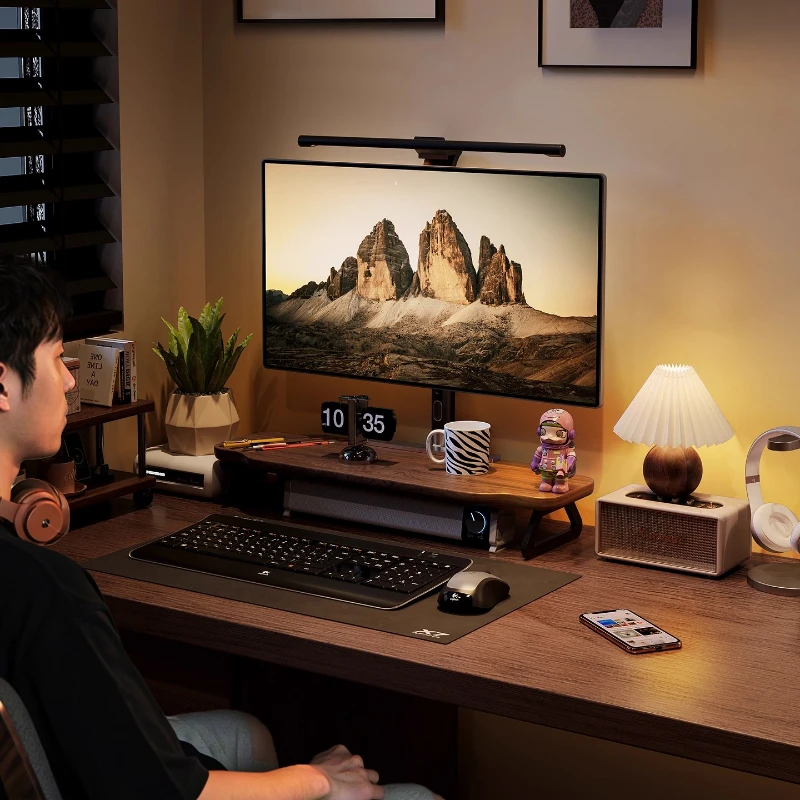
Even the most advanced 4K webcam requires proper positioning and lighting to achieve professional results. Camera placement at eye level prevents unflattering upward angles that can undermine your professional presence. Most users benefit from a monitor stand riser to achieve optimal webcam positioning while maintaining ergonomic desk setup.
Lighting significantly impacts video quality, often more than camera specifications themselves. Natural light from a window facing your workspace provides ideal illumination, but isn't always available. A quality LED architect desk lamp with adjustable brightness ensures consistent lighting throughout varying daylight conditions.
Optimizing Your Desk Environment
Professional video calls require a clutter-free background that doesn't distract from your message. Consider these workspace improvements:
- Cable Management: A telescopic under-desk cable management tray keeps power and USB cables organized and out of view
- Stable Positioning: Ensure your webcam mount doesn't vibrate when typing on mechanical keyboards
- Audio Considerations: Position your webcam's built-in microphone away from keyboard noise and air conditioning vents
- Backup Connectivity: USB hubs like the Baseus USB-C docking station provide reliable connections and additional ports for comprehensive setups
Budget Considerations and Value Analysis
4K webcam pricing varies dramatically based on features, brand reputation, and target market. Entry-level 4K models start around $80-120, offering basic 4K recording with standard autofocus and built-in microphones. These options suit occasional video calls and basic remote work requirements.
Mid-range options ($150-250) typically include advanced autofocus systems, superior low-light performance, and professional software packages. These models represent the sweet spot for most home office professionals, providing broadcast-quality results without premium pricing.
Premium 4K webcams ($250-400+) target content creators and executives requiring absolute maximum quality. Features like multiple mounting options, advanced software suites, and professional-grade sensors justify higher costs for users whose careers depend on exceptional video presentation.
Long-term Investment Perspective
Consider 4K webcams as long-term professional investments rather than disposable technology purchases. Quality models typically provide 3-5 years of reliable service, making the per-month cost surprisingly reasonable. Additionally, 4K capability ensures future compatibility as video conferencing platforms continue upgrading their maximum supported resolutions.
Common Mistakes to Avoid When Choosing 4K Webcams
Many professionals focus exclusively on resolution specifications while ignoring practical considerations that impact daily usage. Bandwidth requirements for true 4K streaming often exceed typical home internet upload speeds, making 2K streaming modes more practical for most users.
Compatibility issues represent another common oversight. Verify that your chosen webcam works seamlessly with your primary video conferencing platforms before purchasing. Some models require specific drivers or software installations that may conflict with corporate IT policies.
Don't underestimate the importance of physical mounting options. Webcams that only clip onto thin laptop screens may not work with external monitors or adjustable desk setups. Look for models including multiple mounting solutions or universal compatibility.
Future-Proofing Your Home Office Video Setup
As remote work becomes permanently integrated into professional culture, investing in quality video equipment pays long-term dividends. The best 4K webcam home office configurations anticipate future needs rather than just addressing current requirements.
Consider how your video calling needs might evolve. Will you be conducting client presentations, training sessions, or content creation? Models with advanced features like multiple resolution modes, software integration, and professional mounting options adapt to changing requirements without requiring complete replacement.
USB 3.0 connectivity ensures compatibility with current and future computer systems, while models supporting both Windows and Mac platforms provide flexibility for career changes or equipment upgrades.
Ready to Upgrade Your Professional Video Presence?
Investing in a quality 4K webcam transforms your professional image and opens new opportunities for career advancement. Whether you're conducting client meetings, leading team presentations, or building your personal brand through video content, crystal-clear 4K footage commands attention and respect.
Explore our complete collection of premium desk gear and work-from-home essentials to create a comprehensive professional workspace that supports your career goals. From 4K webcams to ergonomic accessories, we provide the tools successful professionals rely on for peak performance.
Shop products from this guide
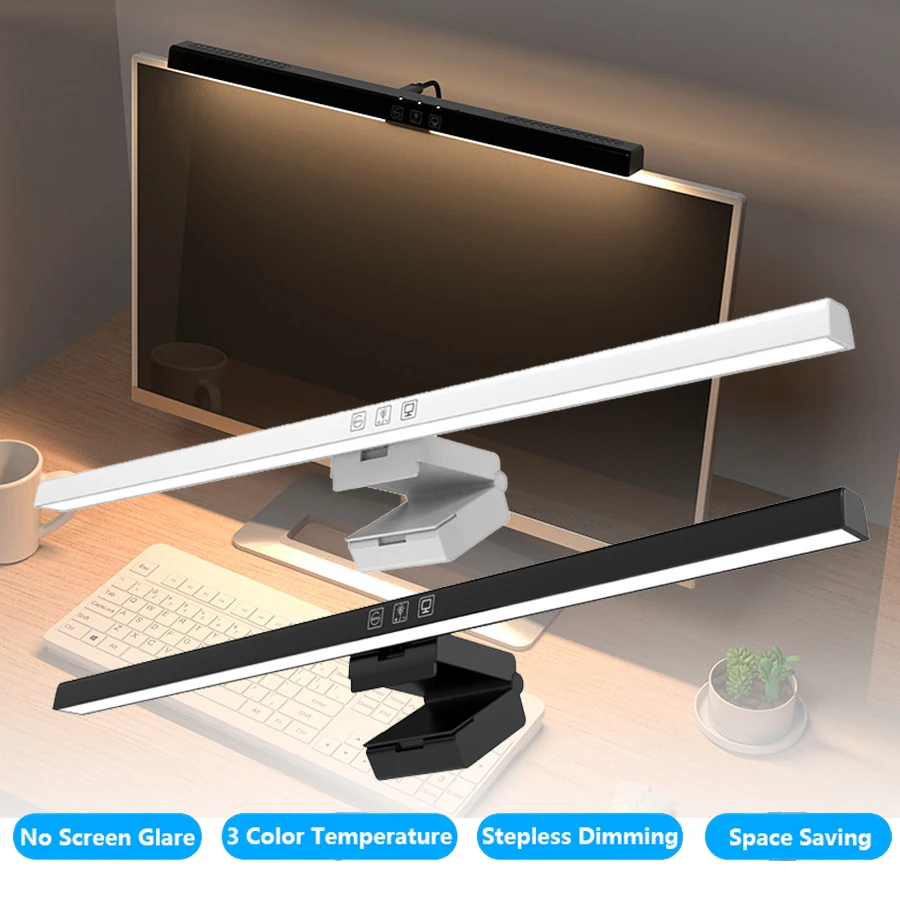
Monitor Light Bar — 50cm LED Screen Hanging Lamp
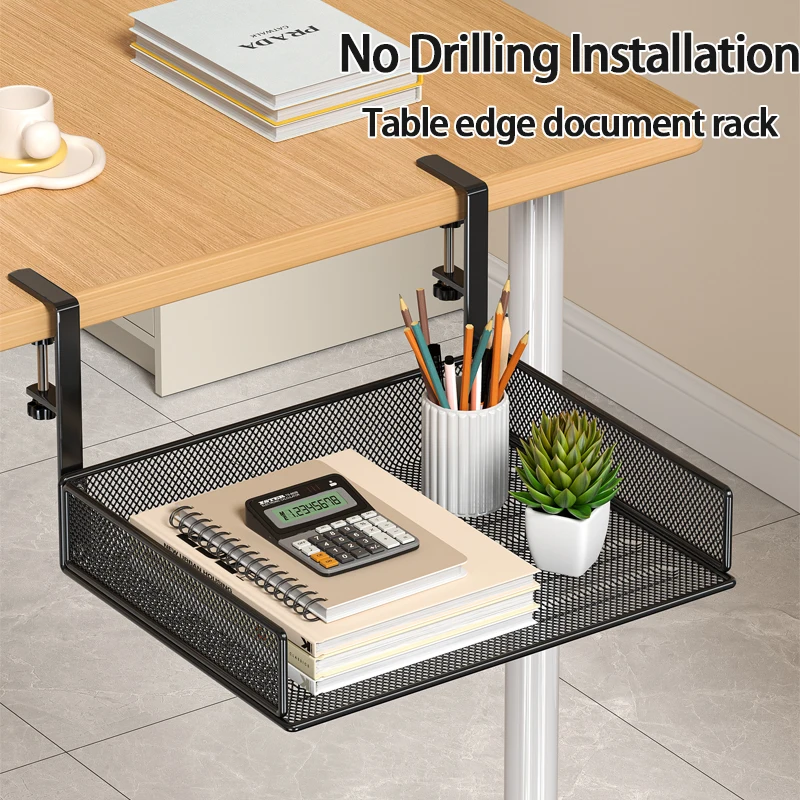
Clamp-On Under-Desk Drawer — Mesh Metal Organizer
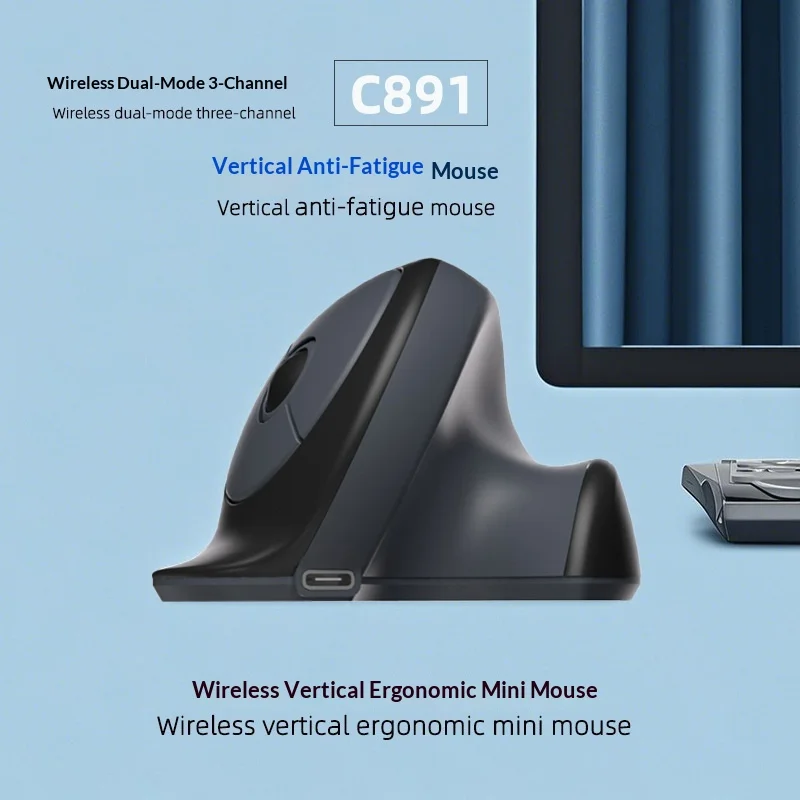
C891 Vertical Ergonomic Wireless Mouse — Dual-Mode Rechargeable

Vention Monitor Light Bar — LED Screen Hanging Lamp
Walnut Wood Monitor Riser — Desk Stand with Keyboard Storage