Best Mechanical Keyboards for Remote Work: 2026 Guide
Remote work has fundamentally changed how we interact with our workstations, making the choice of peripherals more critical than ever. A quality mechanical keyboard isn't just about typing—it's about creating a workspace that enhances productivity, reduces fatigue, and makes those long work-from-home days more comfortable and efficient.
Key Takeaways:
- Mechanical keyboards offer superior tactile feedback and durability compared to membrane alternatives
- Wireless connectivity and compact layouts are essential for modern remote work setups
- Switch type, build quality, and ergonomics directly impact daily productivity
- Budget ranges from $60-300+ with clear performance tiers
- Proper setup includes complementary accessories like monitor stands and cable management
The best mechanical keyboards for remote work combine reliable wireless connectivity, comfortable key switches, and thoughtful design elements that support extended typing sessions. Whether you're writing reports, coding, or managing spreadsheets, the right keyboard becomes an extension of your productivity workflow.
What Makes a Mechanical Keyboard Perfect for Remote Work?
Remote workers face unique challenges that traditional office setups don't encounter. Your home workspace needs to be versatile, quiet enough for video calls, and comfortable for 8+ hour daily use. Mechanical keyboards excel in these areas through several key advantages.
Tactile feedback and accuracy are paramount when you're working independently without immediate IT support. Mechanical switches provide consistent actuation points and clear tactile responses that reduce typing errors—crucial when you're managing important client communications or complex data entry.
Durability matters more at home because you're personally responsible for equipment longevity. Quality mechanical keyboards typically last 50-100 million keystrokes compared to 5-10 million for membrane keyboards, making them a smart long-term investment for daily remote work.
Wireless connectivity eliminates cable clutter that can make home offices feel cramped and unprofessional during video calls. Modern mechanical keyboards offer reliable Bluetooth and 2.4GHz wireless options that maintain responsiveness without the desktop chaos of multiple cables.
Essential Features for Remote Work Success
Battery life becomes critical when you can't easily swap keyboards mid-workday. Look for models offering 30+ hours of active use, with power-saving features like automatic sleep modes and low-battery indicators.
Noise levels require careful consideration, especially in shared living spaces or apartments with thin walls. Linear switches (Red variants) or tactile switches with dampening provide the mechanical feel without excessive clicking that might disturb family members or neighbors.
Layout flexibility allows you to optimize desk space for webcams, documents, and other work essentials. Compact 75% or 65% layouts maintain function keys while freeing up valuable desk real estate.
Top Mechanical Keyboard Categories for Remote Workers
Understanding keyboard categories helps narrow your search based on specific work requirements and space constraints.
Compact Wireless Keyboards (60-75% Layout)
These space-efficient designs maximize desk utility while maintaining essential functionality. The Apayado K61 Mini Mechanical Keyboard exemplifies this category with its 61-key layout that eliminates rarely-used keys while preserving core typing and navigation functions.
Compact keyboards work exceptionally well for remote workers who frequently switch between typing and mouse-intensive tasks, as the reduced width brings your mouse closer to your natural hand position, reducing shoulder strain during long work sessions.
Full-Size Wireless Professional Keyboards
For users who regularly work with spreadsheets, financial data, or numeric entry, full-size layouts with dedicated number pads remain essential. The Aula F75 Max Mechanical Keyboard offers wireless connectivity in a 75% format that includes function keys while maintaining a more compact footprint than traditional full-size boards.
These keyboards balance functionality with space efficiency, making them ideal for home offices where desk space is at a premium but numeric input remains important for daily tasks.
Key Switch Types and Their Remote Work Applications
Switch selection directly impacts your daily work experience, affecting everything from typing speed to fatigue levels during extended sessions.
Linear Switches for Quiet Productivity
Linear switches like Cherry MX Red or equivalent variants provide smooth keystrokes without tactile bumps or audible clicks. These switches excel in remote work environments where noise control is essential—perfect for early morning work sessions or late-night deadlines when others are sleeping.
The consistent 45-50g actuation force reduces finger fatigue during long typing sessions, while the smooth travel makes rapid key combinations more fluid for keyboard shortcuts and programming work.
Tactile Switches for Typing Accuracy
Brown switches and similar tactile variants offer a compromise between feedback and noise levels. The subtle tactile bump provides confirmation of key actuation without the sharp click of blue switches, making them suitable for most remote work scenarios.
These switches particularly benefit writers, content creators, and anyone who values typing accuracy over pure speed. The tactile feedback helps reduce bottoming out, which can cause finger fatigue over extended periods.
Clicky Switches for Enthusiast Users
Blue switches and their variants provide maximum tactile and auditory feedback but require careful consideration for remote work. While they offer excellent typing satisfaction and accuracy, the pronounced clicking can be disruptive during video calls or in shared living spaces.
Reserve clicky switches for dedicated home offices with sound isolation, or consider them only if your work schedule allows for noise without disturbing others.
Wireless Connectivity and Battery Performance
Reliable wireless performance is non-negotiable for remote work, where connection drops or input lag can disrupt important meetings or deadline-critical tasks.
Bluetooth vs. 2.4GHz Wireless
Bluetooth connectivity offers universal compatibility across laptops, tablets, and smartphones, making it ideal for remote workers who switch between devices throughout the day. However, Bluetooth can introduce slight input lag and may require re-pairing after periods of inactivity.
Dedicated 2.4GHz wireless dongles typically provide lower latency and more stable connections, particularly important for users who do gaming or real-time collaborative work where every millisecond matters.
Many modern keyboards offer dual-mode connectivity, allowing you to connect via Bluetooth to your laptop while maintaining a 2.4GHz connection to a desktop system—perfect for hybrid work arrangements.
Battery Life Optimization
Effective battery management prevents workflow interruptions. Look for keyboards offering 30+ hours of active use with backlighting enabled, and 100+ hours with lighting disabled.
USB-C charging has become the standard for premium keyboards, offering faster charging times and eliminating the need for proprietary cables. Some models provide quick-charge features that deliver hours of use from just 15-30 minutes of charging.
Ergonomics and Comfort for Extended Use
Remote workers often spend more consecutive hours at their keyboards than traditional office workers, making ergonomic considerations crucial for long-term health and productivity.
Key Profile and Height
OEM and Cherry profile keycaps provide comfortable typing angles for most users, while SA profiles offer a more vintage feel that some find more comfortable for extended sessions. The key profile affects finger travel distance and wrist positioning during long typing sessions.
Adjustable feet allow fine-tuning of keyboard angle to match your natural wrist position. However, many ergonomic experts recommend keeping keyboards flat or at slight negative angles to reduce wrist extension.
Wrist Support and Positioning
While built-in wrist rests are convenient, separate ergonomic wrist pads often provide better support and can be positioned optimally for your specific setup. The key is maintaining neutral wrist positioning rather than extension or excessive flexion.
Consider your overall workstation ergonomics, including monitor height and chair positioning. A properly positioned monitor stand riser can improve your overall posture and reduce the strain on your wrists and shoulders during long work sessions.
Building a Complete Remote Work Setup
The best mechanical keyboards for remote work function as part of a cohesive workspace ecosystem that supports productivity and comfort throughout the workday.
Cable Management and Desk Organization
Even wireless keyboards benefit from organized charging stations and cable routing. A telescopic under-desk cable management tray keeps charging cables accessible but out of sight, maintaining a professional appearance during video calls.
Proper cable management also prevents damage to charging ports and cables, extending the life of your equipment and reducing replacement costs over time.
Complementary Accessories
Pairing your mechanical keyboard with quality peripherals amplifies the productivity benefits. An ergonomic wireless mouse maintains the wireless convenience while supporting natural hand positioning.
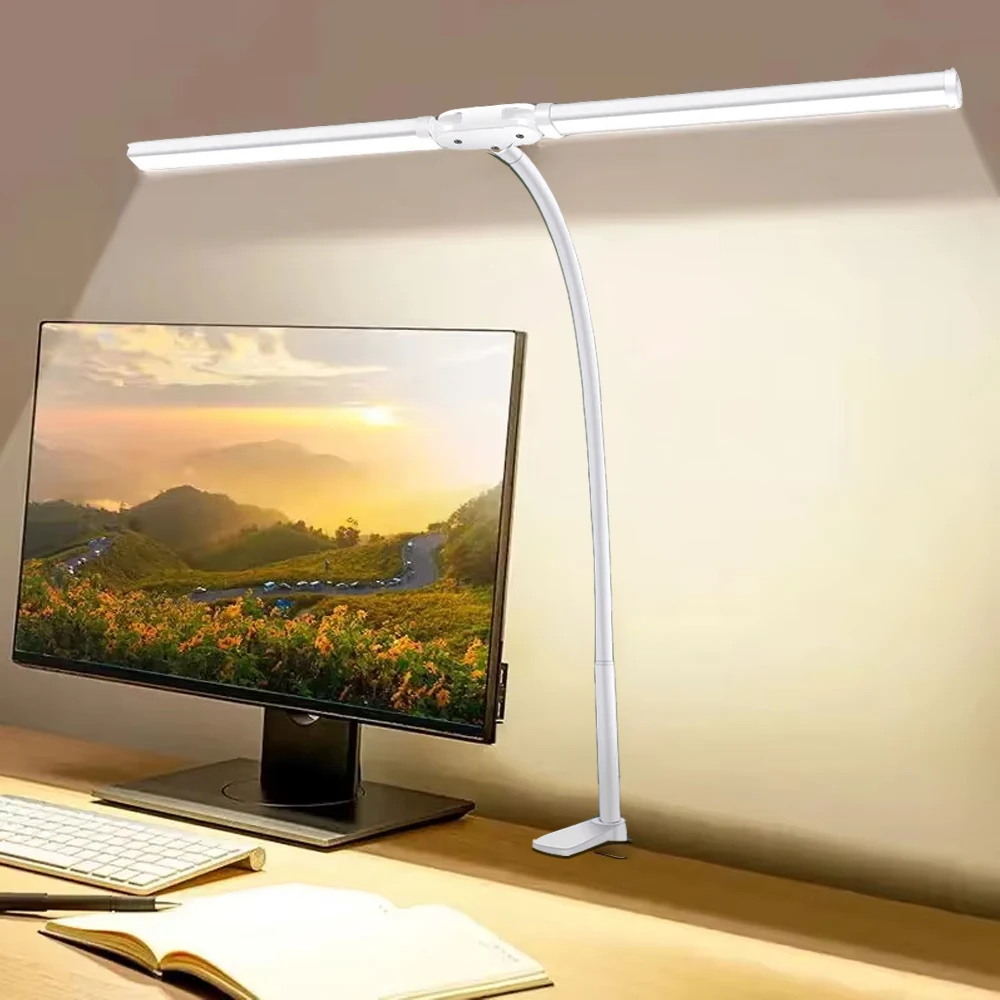
Adequate lighting prevents eye strain during long work sessions. A quality LED architect desk lamp provides adjustable illumination that reduces glare on your keyboard and screen while maintaining comfortable ambient lighting for video calls.
Budget Considerations and Value Analysis
Mechanical keyboards for remote work span a wide price range, but understanding the value proposition at each level helps make informed purchasing decisions.
Entry-Level Options ($60-120)
Budget mechanical keyboards often provide excellent value for remote workers who prioritize basic functionality over premium features. These keyboards typically offer reliable switches, basic wireless connectivity, and solid build quality without advanced features like hot-swappable switches or premium keycaps.
Focus on essential features: reliable wireless connection, comfortable switches, and adequate battery life. RGB lighting and advanced customization can be sacrificed for core functionality at this price point.
Mid-Range Professional Keyboards ($120-250)
This category offers the sweet spot for most remote workers, providing premium switches, excellent build quality, advanced wireless features, and customization options without the premium pricing of enthusiast models.
Features to expect include dual-mode connectivity, premium keycaps, customizable layouts, and advanced battery management. These keyboards often provide the best long-term value for daily professional use.
Premium and Enthusiast Models ($250+)
High-end mechanical keyboards justify their cost through exceptional build quality, premium materials, advanced customization options, and cutting-edge features like hot-swappable switches and advanced wireless protocols.
Consider premium models if your keyboard is central to your professional identity (content creation, programming, writing) or if you value the tactile experience as part of your daily work satisfaction.
Maintenance and Longevity Tips
Proper maintenance extends keyboard life and maintains optimal performance throughout years of remote work use.
Regular Cleaning Routines
Weekly cleaning prevents debris buildup that can affect switch performance and key responsiveness. Use compressed air to clear particles from between keys, and clean keycaps with isopropyl alcohol on a microfiber cloth.
Monthly deep cleaning involves removing keycaps for thorough cleaning of the switch housing and plate. This prevents sticky keys and maintains consistent tactile feedback across all switches.
Battery Care and Storage
Proper battery management prevents premature degradation and ensures reliable performance. Avoid completely draining lithium batteries, and store keyboards at 40-60% charge if not used for extended periods.
Use original or high-quality USB-C cables for charging to prevent damage to charging ports and ensure optimal charging speeds.
Making Your Decision: Key Factors to Consider
Selecting the best mechanical keyboard for remote work requires balancing multiple factors based on your specific work requirements and environment.
Start by assessing your workspace constraints, including available desk space, noise limitations, and primary use cases. Writers might prioritize tactile feedback and comfort, while data analysts might need full-size layouts with dedicated number pads.
Consider your device ecosystem and connectivity requirements. Multi-device workers benefit from keyboards offering easy device switching, while single-device users might prioritize connection stability over versatility.
Factor in your long-term remote work plans. If remote work is permanent, investing in a premium keyboard makes financial sense over the multi-year lifespan. Temporary remote arrangements might justify more budget-conscious choices.
Transform Your Remote Work Experience Today
The right mechanical keyboard transforms daily work from a necessity into a more enjoyable and productive experience. Whether you choose a compact wireless model for space efficiency or a full-featured professional keyboard for maximum functionality, the investment in quality peripherals pays dividends in comfort, productivity, and work satisfaction.
Ready to upgrade your remote work setup? Explore our complete collection of premium desk gear and work-from-home essentials to create a workspace that supports your best work every day. From mechanical keyboards to ergonomic accessories, we've curated the tools that remote workers trust for professional success and daily comfort.
Shop products from this guide
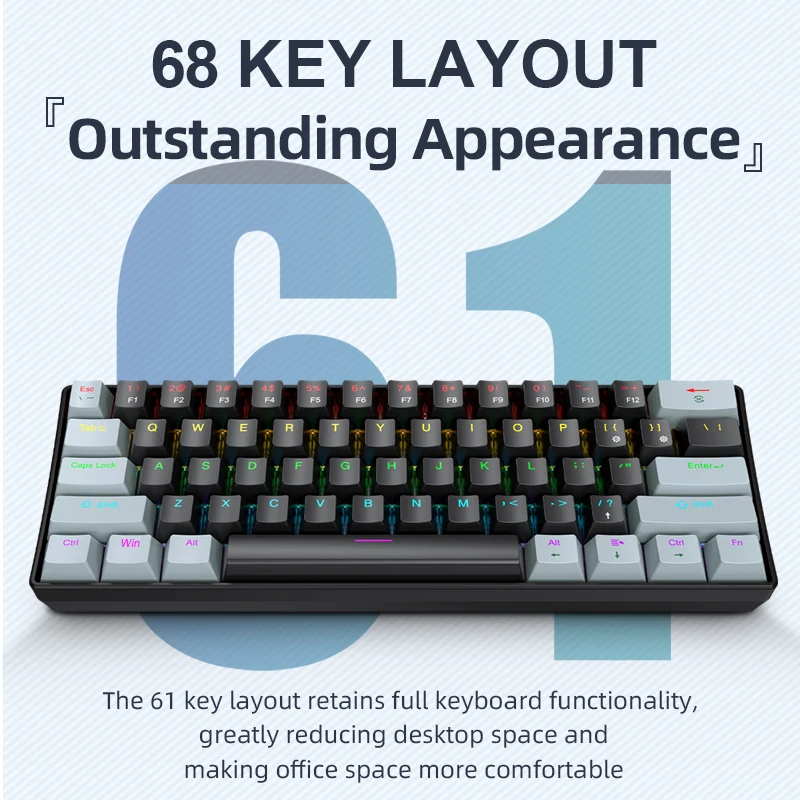
APAYADO K61 Mini RGB Mechanical Keyboard - 61 Key Compact
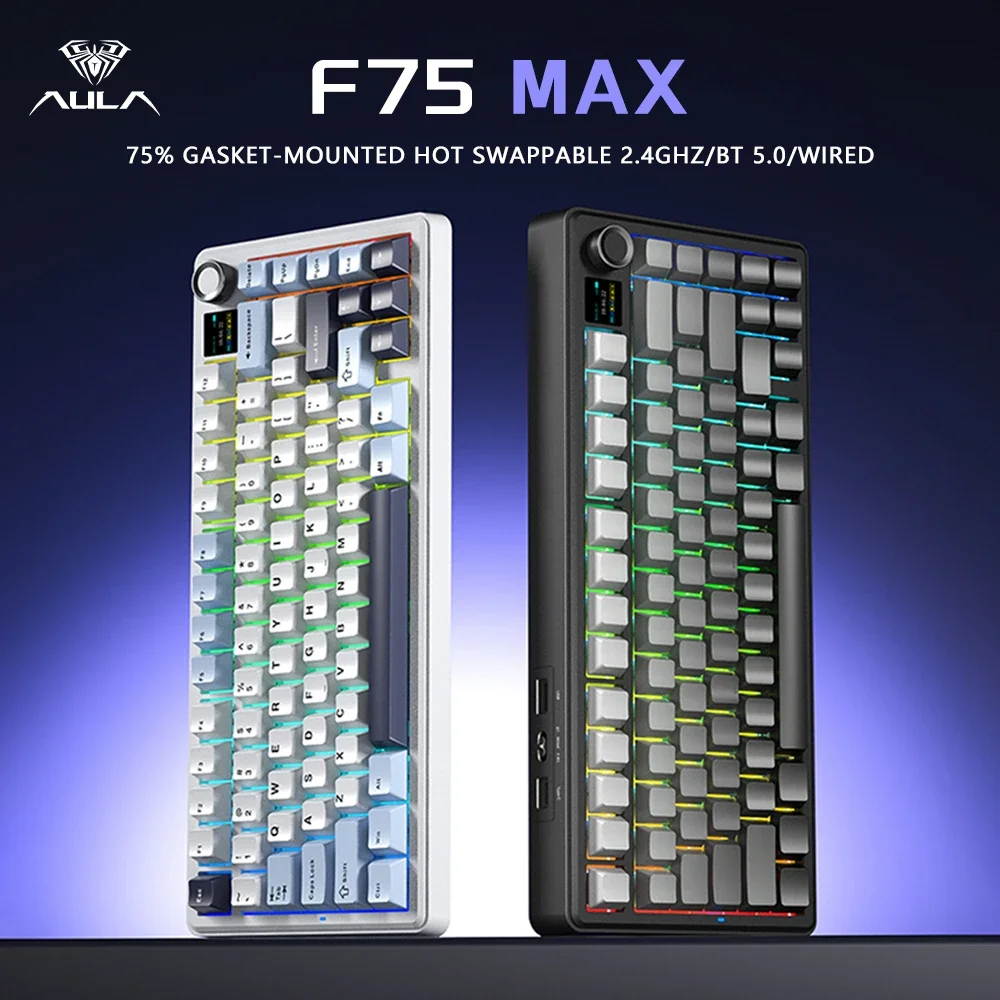
AULA F75 MAX 75% Wireless Mechanical Keyboard - Premium
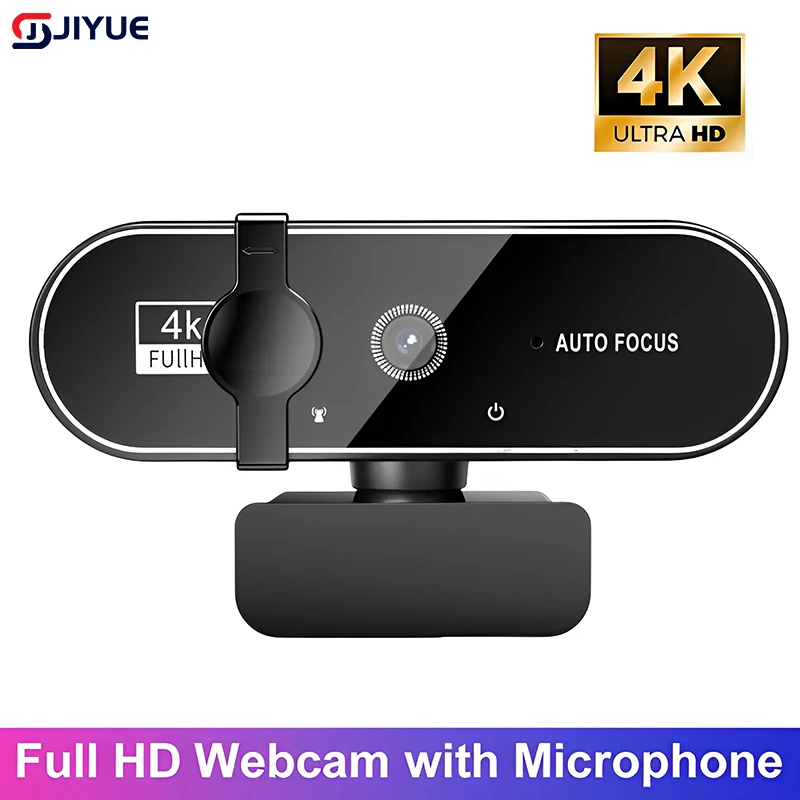
4K Webcam with Autofocus - Professional Streaming Camera
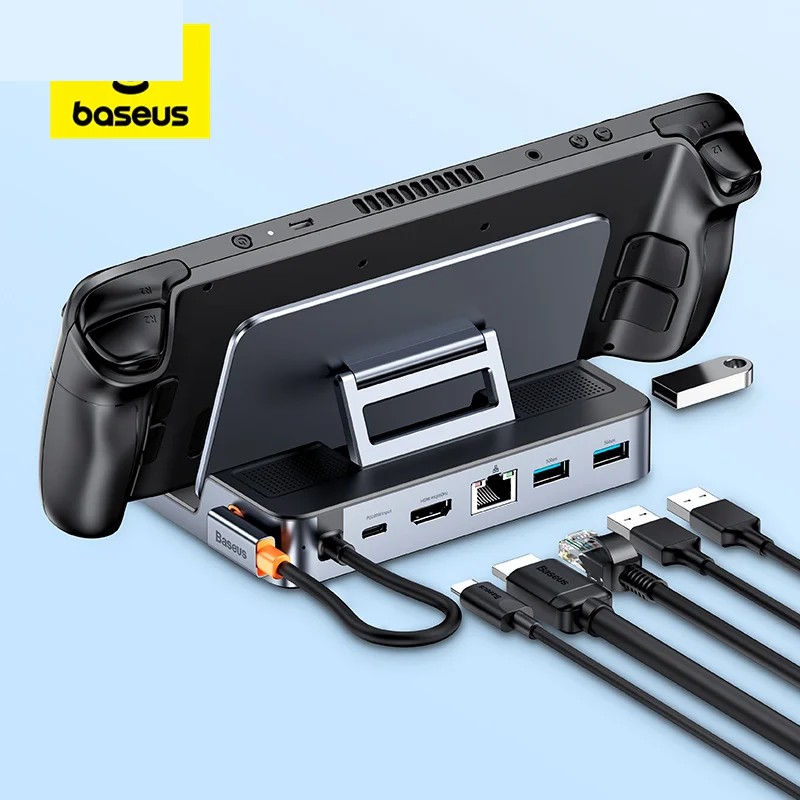
Baseus 6-in-1 USB-C Hub - 4K HDMI Docking Station 100W
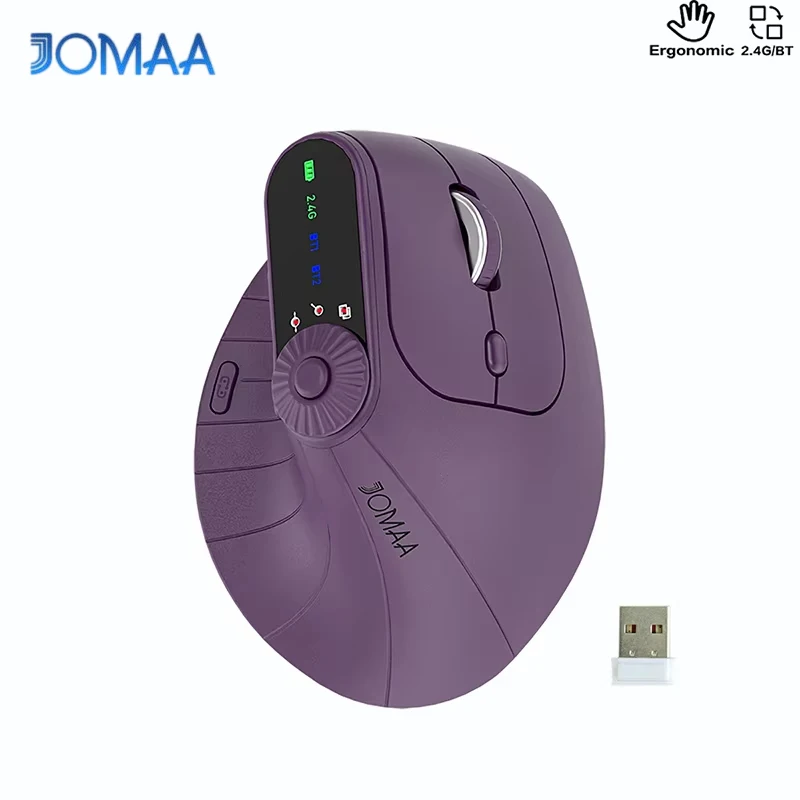
DeskCraft Ergonomic Wireless Mouse - Dual Mode 2.4G + BT