Best Desk Accessories Under $50: Essential Workspace Upgrades
A cluttered, uncomfortable workspace can drain your productivity and leave you feeling frustrated by the end of each workday. The good news? You don't need to spend hundreds of dollars to create a workspace that inspires focus and efficiency. With the right selection of affordable accessories, you can transform your desk into a productivity powerhouse for less than the cost of a nice dinner out.
The best desk accessories under $50 focus on solving real workspace problems: poor ergonomics, cable chaos, inadequate lighting, and inefficient organization. Smart shoppers prioritize accessories that serve multiple functions, offer genuine ergonomic benefits, and integrate seamlessly into their existing setup. Whether you're working from home, in a corporate office, or a shared coworking space, these budget-friendly upgrades deliver outsized returns on your investment.
Key Takeaways:
- Ergonomic accessories like monitor stands and proper lighting prevent long-term health issues
- Cable management solutions instantly make any workspace look more professional
- Multi-functional accessories maximize value in small spaces
- Quality mechanical keyboards and wireless mice boost daily comfort and productivity
- Strategic lighting improvements reduce eye strain and increase focus
What Makes a Great Budget Desk Accessory?
Before diving into specific recommendations, it's essential to understand what separates worthwhile desk accessories from impulse purchases that collect dust. The most valuable budget accessories share several key characteristics that make them worthy investments for any workspace.
Multi-functionality tops the list of must-have features. The best accessories solve multiple problems simultaneously – like a monitor stand that also provides storage, or a lamp that includes USB charging ports. This approach maximizes your limited budget while minimizing desk clutter.
Ergonomic benefits should be non-negotiable, especially for accessories you'll interact with daily. Poor ergonomics lead to fatigue, discomfort, and potential long-term health issues that far exceed the cost of quality accessories. Look for items that promote neutral wrist positions, proper monitor height, and comfortable viewing angles.
Build quality and durability matter more than flashy features. A well-constructed accessory that lasts years provides better value than a cheaper alternative that needs replacement every few months. Read reviews carefully and prioritize brands with solid reputations for reliability.
Aesthetic compatibility ensures your new accessories enhance rather than clash with your existing workspace. The best budget finds complement various design styles without looking cheap or out of place.
Essential Desk Accessories That Maximize Productivity
The most impactful workspace upgrades address fundamental comfort and efficiency issues that affect every work session. These accessories form the foundation of an optimized workspace, delivering benefits that compound throughout your workday.
1. Adjustable Monitor Stand with Storage
Poor monitor positioning ranks among the top causes of neck strain and eye fatigue in modern workspaces. A quality monitor stand elevates your screen to the optimal viewing height while creating valuable storage space underneath. The DeskCraft Adjustable Monitor Stand exemplifies this category perfectly, combining ergonomic benefits with practical organization features. Look for stands that raise monitors 2-6 inches and include compartments for keyboards, notebooks, or desk supplies. This single upgrade can eliminate neck pain while dramatically improving desk organization – making it an easy choice for the top spot on any budget-conscious buyer's list.
2. Professional LED Desk Lamp
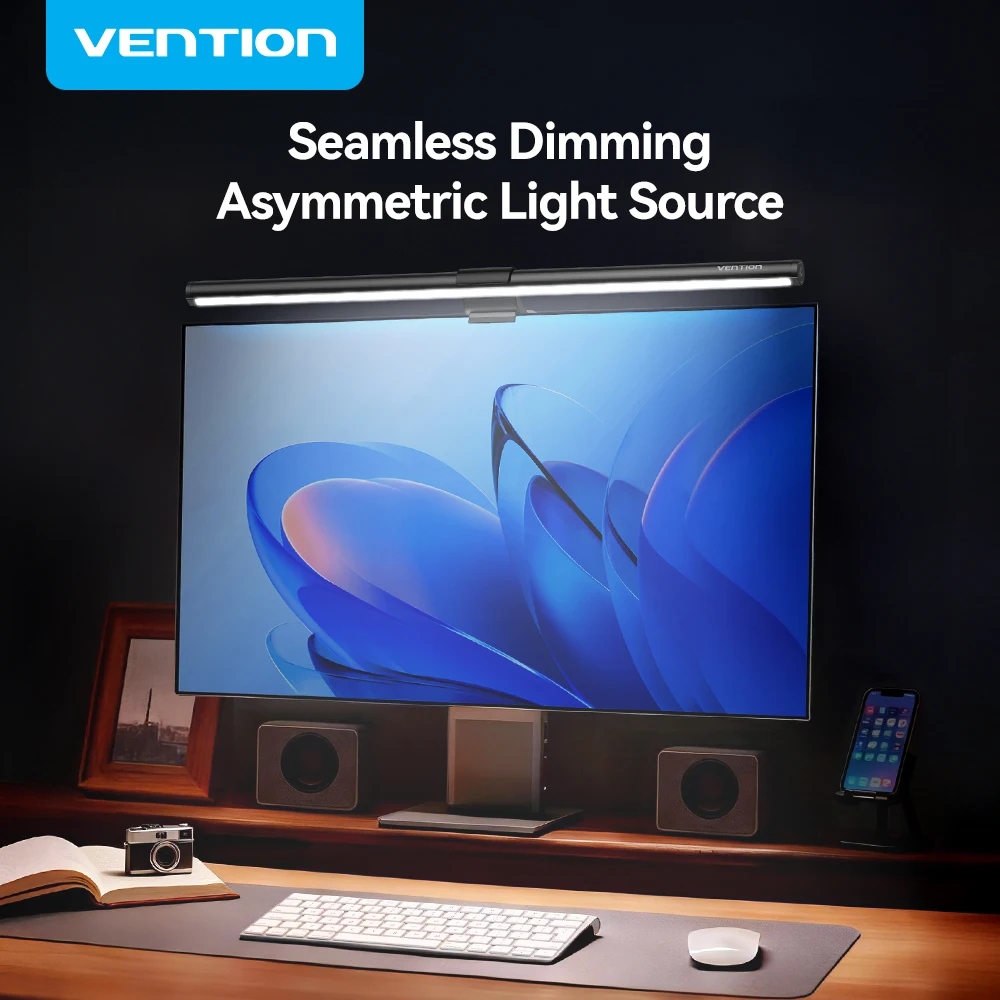
Inadequate lighting forces your eyes to work harder, leading to fatigue, headaches, and decreased focus throughout the day. A quality LED desk lamp provides adjustable, flicker-free illumination that adapts to different tasks and times of day. The DeskCraft LED Architect Desk Lamp represents excellent value in this category, offering dual-head design for comprehensive coverage and dimmable controls for customized brightness. Modern LED lamps consume minimal energy while providing decades of reliable service, making them both environmentally friendly and cost-effective long-term investments.
3. Cable Management System
Tangled cables create visual chaos and make it difficult to maintain a clean, professional workspace. An effective cable management system transforms desk aesthetics while improving functionality and safety. Under-desk cable trays like the DeskCraft Telescopic Under-Desk Cable Management Tray provide comprehensive organization for power strips, adapters, and excess cable length. These systems prevent tripping hazards, protect cables from damage, and make it easier to add or remove devices from your setup.
4. Ergonomic Wireless Mouse
Hours of daily mouse use can lead to repetitive strain injuries if you're using an uncomfortable or poorly designed pointing device. An ergonomic wireless mouse reduces wrist strain while eliminating cable clutter on your desk surface. The DeskCraft Ergonomic Wireless Mouse offers dual connectivity modes and comfortable contouring that supports natural hand positioning. Quality wireless mice provide responsive tracking, long battery life, and the freedom to position your mouse wherever feels most comfortable.
5. Compact Mechanical Keyboard
Mechanical keyboards provide superior tactile feedback and durability compared to standard membrane keyboards, making typing more comfortable and efficient. Compact 60% layouts like the Apayado K61 Mini RGB Mechanical Keyboard save valuable desk space while delivering premium typing experience. These keyboards often feature customizable RGB lighting, programmable keys, and hot-swappable switches that allow for future upgrades. The improved typing feel and reduced finger fatigue make mechanical keyboards worthwhile investments for anyone who types regularly.
6. Multi-Port USB Hub
Modern devices require multiple connections for charging, data transfer, and external displays, but most laptops provide limited ports. A quality USB-C hub expands connectivity while maintaining a clean desk setup. The Baseus 6-in-1 USB-C Hub provides HDMI output, multiple USB ports, and charging capabilities in a compact form factor. These hubs eliminate the need for multiple adapters while enabling single-cable connections that simplify laptop docking and undocking.
Smart Shopping Tips for Budget Desk Accessories
Maximizing value when shopping for desk accessories requires strategic thinking beyond simply finding the lowest prices. The most successful budget shoppers focus on long-term value rather than initial cost, considering factors like durability, versatility, and upgrade potential.
Prioritize high-impact items first. Start with accessories that address your biggest daily frustrations or discomfort issues. A $30 monitor stand that eliminates neck pain provides more value than multiple smaller accessories that offer marginal improvements.
Read reviews from actual users rather than relying solely on product descriptions. Pay special attention to comments about long-term durability, ease of setup, and real-world performance. Professional reviewers often test products differently than daily users.
Consider upgrade paths and compatibility. Choose accessories that work with your current setup but won't become obsolete if you upgrade your main equipment. Universal mounting standards and common connection types ensure longer useful life.
Buy quality over quantity. It's better to purchase fewer high-quality accessories that solve real problems than multiple cheap items that provide minimal benefit. Quality accessories often come with better warranties and customer support.
Creating a Cohesive Workspace on a Budget
The best desk accessories under $50 work together to create a cohesive, efficient workspace rather than functioning as isolated upgrades. Planning your purchases strategically ensures each new addition complements your existing setup while building toward a more productive environment.
Start by auditing your current workspace to identify the biggest pain points and inefficiencies. Common issues include poor lighting, uncomfortable seating position, cable clutter, and inadequate storage. Addressing these fundamental problems first provides the foundation for more advanced upgrades later.
Consider the visual impact of your accessory choices. Accessories in complementary colors and materials create a more professional appearance than a random collection of mismatched items. Many budget-friendly options now come in multiple color schemes to match different aesthetic preferences.
Think about workflow optimization when selecting accessories. The best setups minimize unnecessary movements and keep frequently used items within easy reach. Cable management becomes more critical as you add devices, while proper lighting becomes essential for detailed work.
Maintenance and Longevity Tips
Protecting your investment in desk accessories ensures they continue providing value for years to come. Simple maintenance routines and proper usage habits can significantly extend the life of budget-friendly accessories.
Regular cleaning prevents dust buildup that can interfere with mechanical components and degrade appearance. Use appropriate cleaning methods for different materials – microfiber cloths for screens and glossy surfaces, compressed air for keyboards and small crevices, and mild cleaners for plastic and metal components.
Proper cable management protects both your accessories and the cables themselves from damage. Avoid sharp bends, excessive tension, and pinch points that can cause premature failure. Route cables away from heat sources and moving parts whenever possible.
Follow manufacturer guidelines for usage and maintenance. Many warranty claims result from improper use rather than manufacturing defects. Understanding weight limits, environmental requirements, and recommended care procedures helps ensure optimal performance.
Transform Your Workspace Today
The right selection of desk accessories can dramatically improve your daily work experience without requiring a major financial investment. By focusing on ergonomic benefits, multi-functionality, and quality construction, you can create a workspace that supports both productivity and comfort.
Remember that the best desk accessories under $50 solve real problems rather than simply adding features. Start with the items that address your biggest daily frustrations, then build out your setup over time as your needs evolve and your budget allows.
Ready to upgrade your workspace? Browse our complete collection of premium desk accessories and work-from-home essentials to find the perfect additions for your setup. Every accessory is carefully selected for quality, value, and real-world performance – helping you create a workspace that inspires your best work.
Shop products from this guide
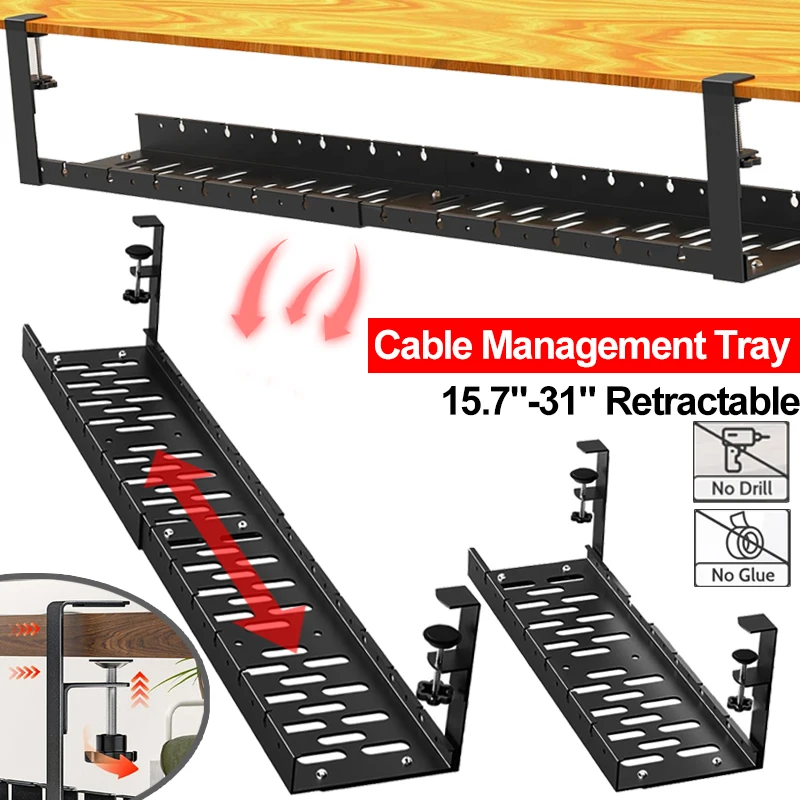
Premium Under-Desk Cable Tray | Retractable 15-31"
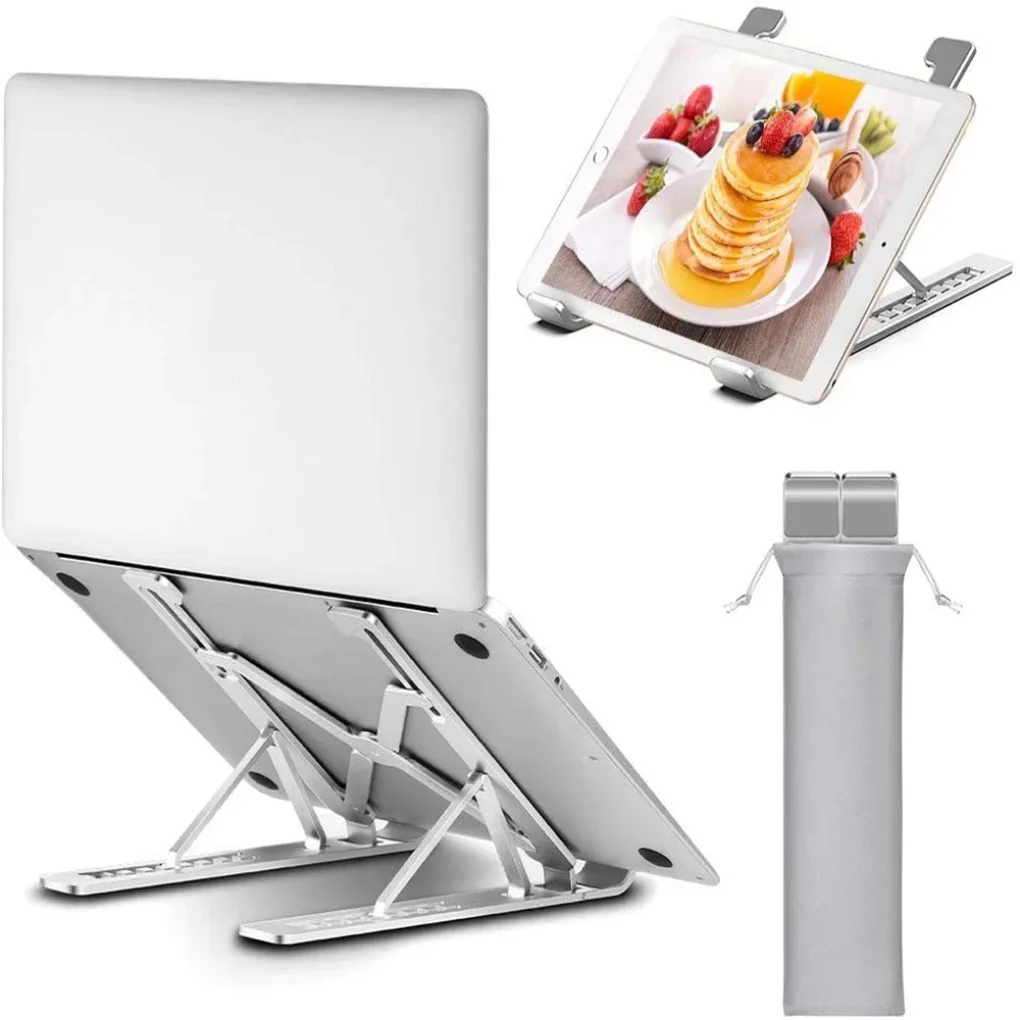
Ergonomic Adjustable Laptop Stand — Aluminum Desk Riser
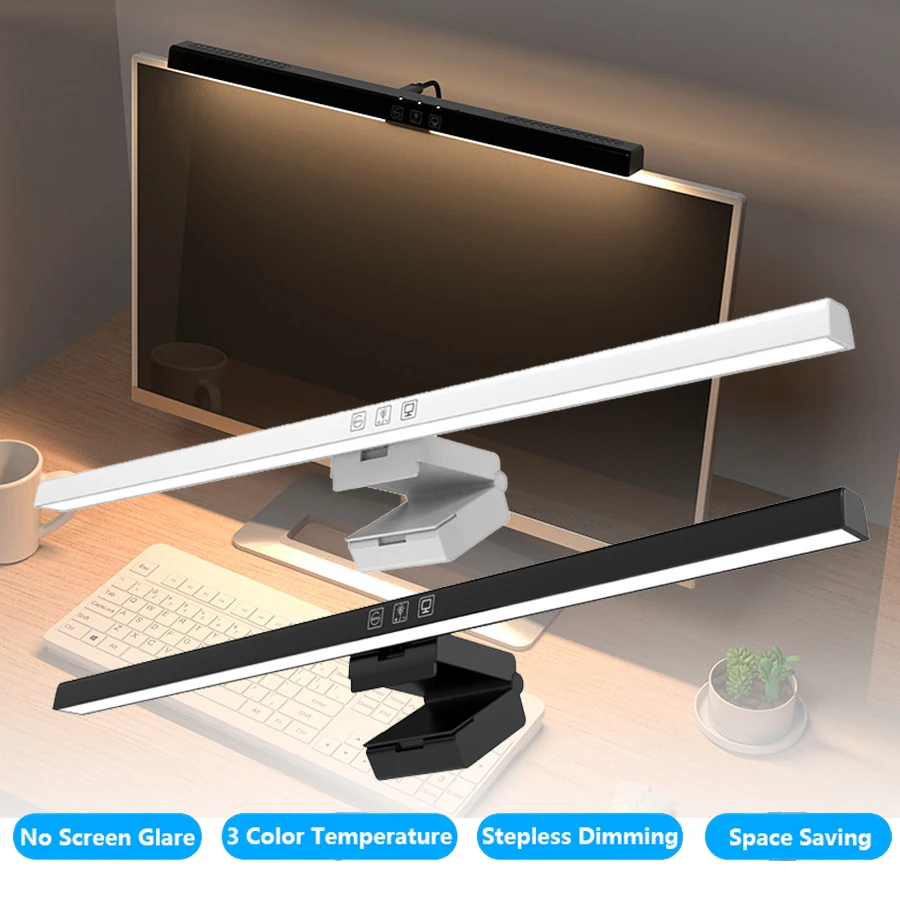
Monitor Light Bar — 50cm LED Screen Hanging Lamp
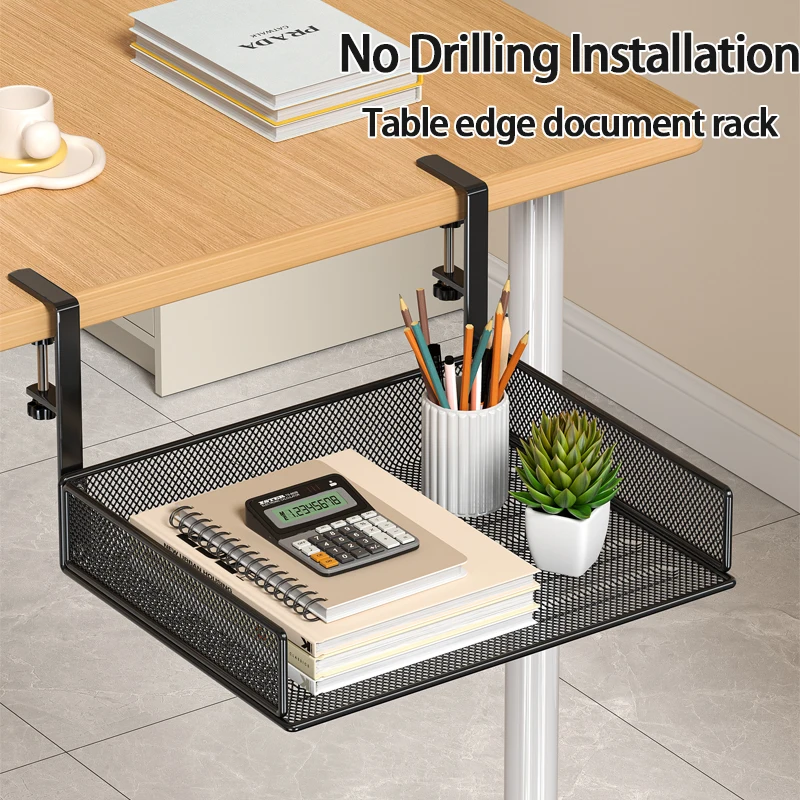
Clamp-On Under-Desk Drawer — Mesh Metal Organizer
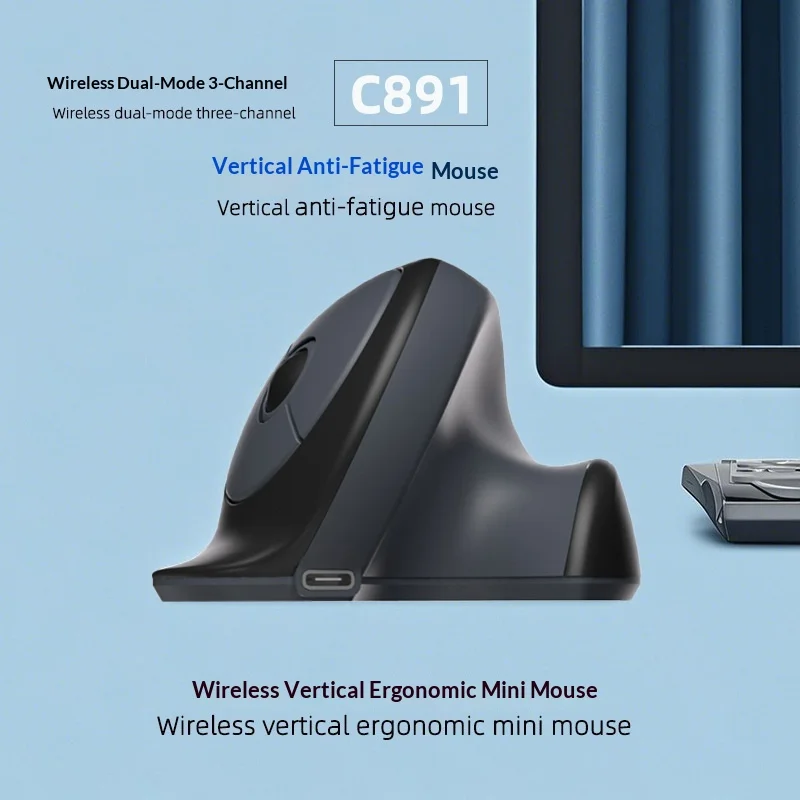
C891 Vertical Ergonomic Wireless Mouse — Dual-Mode Rechargeable