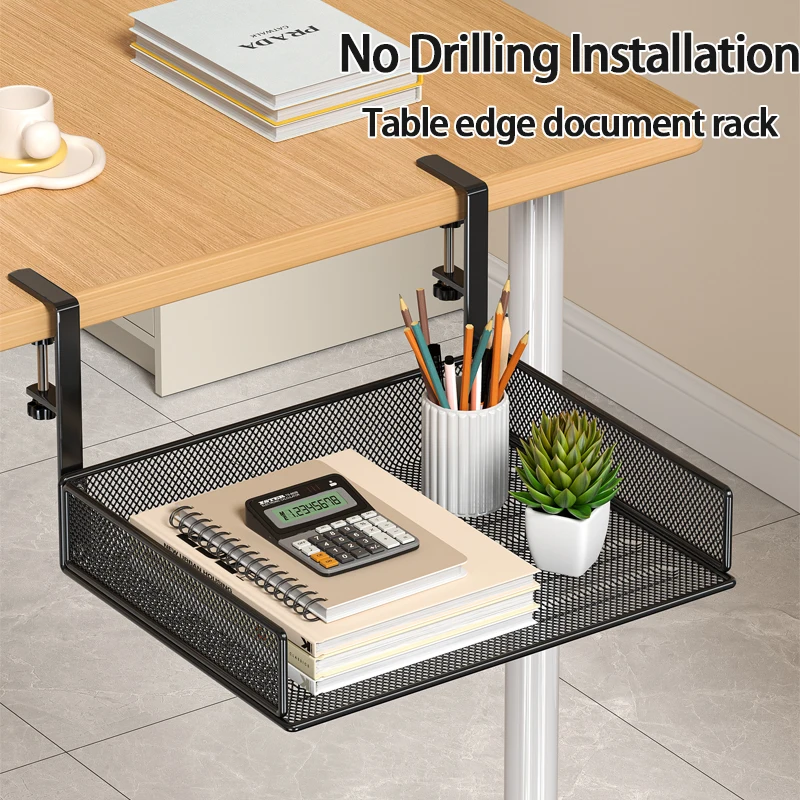
Best Desk Pad for Gaming and Productivity: Complete 2024 Guide
Whether you're dominating the latest AAA titles or crushing deadlines in spreadsheets, your desk surface plays a crucial role in your performance and comfort. A quality desk pad can transform your workspace from cluttered chaos into an organized command center that enhances both gaming sessions and productive work hours.
The best desk pad for gaming and productivity combines smooth mouse tracking, ample workspace coverage, and durable materials that withstand daily use. Premium desk pads typically feature extended dimensions (900x400mm or larger), water-resistant surfaces, and anti-slip backing that keeps everything in place during intense gaming sessions or long work days.
Key Takeaways:
- Extended desk pads (900x400mm+) provide optimal space for both gaming and productivity tasks
- Smooth, low-friction surfaces enhance mouse precision for gaming while remaining comfortable for work
- Water-resistant materials protect your desk from spills and make cleaning effortless
- Anti-slip rubber backing prevents movement during intense use
- Quality stitched edges prevent fraying and extend pad lifespan significantly
What Makes a Desk Pad Perfect for Both Gaming and Productivity?
The ideal desk pad serves dual purposes without compromising performance in either area. Gaming demands precise mouse tracking, quick movements, and durability under pressure, while productivity work requires consistent comfort during extended typing sessions and protection for your desk surface.
Material composition stands as the most critical factor. High-quality desk pads use micro-textured cloth surfaces that provide optimal glide for gaming mice while remaining smooth enough for comfortable arm movement during long work sessions. The base typically features natural rubber with anti-slip properties that maintain stability whether you're executing precise headshots or navigating complex spreadsheets.
Size considerations become equally important when selecting a versatile desk pad. Extended formats measuring 900x400mm or larger accommodate full-sized keyboards, gaming mice with low DPI settings that require more movement space, and additional peripherals like ergonomic wireless mice or secondary devices.
Essential Features to Look for in Gaming and Work Desk Pads
Premium desk pads incorporate several key features that enhance both gaming performance and workplace productivity. Understanding these elements helps you make an informed decision that serves your specific needs.
Surface Texture and Material: The surface should provide consistent tracking across different mouse sensor types while remaining comfortable for extended arm contact. Micro-weave cloth surfaces offer the best balance, providing enough texture for optical and laser mice while maintaining smoothness for daily use.
Edge Construction: Stitched edges prevent fraying and maintain the pad's integrity over time. Heat-sealed edges may look cleaner initially but often separate with heavy use, especially around areas where your arms rest frequently.
Thickness and Cushioning: Optimal thickness ranges from 3-4mm, providing sufficient cushioning for wrist comfort without creating an awkward height difference that affects typing ergonomics. Thicker pads may seem more comfortable but can cause wrist strain during extended use.
Water Resistance: Spill protection becomes essential in any workspace. Quality desk pads feature water-resistant coatings that allow quick cleanup of coffee spills, energy drink accidents, or general moisture without permanent staining or damage to the underlying desk surface.
Size and Layout Considerations for Dual-Purpose Use
Choosing the right size involves balancing available desk space with functional requirements for both gaming and productivity tasks. Standard desk pad sizes range from compact 600x300mm options to expansive 1200x600mm formats that can accommodate multiple monitors and extensive peripheral setups.
For most users, the sweet spot lies in the 900x400mm to 1000x500mm range. These dimensions provide sufficient space for a full-sized keyboard, gaming mouse with room for low-sensitivity movements, and additional items like phones, notebooks, or secondary peripherals without overwhelming smaller desk configurations.
Consider your specific setup when evaluating size options. If you use multiple input devices, such as a compact mechanical keyboard alongside a traditional full-size board for different tasks, ensure your chosen pad accommodates both configurations comfortably.
Layout flexibility becomes particularly important for users who switch between gaming and work modes throughout the day. Look for desk pads that provide clear visual zones or subtle design elements that help organize your workspace without being distracting during focused gaming sessions.
Material Types and Performance Characteristics
Different desk pad materials offer distinct advantages depending on your primary use case and personal preferences. Understanding these materials helps you select the option that best matches your specific requirements.
Cloth-Based Surfaces: The most popular choice for dual-purpose use, cloth desk pads provide excellent mouse tracking across all sensor types while offering comfortable arm contact during extended use. High-quality cloth surfaces resist wear, maintain consistent tracking properties, and clean easily with standard household products.
Hybrid Materials: Some premium options combine cloth surfaces with specialized coatings that enhance water resistance while maintaining the tactile benefits of traditional cloth. These hybrid materials often provide superior longevity and easier maintenance.
Hard Surface Options: While less common for extended desk pads, hard surfaces offer ultra-smooth mouse tracking preferred by some competitive gamers. However, they may become uncomfortable during long work sessions and provide less protection for your desk surface.
Leather and Premium Materials: Luxury desk pads made from genuine or synthetic leather offer sophisticated aesthetics suitable for professional environments while providing adequate gaming performance. These options typically cost more but may be worthwhile for users who prioritize workspace appearance.
Setup and Maintenance Tips for Long-Term Performance
Proper installation and regular maintenance ensure your desk pad continues performing optimally for both gaming and productivity tasks over its entire lifespan. Following these guidelines maximizes your investment while maintaining peak performance.
Initial Setup: Clean your desk surface thoroughly before installing your new pad. Any debris or residue can create uneven surfaces that affect mouse tracking and overall comfort. Allow the pad to lay flat for several hours if it arrives rolled or folded to eliminate creases that might interfere with mouse movement.
Daily Maintenance: Wipe down the surface regularly with a slightly damp cloth to remove oils, dust, and debris that accumulate during normal use. For gaming sessions involving snacks or beverages, immediate cleanup prevents stains and maintains the surface's tracking properties.
Deep Cleaning: Monthly deep cleaning with mild soap and water keeps the surface in optimal condition. Avoid harsh chemicals that might damage water-resistant coatings or affect the surface texture. Allow complete drying before use to prevent moisture-related tracking issues.
Storage and Handling: When moving or storing your desk pad, roll it with the surface facing outward to prevent permanent creases. Avoid folding, which can damage the rubber backing and create permanent lines that affect mouse tracking.
Complementary Accessories for the Ultimate Workspace
A quality desk pad serves as the foundation for an optimized workspace, but complementary accessories can further enhance both gaming performance and productivity. Consider these additions to create a truly comprehensive setup.
Proper lighting significantly impacts both gaming immersion and work productivity. A adjustable LED desk lamp provides customizable illumination that reduces eye strain during extended sessions while eliminating screen glare that can affect gaming performance.
Cable management becomes crucial in dual-purpose setups where multiple devices may be connected and disconnected regularly. Under-desk cable management solutions keep your workspace organized while preventing cable interference with mouse movements during gaming.
Monitor positioning affects both gaming comfort and work ergonomics. An adjustable monitor stand ensures optimal viewing angles while providing additional storage space for peripherals and accessories.
Making Your Decision: Finding Your Perfect Desk Pad
Selecting the best desk pad for gaming and productivity ultimately depends on your specific needs, available space, and personal preferences. Consider your primary use cases, available desk space, and budget when making your final decision.
Start by measuring your available desk space and identifying the largest size that fits comfortably while leaving room for other essential items. Consider your mouse sensitivity settings and movement patterns to ensure adequate tracking space for gaming while maintaining comfort for productivity tasks.
Evaluate your workspace environment and maintenance preferences. If you frequently eat or drink at your desk, prioritize water-resistant materials and easy-clean surfaces. For professional environments, consider aesthetic factors alongside performance characteristics.
Remember that a quality desk pad represents a long-term investment in your workspace comfort and performance. While premium options may cost more initially, they typically offer superior durability, better materials, and enhanced features that justify the additional expense over time.
Ready to transform your workspace with the perfect desk pad? Explore our complete collection of premium desk accessories and workspace essentials to create the ultimate setup for both gaming dominance and productivity excellence. From ergonomic peripherals to organizational solutions, we have everything you need to build your ideal workspace.
Shop products from this guide

DeskCraft Monitor Stand Riser - Adjustable Wood Desk Organizer
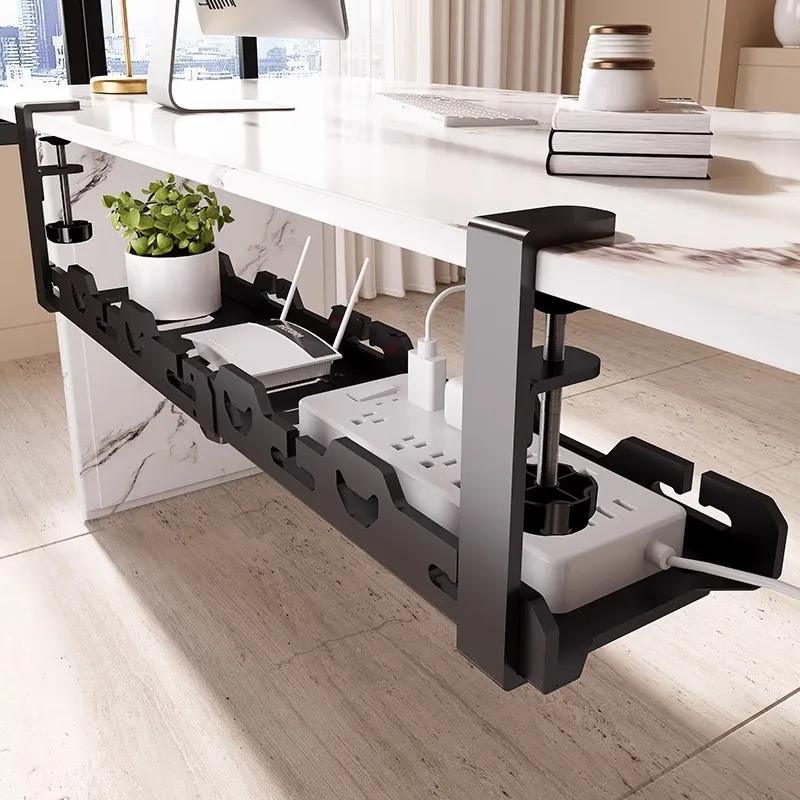
DeskCraft Telescopic Under-Desk Cable Management Tray
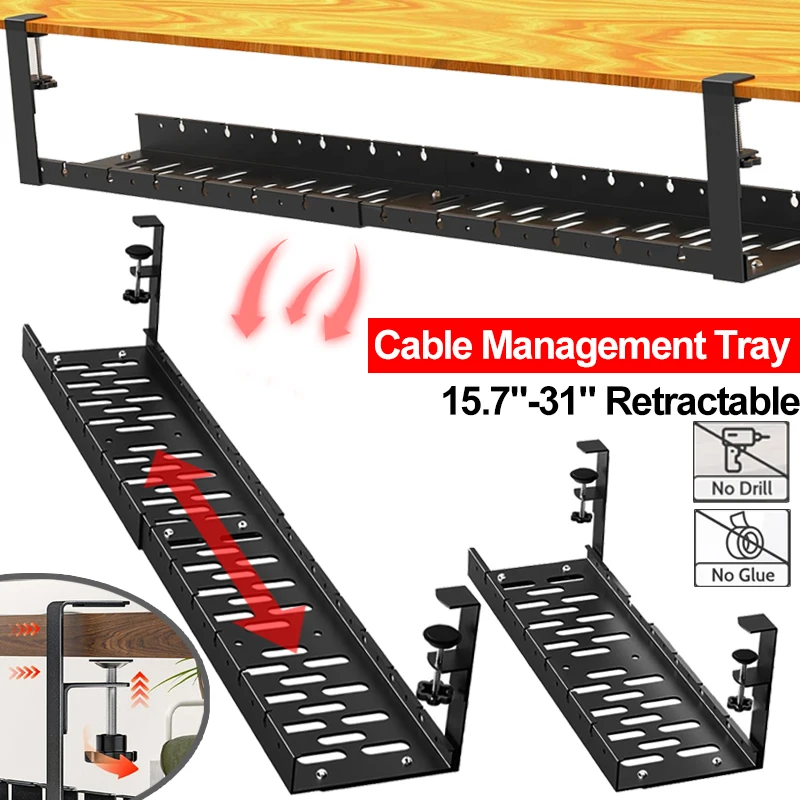
Premium Under-Desk Cable Tray | Retractable 15-31"
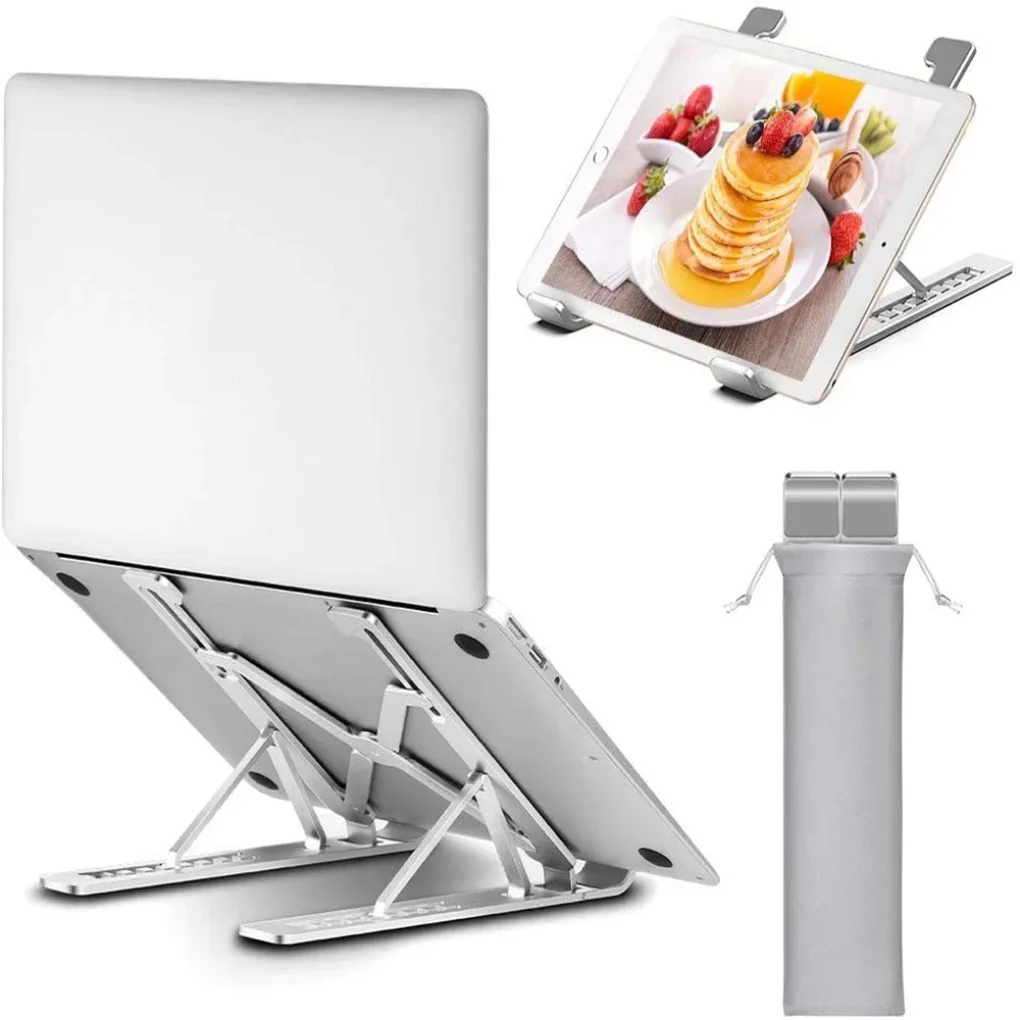
Ergonomic Adjustable Laptop Stand — Aluminum Desk Riser
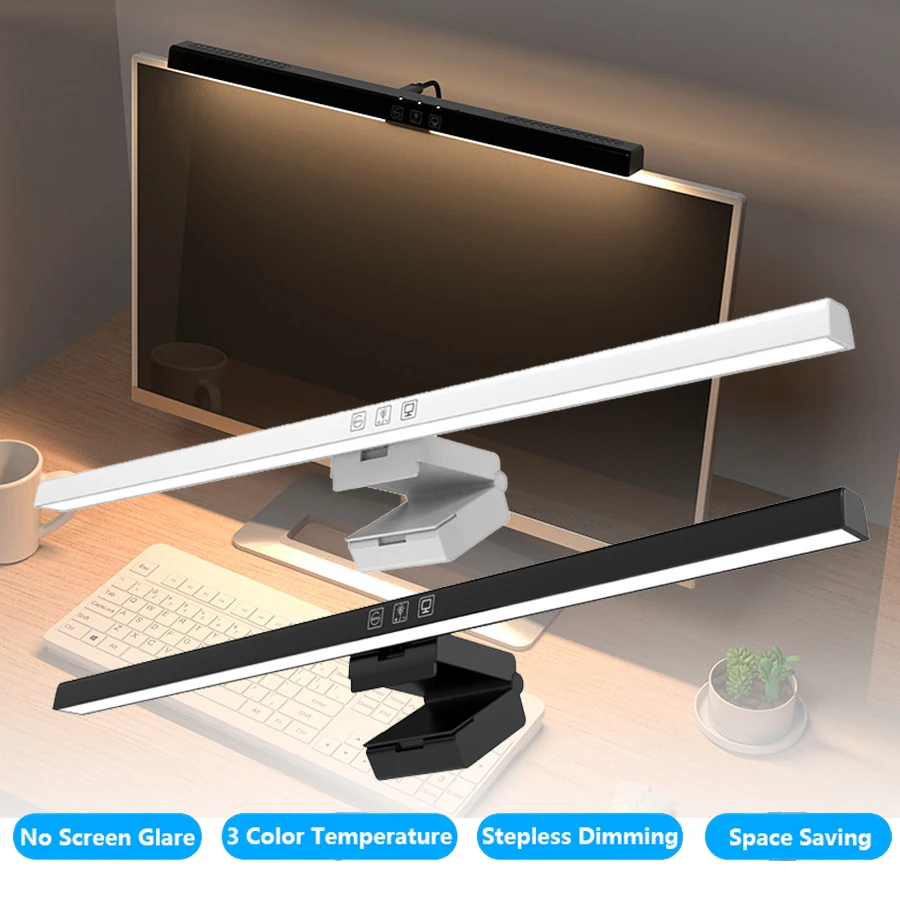
Monitor Light Bar — 50cm LED Screen Hanging Lamp