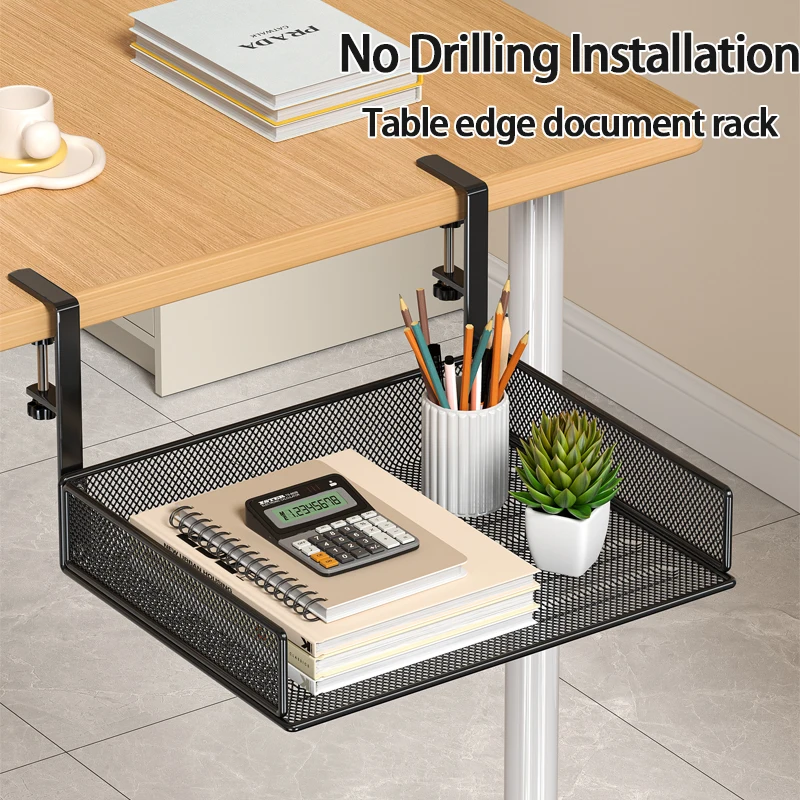
Best Monitor Arm Desk Solutions for Maximum Productivity
Transform your workspace with the right monitor positioning. A quality monitor arm can revolutionize your desk setup, reducing neck strain while maximizing valuable desktop real estate. Whether you're working from home or upgrading your office, finding the best monitor arm desk solution is crucial for long-term comfort and productivity.
The ideal monitor arm elevates your screen to proper eye level, reduces clutter, and provides flexible positioning throughout your workday. Modern monitor arms accommodate everything from single ultrawide displays to complex multi-monitor configurations, making them essential for serious desk setups.
Key Takeaways:
- Monitor arms reduce neck strain by positioning screens at optimal eye level
- Desk clamp and grommet mounting options suit different desk types
- Weight capacity ranges from 15-35 pounds per arm for most monitors
- Dual and triple monitor arms maximize productivity for multitaskers
- Cable management features keep workspaces organized and professional
What Makes the Best Monitor Arm for Your Desk?
Selecting the right monitor arm depends on several critical factors that directly impact your daily work experience. Monitor compatibility tops the list—ensure your chosen arm supports your display's size (typically 13-32 inches) and weight (usually 15-35 pounds). Most quality arms use standard VESA mounting patterns (75x75mm, 100x100mm, or 200x200mm).
Mounting style significantly affects installation and desk compatibility. Desk clamp mounts attach to edges up to 2.5 inches thick, while grommet mounts require a hole drilled through your desktop. Clamp mounts offer easier installation and repositioning, making them ideal for rental spaces or frequently rearranged workstations.
Consider your desk's construction material and thickness. Solid wood and metal desks handle monitor arms excellently, while glass or thin particle board surfaces may require reinforcement plates or alternative mounting solutions.
Essential Monitor Arm Features for Productivity
Modern monitor arms incorporate features designed to enhance workflow and comfort. Full articulation allows 360-degree rotation, height adjustment, and tilt control—essential for sharing screens during meetings or switching between landscape and portrait orientations for coding or document review.
Cable management systems distinguish professional setups from cluttered workspaces. Look for arms with integrated cable routing channels or clips that guide power and data cables from your monitor to your computer. This feature becomes especially valuable with multiple monitor configurations where cable chaos can quickly overwhelm your workspace.
Quick-release mechanisms enable easy monitor swapping without tools—particularly useful for photographers, designers, or anyone who frequently switches between different displays for color-critical work.
To complement your monitor arm setup, consider investing in a cable management tray to organize power strips and excess cables beneath your desk surface.
Single vs. Dual Monitor Arm Configurations
Single monitor arms excel in minimalist setups where screen real estate comes from larger displays rather than multiple panels. These arms typically offer superior weight capacity (up to 35 pounds) and more robust construction, making them ideal for 27-32 inch monitors or ultrawide displays.
Dual monitor arms transform productivity for professionals managing multiple applications simultaneously. Financial analysts, programmers, and content creators particularly benefit from dedicated screens for different tasks—coding on one monitor while testing on another, or managing email while working in primary applications.
Triple and quad monitor configurations require specialized arms with reinforced mounting systems. These setups demand careful weight distribution and often benefit from dual-arm configurations rather than single arms supporting multiple displays.
When planning multi-monitor setups, ensure adequate desk space and consider how your ergonomic mouse and keyboard positioning will work with expanded screen real estate.
Ergonomic Benefits of Proper Monitor Positioning
Ergonomic monitor positioning prevents the forward head posture that plagues desk workers. The best monitor arm desk setups position screen tops at or slightly below eye level, encouraging natural neck alignment and reducing cervical spine stress.
Distance optimization becomes effortless with articulating arms. The ideal viewing distance ranges from 20-26 inches for most users, but individual preferences vary based on vision and screen resolution. Arms allow fine-tuning throughout the day as lighting conditions and tasks change.
Height adjustability accommodates different users sharing workstations or personal preference changes over time. Many professionals prefer slightly higher positioning for spreadsheet work and lower positioning for detailed design tasks.
Proper lighting integration enhances the ergonomic benefits of monitor arms. A quality adjustable desk lamp positioned to minimize screen glare complements optimal monitor positioning for reduced eye strain.
Installation and Compatibility Considerations
Successful monitor arm installation begins with desk assessment. Measure your desk thickness, edge accessibility, and available clearance beneath the surface. Most clamp-style mounts require 2-4 inches of clearance below the desktop for proper installation.
VESA compatibility verification prevents costly returns. Check your monitor's rear panel for mounting hole patterns—most modern displays use standard VESA configurations, but some ultrawide or gaming monitors use proprietary mounting systems requiring adapter plates.
Consider cable routing during installation planning. Monitor arms work best when power outlets and computer connections align with the arm's cable management features. USB-C monitors simplify connectivity, requiring only single cables for power and data transmission.
For complex setups involving multiple peripherals, a quality docking station centralizes connections while maintaining the clean aesthetic that monitor arms provide.
Space-Saving Alternatives: Monitor Stands vs. Arms
Monitor stands offer budget-friendly elevation solutions without mounting hardware requirements. These platforms raise displays to appropriate heights while providing storage space beneath for keyboards, documents, or small accessories.
Fixed stands work excellently for users who rarely adjust monitor positioning but want ergonomic benefits and desk organization. They're particularly suitable for rental properties or workspaces where permanent mounting isn't feasible.
However, stands consume desktop space that arms liberate. For compact workspaces or multi-monitor configurations, arms provide superior space efficiency and positioning flexibility.
A height-adjustable monitor stand bridges the gap between fixed stands and full articulating arms, offering vertical adjustment without mounting requirements.
Choosing the Right Monitor Arm for Your Workspace
Budget considerations shouldn't compromise essential features like weight capacity and build quality. Entry-level arms starting around $50-75 handle most standard monitors adequately, while premium options ($150-300) offer superior materials, smoother adjustment mechanisms, and extended warranties.
Future-proofing your investment means selecting arms with higher weight capacities than currently needed. Display technology trends toward larger, heavier panels, and upgrading your arm alongside every monitor purchase becomes expensive.
Brand reputation matters significantly in monitor arm selection. Established manufacturers provide better customer support, replacement parts availability, and design refinement based on user feedback.
Consider your complete desk ecosystem when selecting monitor arms. Ensure compatibility with your preferred mechanical keyboard positioning and adequate clearance for other essential peripherals.
Ready to Upgrade Your Desk Setup?
The best monitor arm desk configuration transforms both comfort and productivity, making it one of the most impactful upgrades for any workspace. Whether you choose a single articulating arm for a minimalist setup or a dual-monitor configuration for maximum multitasking capability, proper monitor positioning pays dividends in reduced fatigue and improved workflow efficiency.
Explore our complete collection of premium desk accessories and ergonomic solutions to create your ideal workspace. From cable management systems to adjustable lighting, we offer everything needed to complement your new monitor arm and achieve professional-grade desk organization.
Shop products from this guide

DeskCraft Monitor Stand Riser - Adjustable Wood Desk Organizer
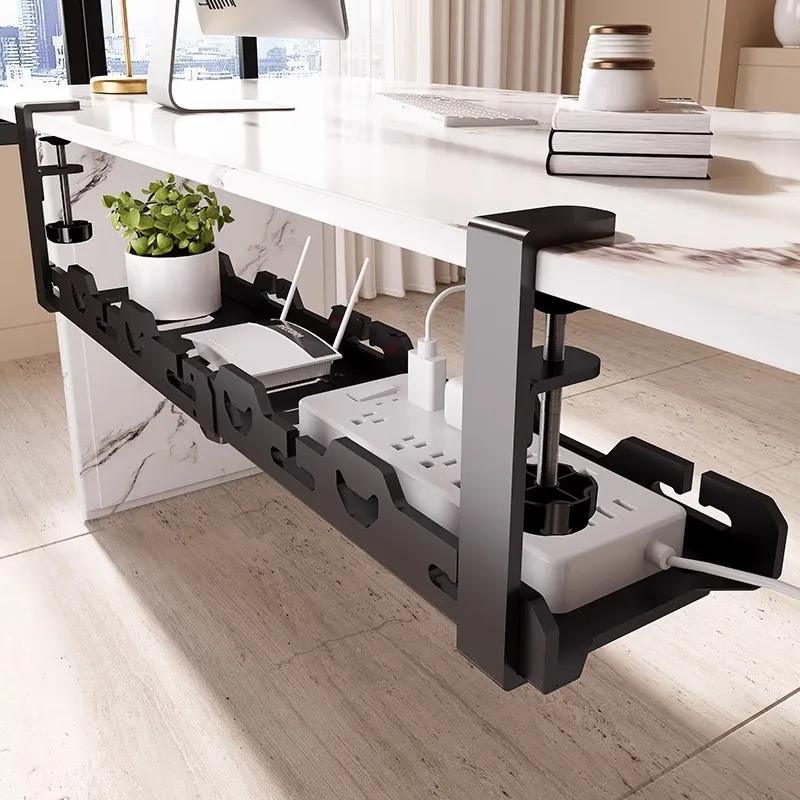
DeskCraft Telescopic Under-Desk Cable Management Tray
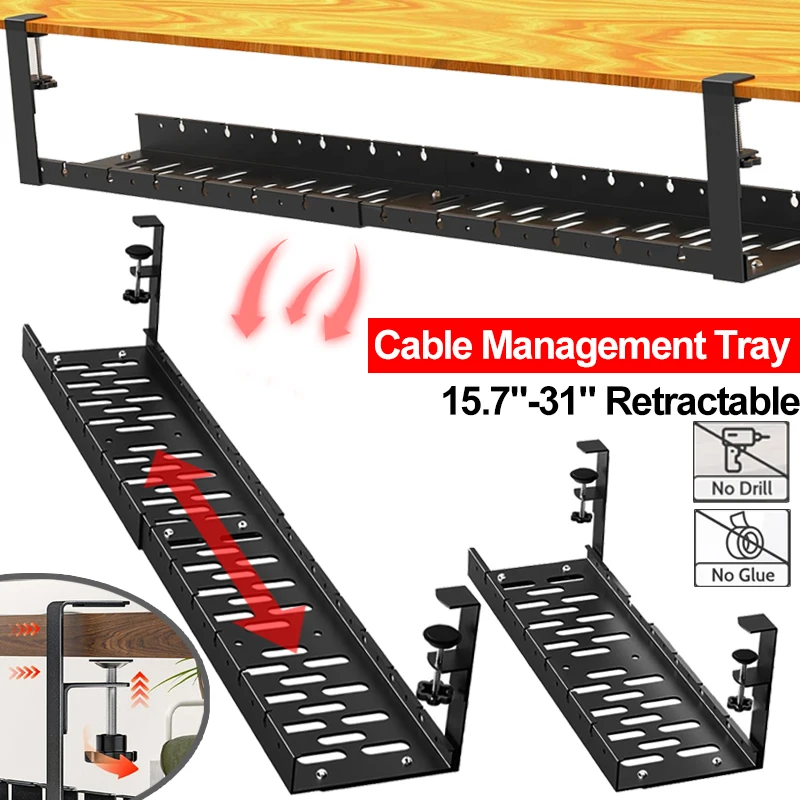
Premium Under-Desk Cable Tray | Retractable 15-31"
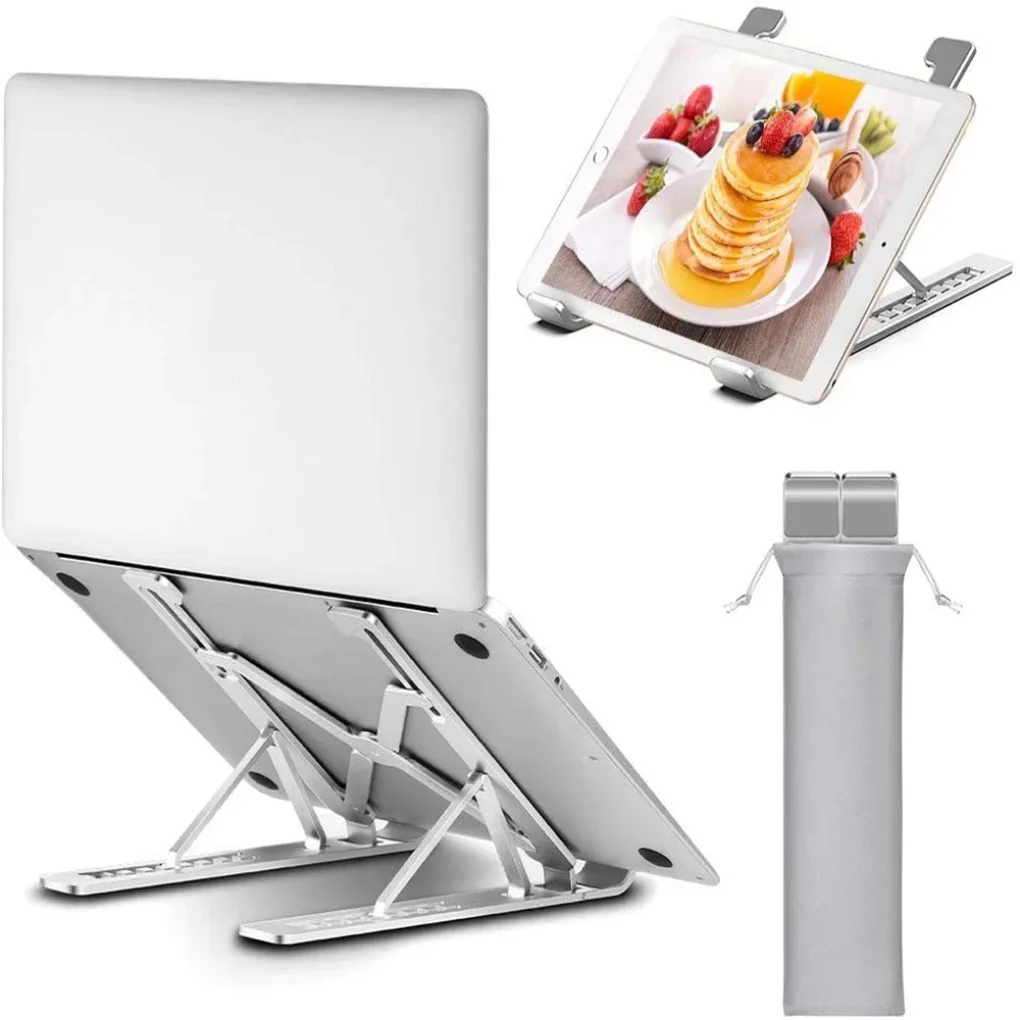
Ergonomic Adjustable Laptop Stand — Aluminum Desk Riser
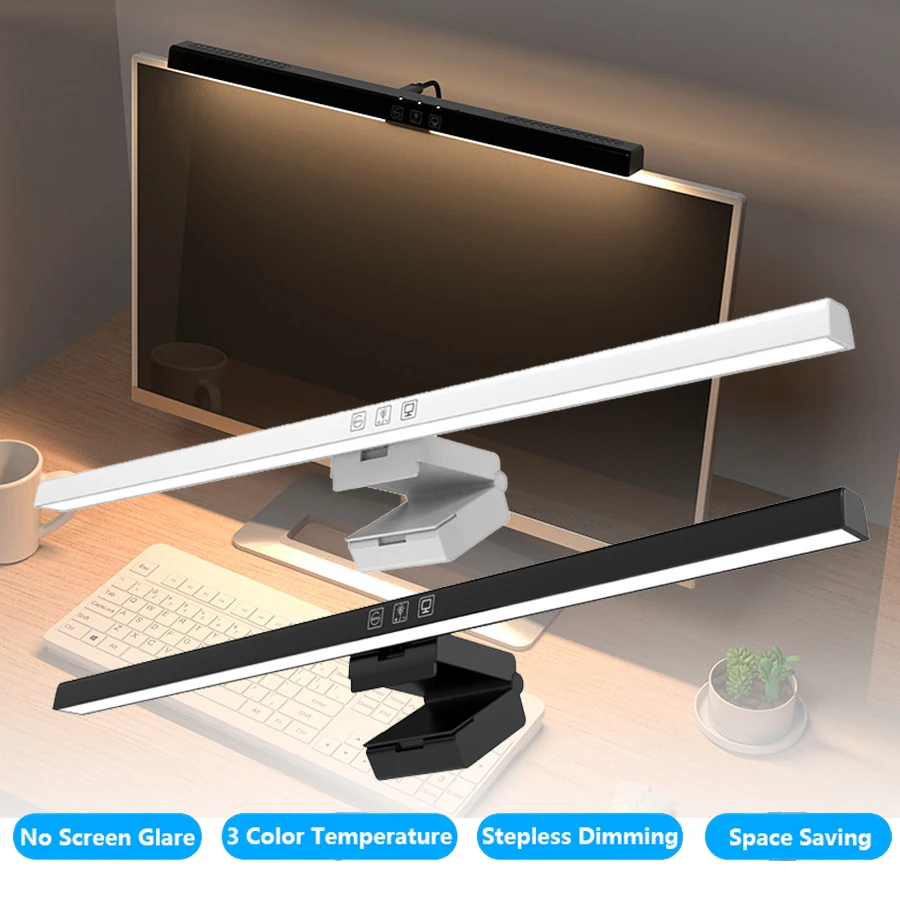
Monitor Light Bar — 50cm LED Screen Hanging Lamp