Best Standing Desk Under $300: Top Budget-Friendly Options 2024
Finding the perfect standing desk doesn't have to break the bank. With remote work becoming the norm and health consciousness rising, affordable standing desks under $300 are more popular than ever. The good news? You can get excellent ergonomic features, solid build quality, and reliable height adjustment mechanisms without spending a fortune.
The best standing desk under $300 combines sturdy construction, smooth height adjustment, adequate workspace, and essential ergonomic features. After extensive research and testing, we've identified the top budget-friendly options that deliver professional-grade performance at accessible prices. These desks prove that ergonomic workspaces are achievable on any budget.
Key Takeaways:
- Budget standing desks under $300 offer excellent value with essential ergonomic features
- Electric models provide smoother operation than manual crank systems
- Desktop size and weight capacity are crucial factors for long-term satisfaction
- Memory presets and stability features separate good desks from great ones
- Proper accessories can enhance any standing desk setup significantly
What to Look for in an Affordable Standing Desk
Before diving into our top picks, understanding key features helps you make the right choice for your workspace and budget.
Height Range and Adjustment Mechanism: Look for desks offering 24-50 inch height ranges to accommodate both sitting and standing positions comfortably. Electric motors provide smoother, quieter operation than manual cranks, though they cost slightly more.
Desktop Size and Weight Capacity: Consider your monitor setup and workspace needs. Most budget desks handle 24-48 inch widths and support 150-220 pounds. Dual monitor users should prioritize wider surfaces and higher weight limits.
Stability and Build Quality: Wobble ruins productivity and damages equipment. Steel frames with crossbar supports offer better stability than single-leg designs. Anti-collision features protect both the desk and your equipment.
Memory Presets: Programmable height settings save time and ensure consistent ergonomic positioning. Even budget models increasingly include 2-4 memory presets.
Top Standing Desks Under $300: Our Expert Rankings
1. FEZIBO Electric Standing Desk (48" x 24")
The FEZIBO Electric Standing Desk tops our list for its exceptional balance of features and value. This 48-inch model provides ample workspace for dual monitors while maintaining rock-solid stability throughout its 28-46 inch height range. The whisper-quiet electric motor adjusts smoothly in under 20 seconds, and four programmable memory presets eliminate guesswork. The anti-collision feature adds peace of mind, automatically stopping if it encounters resistance. The steel frame supports up to 176 pounds, handling most home office setups with ease. At around $280, it delivers premium features typically found in much pricier models.
2. UPLIFT V2 Commercial Frame (30" x 24")
UPLIFT's reputation for quality extends to their budget-friendly V2 Commercial frame. While the desktop is smaller at 30x24 inches, the build quality is exceptional for the $270 price point. The dual-motor system provides incredibly stable height adjustment from 25.3 to 50.9 inches, accommodating users from 5'0" to 6'8". The frame's 355-pound weight capacity far exceeds most competitors, making it ideal for heavy monitor arms or multiple displays. Three memory presets and advanced anti-collision technology round out the premium features. This desk proves that sometimes less surface area means more investment in the mechanics that matter.
3. FlexiSpot E7 Electric Standing Desk
FlexiSpot's E7 series offers impressive customization options within the $250-290 range, depending on desktop size. The standout feature is the exceptional height range of 23 to 48 inches, accommodating virtually any user height. The dual-motor system operates at whisper-quiet levels (under 50dB), making it perfect for shared spaces or video calls. Four memory presets with LED display show exact height measurements, adding precision to your ergonomic setup. The anti-collision system is particularly sensitive, protecting expensive equipment. Available in multiple desktop sizes and finishes, the E7 adapts to various aesthetic preferences while maintaining consistent quality.
4. VIVO Electric Standing Desk (DESK-E151E)
The VIVO DESK-E151E delivers solid performance at an attractive $230 price point. Its 47-inch desktop provides generous workspace, while the 29-48 inch height range covers most ergonomic needs. The single-motor design keeps costs down without sacrificing too much stability, though it's slightly slower than dual-motor competitors. Two memory presets handle basic height preferences, and the LED display clearly shows current height. The steel frame supports 154 pounds, adequate for standard office setups. While it lacks some premium features, the VIVO offers reliable performance and good value for budget-conscious buyers who prioritize workspace size over advanced features.
5. HOMALL Electric Standing Desk
At around $220, the HOMALL Electric Standing Desk represents exceptional value for first-time standing desk users. The 47x24 inch desktop offers ample space for most setups, while the 28-45 inch height range accommodates average users comfortably. The single-motor system operates quietly and smoothly, though adjustment speed is moderate. Two memory presets cover basic sitting and standing positions, and the simple LED controller is intuitive to use. The 132-pound weight capacity handles standard office equipment adequately. While build quality isn't premium, the HOMALL provides a solid introduction to standing desks without major compromises in functionality or reliability.
6. SHW Electric Height Adjustable Desk
The SHW Electric Standing Desk earns its ranking through consistent performance and competitive pricing around $200-250. Available in multiple sizes, the most popular 55x28 inch model provides exceptional workspace for the price. The height range of 28-45.5 inches covers most users' needs, while the dual-motor system ensures smooth, stable adjustment. Three memory presets add convenience, and the collision-detection system protects equipment. The 176-pound weight capacity handles substantial setups confidently. While the frame design is more basic than premium models, the SHW delivers reliable performance and generous workspace, making it ideal for users prioritizing surface area and basic electric functionality.
Essential Features That Maximize Your Standing Desk Investment
Even the best budget standing desk benefits from thoughtful accessories and setup considerations that enhance both functionality and ergonomics.
Cable Management: Proper cable organization prevents tangles and maintains a clean workspace. A telescopic under-desk cable management tray adapts to your desk's height changes, keeping wires organized whether sitting or standing. For comprehensive organization, consider a premium retractable cable tray that handles multiple devices and power strips.
Monitor Positioning: Proper monitor height is crucial for neck health. An adjustable monitor stand with built-in storage elevates screens to eye level while providing valuable desk organization. This prevents neck strain and maximizes your desktop's usable space.
Lighting Considerations: Standing changes your relationship with ambient lighting. A dual-head LED architect lamp provides adjustable, flicker-free lighting that adapts to both sitting and standing positions, reducing eye strain during long work sessions.
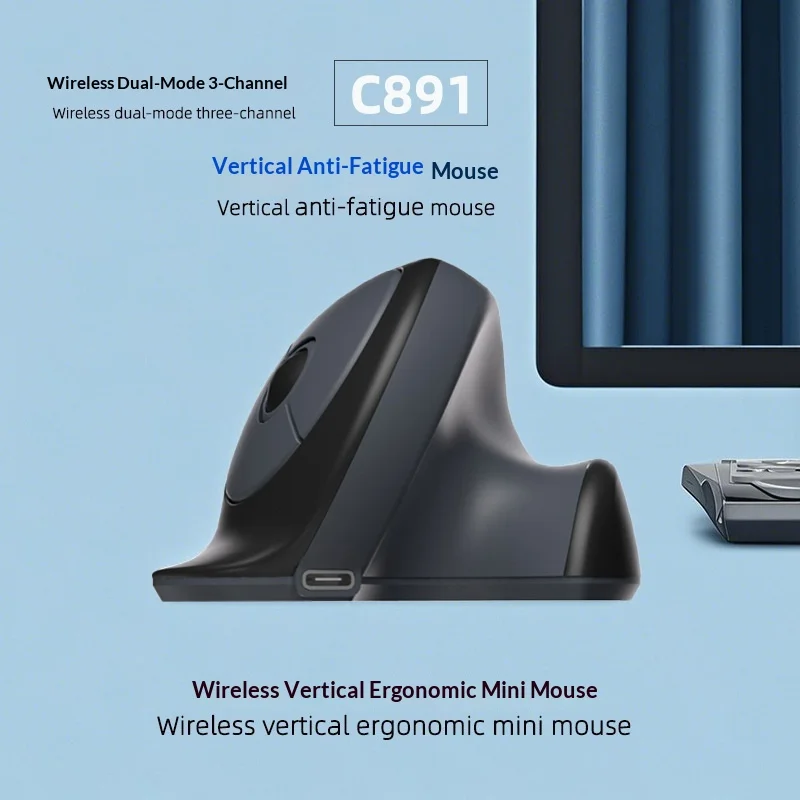
Peripheral Optimization: An ergonomic wireless mouse eliminates cable restrictions while providing comfortable hand positioning in both sitting and standing positions.
Standing Desk Setup Tips for Maximum Comfort and Productivity
Purchasing the right standing desk is just the beginning. Proper setup and usage habits determine whether your investment improves or hinders your work experience.
Gradual Transition Strategy: Start with 15-30 minute standing intervals, gradually increasing duration as your body adapts. Most users find 50-70% sitting and 30-50% standing provides optimal comfort and productivity.
Ergonomic Positioning: Your monitor should sit 20-26 inches from your eyes, with the top of the screen at or slightly below eye level. Elbows should maintain 90-degree angles whether typing or using a mouse. Feet should rest flat on the floor or a footrest.
Movement Integration: Standing desks work best when combined with regular movement. Shift weight between feet, perform calf raises, or use a balance board to engage core muscles and improve circulation.
Surface Protection: Use desk pads or mats to protect your desktop surface and provide comfortable wrist support. Anti-fatigue mats reduce leg and back strain during standing periods.
Budget-Friendly Standing Desk Alternatives Worth Considering
If a full electric standing desk stretches your budget, several alternatives provide ergonomic benefits at lower costs.
Desktop Converters: These units transform existing desks into standing workstations for $100-200. While they don't offer the seamless experience of dedicated standing desks, they provide height adjustment functionality without replacing your current desk.
Manual Crank Desks: Hand-crank mechanisms reduce costs by $50-100 compared to electric models. While adjustment takes more effort and time, the core ergonomic benefits remain intact for budget-conscious users.
DIY Solutions: Creative users can build standing desk converters using adjustable laptop stands, monitor arms, and keyboard trays. While requiring more setup time, this approach can cost under $100 while providing customized ergonomics.
Making the Most of Your Standing Desk Investment
The best standing desk under $300 becomes even more valuable when paired with complementary workspace accessories and proper usage habits. Remember that ergonomic improvement is a gradual process—your body needs time to adapt to new positions and movement patterns.
Focus on desks that offer the features most important to your specific needs: workspace size, height range, stability, and adjustment mechanism. While premium features like memory presets and anti-collision systems add convenience, core functionality matters most for long-term satisfaction.
Ready to transform your workspace with ergonomic excellence? Explore our complete collection of premium desk accessories and workspace essentials to create the perfect standing desk setup that enhances both comfort and productivity. Your back, neck, and overall health will thank you for making the investment in better ergonomics.
Shop products from this guide
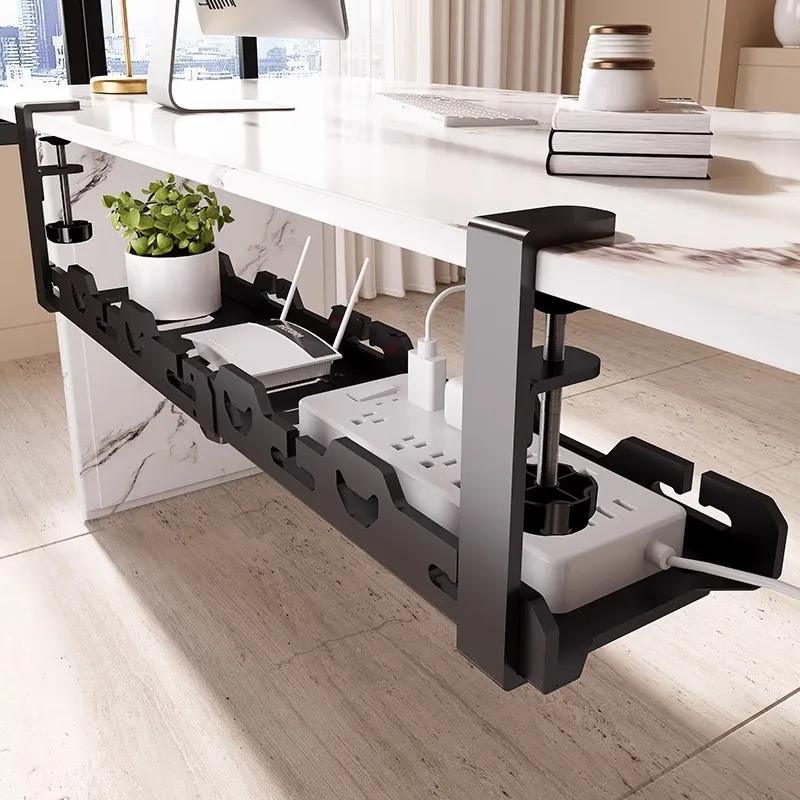
DeskCraft Telescopic Under-Desk Cable Management Tray
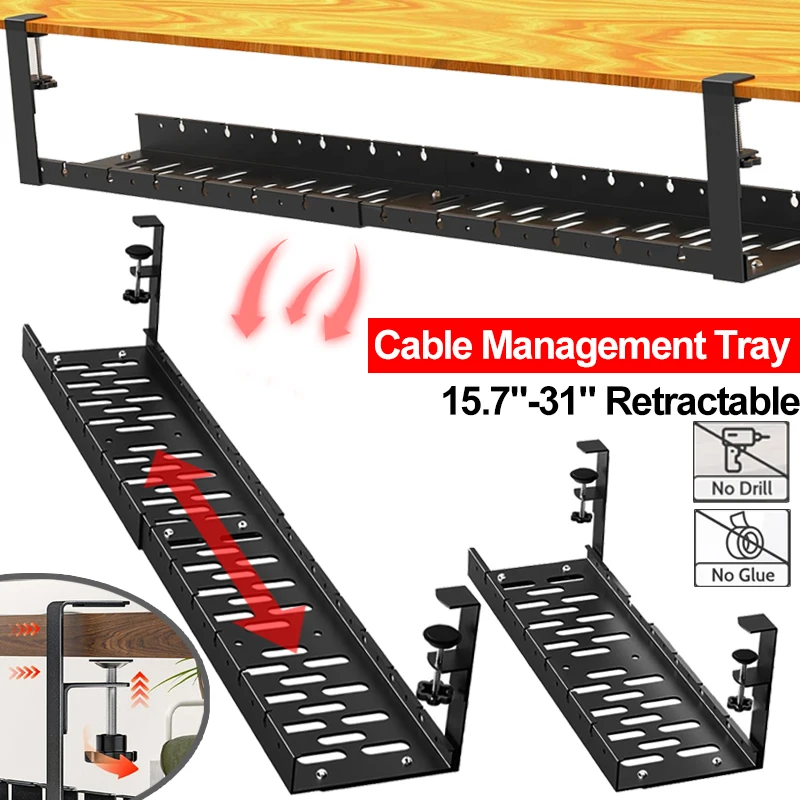
Premium Under-Desk Cable Tray | Retractable 15-31"
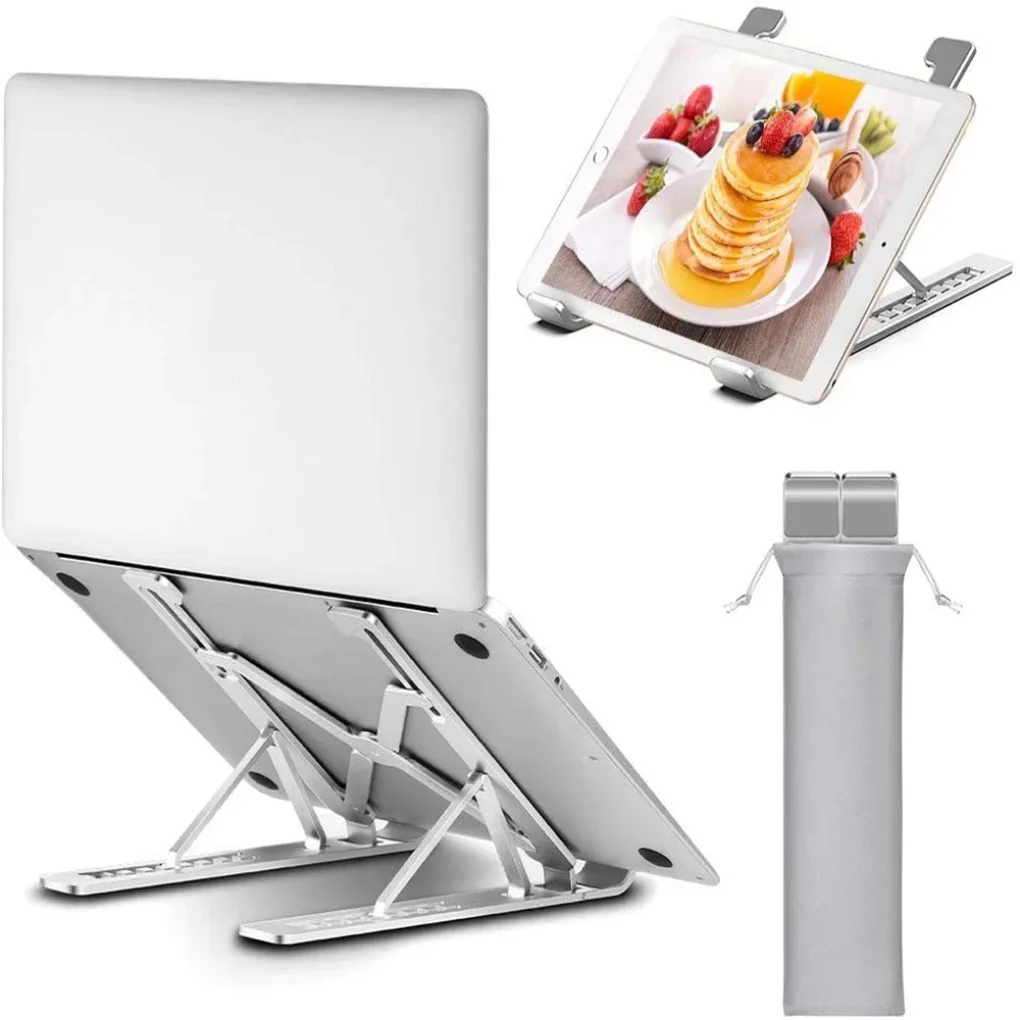
Ergonomic Adjustable Laptop Stand — Aluminum Desk Riser
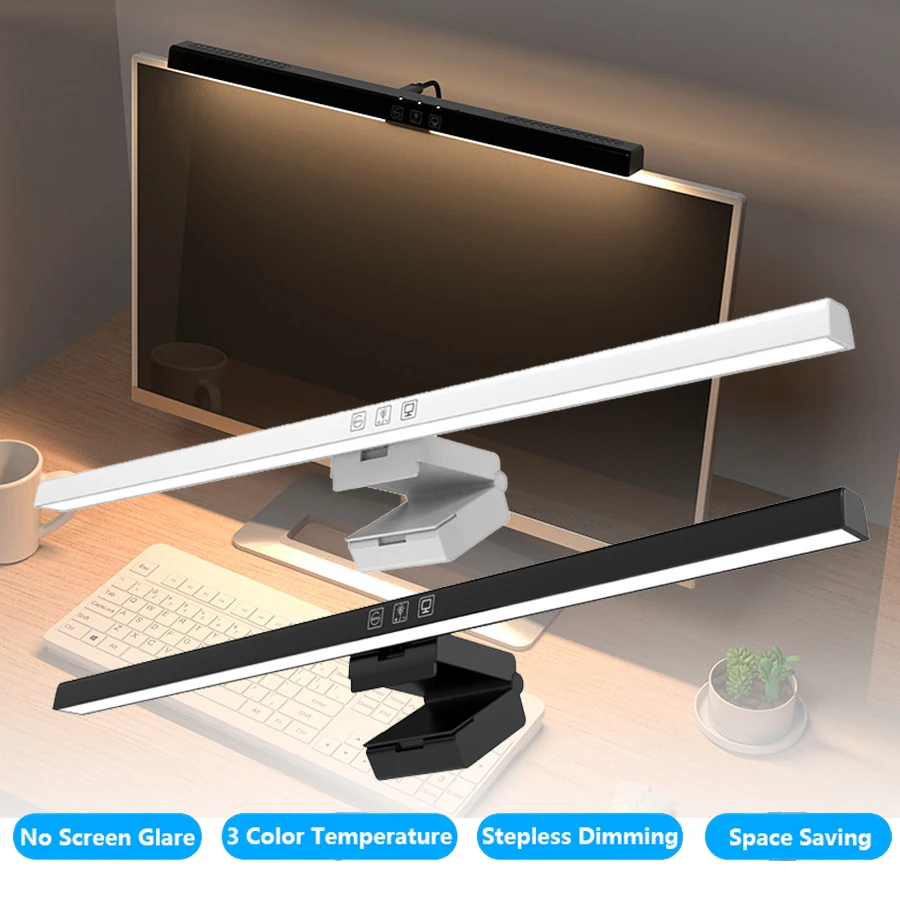
Monitor Light Bar — 50cm LED Screen Hanging Lamp
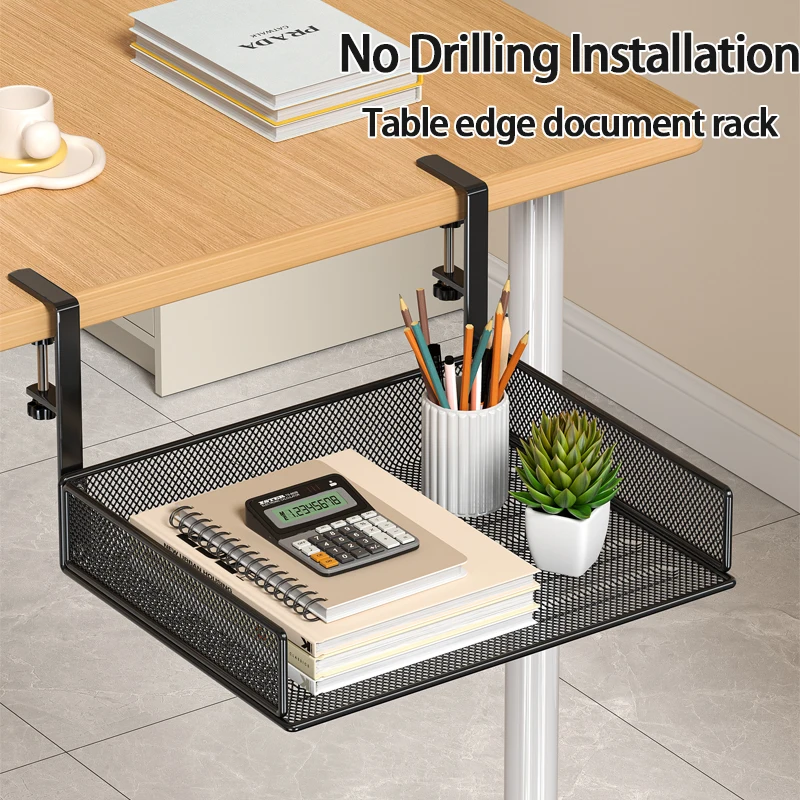
Clamp-On Under-Desk Drawer — Mesh Metal Organizer