Cable Management Desk Setup: 15 Expert Tips for a Tidy Workspace
A cluttered desk with tangled cables doesn't just look unprofessional—it actively hampers productivity and creates unnecessary stress. The key to an effective cable management desk setup lies in combining the right tools with strategic planning to create a workspace that's both functional and visually appealing.
Key Takeaways:
- Proper cable management improves workspace aesthetics and reduces stress
- Under-desk trays and routing systems are the foundation of clean setups
- Wireless peripherals significantly reduce cable clutter
- Strategic placement of power strips and hubs centralizes connections
- Regular maintenance keeps your organized system functioning long-term
What Makes an Effective Cable Management System?
An effective cable management system starts with understanding your specific workspace needs. The best systems combine accessibility with organization, ensuring that cables remain hidden during daily use but can be easily accessed when needed for maintenance or reconfiguration.
The foundation of any good system includes three core components: routing solutions that guide cables along predetermined paths, storage solutions that keep excess cable length organized, and power management that consolidates electrical connections. Modern workspaces also benefit from strategic use of wireless technology to minimize the number of cables required.
Consider your desk's layout and the devices you use regularly. A quality USB-C hub can dramatically reduce cable count by consolidating multiple connections into a single point, while wireless peripherals eliminate several cables entirely.
Under-Desk Cable Organization Solutions
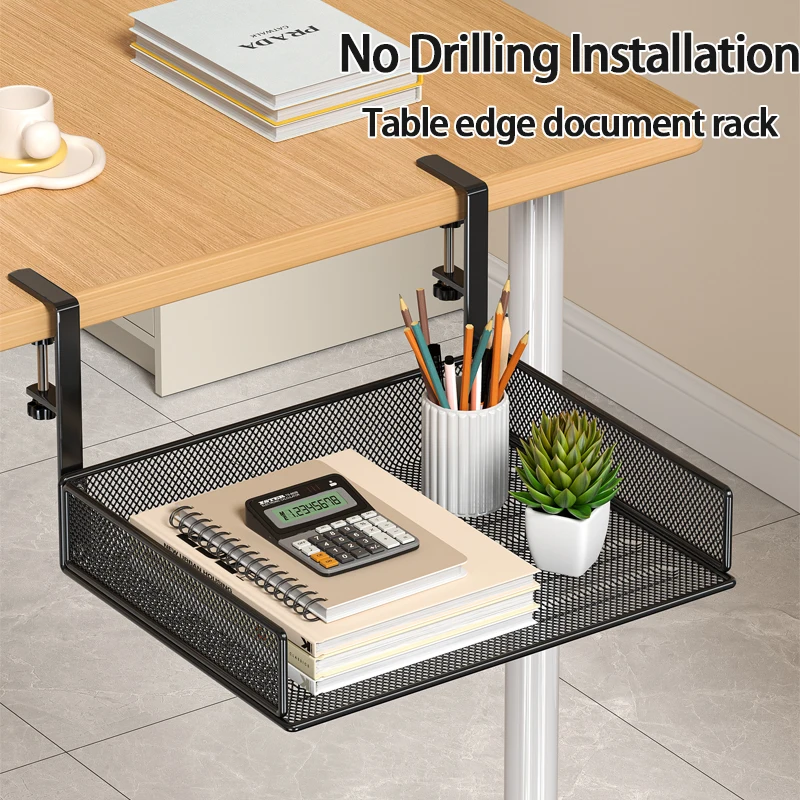
The space beneath your desk represents the most valuable real estate for cable management. This hidden area can accommodate routing systems, power strips, and excess cable length without affecting your workspace's visual appeal.
Under-desk cable trays offer the most comprehensive solution for managing multiple cables simultaneously. These systems mount beneath your desk surface and provide dedicated channels for different types of cables. A telescopic under-desk cable tray adapts to various desk widths and provides flexible organization options for growing setups.
For more extensive setups, consider upgrading to a premium retractable cable tray that offers enhanced durability and smoother operation. These systems work particularly well in professional environments where cable management needs may change frequently.
Complement your tray system with adhesive cable clips along the desk edges to guide individual cables to their destinations. This creates clean entry and exit points while maintaining the organized appearance of your workspace.
Wireless Technology for Reduced Cable Clutter
The most effective way to improve your cable management desk setup is to eliminate unnecessary cables entirely. Modern wireless technology has evolved to provide reliable, high-performance alternatives to traditional wired connections.
Start with your most frequently used peripherals. An ergonomic wireless mouse eliminates one of the most problematic cables—the one that moves constantly during use. Modern wireless mice offer battery life measured in months rather than days, making them practical for daily use.
Keyboards represent another significant opportunity for cable reduction. Whether you prefer the compact efficiency of a 60% mechanical keyboard or the expanded functionality of a 75% wireless mechanical keyboard, choosing wireless options dramatically simplifies your desk setup.
For video calls and streaming, consider wireless webcam solutions or position your camera to minimize cable visibility. While some professional applications still require wired connections for reliability, many users find that modern wireless technology meets their needs while significantly improving workspace aesthetics.
Power Management and Hub Strategies
Centralizing power and data connections forms the backbone of effective cable management. Rather than having individual power adapters scattered around your workspace, strategic placement of power strips and data hubs creates organized connection points.
Mount your primary power strip beneath your desk, ideally within your cable tray system. This keeps the power source accessible while hiding the bulk of power cables. Use shorter power cables where possible, and secure excess length with velcro ties or cable spirals.
Data hub placement requires more consideration since these devices often need occasional access. Position hubs where they're reachable but not prominent—perhaps mounted to the side of your desk or placed in a shallow drawer. Modern hubs offer impressive connectivity, allowing you to run a single cable to your computer while supporting multiple peripherals.
Consider the power requirements of your setup when selecting hubs and strips. Devices like high-resolution webcams and mechanical keyboards may have specific power needs that affect your overall power management strategy.
Desk Surface Organization Techniques
While under-desk management handles the majority of cables, your desk surface requires attention to maintain a professional appearance. The goal is to minimize visible cables while ensuring easy access to frequently used connections.
Use a monitor stand with built-in organization features to elevate your display while creating additional storage space beneath. This vertical approach maximizes your desk's usable surface while providing discrete areas for cable routing.
Implement a charging station for mobile devices and other small electronics. This concentrated approach prevents charging cables from spreading across your workspace and ensures devices are always ready for use.
Consider the lighting in your workspace as part of your overall organization strategy. A well-positioned adjustable LED desk lamp provides task lighting while its cable can be easily integrated into your management system.
Maintenance and Long-Term Organization
Creating an organized cable management desk setup is only the first step—maintaining that organization requires ongoing attention and the right habits. Regular maintenance prevents the gradual accumulation of clutter that can undermine even the best-designed systems.
Establish a monthly review routine where you assess your cable organization and make adjustments as needed. Remove unused cables, reorganize connections that have become messy, and update your system to accommodate new devices or changed workflows.
Label your cables at both ends to simplify troubleshooting and reorganization. This small investment in time pays dividends when you need to identify specific connections or temporarily disconnect equipment.
Keep a small kit of organization supplies readily available: velcro ties, cable clips, and twist ties for quick fixes and adjustments. This prevents small problems from becoming major organizational challenges.
Document your setup with photos, especially if you have complex routing or multiple connection points. This documentation proves invaluable when you need to recreate your setup after moving or major changes.
Professional Setup Considerations
Professional environments often have additional requirements for cable management, including safety regulations, accessibility needs, and the ability to quickly reconfigure workspaces. These considerations influence both the tools you choose and how you implement your organization system.
In shared or frequently changing environments, prioritize systems that can be easily modified without tools. Magnetic cable holders, removable adhesive solutions, and modular tray systems allow for quick adjustments while maintaining professional appearance standards.
Consider the needs of colleagues or clients who may need to access your workspace. Clear cable routing and labeled connections make it easier for others to understand and work with your setup when necessary.
Safety becomes paramount in professional settings. Ensure that cables don't create tripping hazards, that power connections are properly rated for their loads, and that emergency disconnection is possible when required.
Ready to Transform Your Workspace?
Implementing effective cable management transforms more than just your desk's appearance—it creates a workspace that supports focus, reduces stress, and projects professionalism. The strategies outlined above provide a roadmap for creating and maintaining an organized setup that grows with your needs.
Start with the fundamentals: assess your current setup, invest in quality under-desk organization solutions, and gradually transition to wireless peripherals where practical. Remember that the best cable management desk setup is one that you'll actually maintain over time.
Explore our complete collection of workspace organization solutions to find the tools that will help you create your ideal organized workspace. From cable management systems to ergonomic accessories, we offer everything you need to build a desk setup that works as hard as you do.
Shop products from this guide

DeskCraft Monitor Stand Riser - Adjustable Wood Desk Organizer
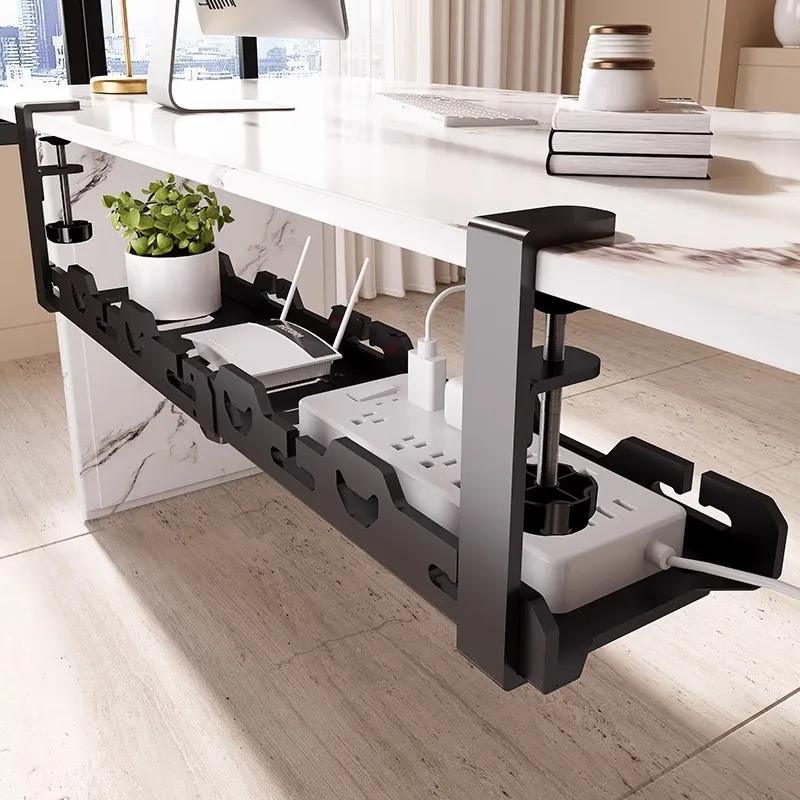
DeskCraft Telescopic Under-Desk Cable Management Tray
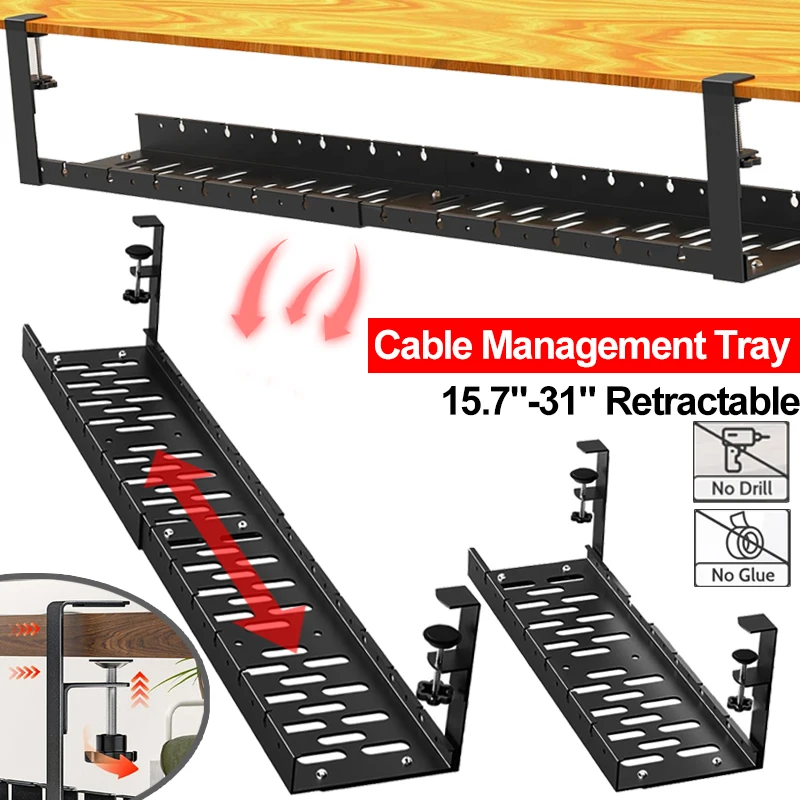
Premium Under-Desk Cable Tray | Retractable 15-31"
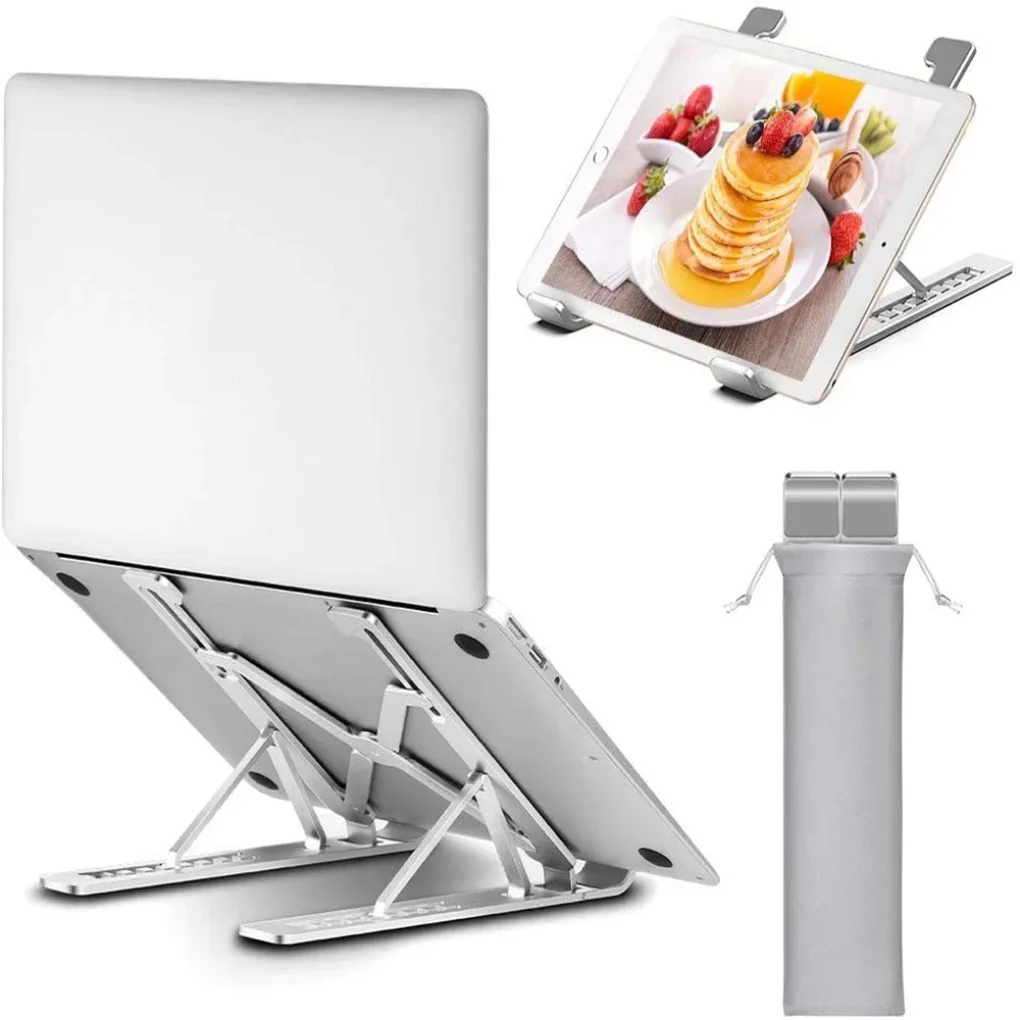
Ergonomic Adjustable Laptop Stand — Aluminum Desk Riser
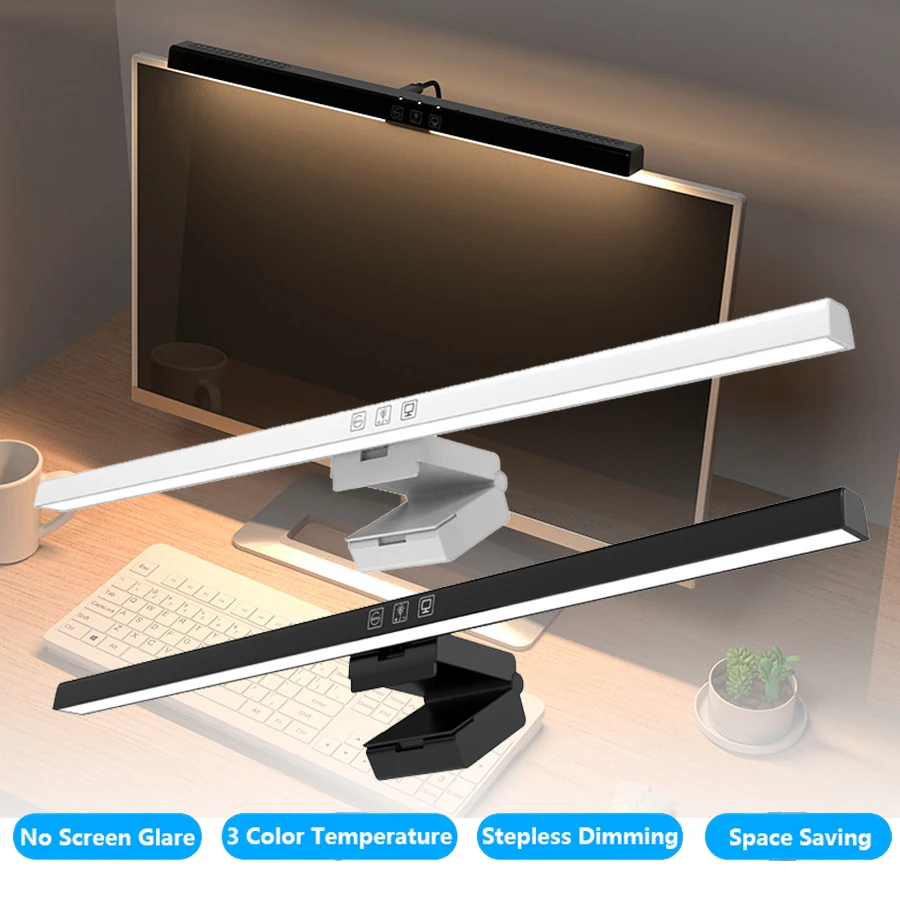
Monitor Light Bar — 50cm LED Screen Hanging Lamp