Standing Desk Converter vs Standing Desk: Complete 2024 Guide
Choosing between a standing desk converter and a full standing desk is one of the most important decisions you'll make for your home office setup. Both options can transform your work experience and improve your health, but they serve different needs, budgets, and workspace requirements.
A standing desk converter is typically the more affordable and flexible option, allowing you to transform any existing desk into a sit-stand workstation for $100-$500. A full standing desk, while more expensive at $300-$1500+, offers better ergonomics, more workspace, and a cleaner aesthetic. Your choice depends on your budget, current desk situation, available space, and long-term workspace goals.
Key Takeaways:
- Converters are budget-friendly and work with existing desks, but offer limited workspace
- Full standing desks provide better ergonomics and more surface area, but cost significantly more
- Consider your current desk quality, available budget, and future workspace plans
- Both options require proper ergonomic accessories for optimal comfort
What's the Real Difference Between Standing Desk Converters and Full Standing Desks?
The fundamental difference lies in how each solution approaches the sit-stand concept. A standing desk converter is an add-on device that sits on top of your existing desk, creating an elevated platform for your monitor and keyboard. When you want to stand, you raise the converter; when you want to sit, you lower it back down.
A full standing desk, on the other hand, is a complete furniture piece where the entire desktop surface moves up and down. The desk itself transforms from sitting height (around 28-30 inches) to standing height (typically 42-48 inches), taking everything on the surface with it.
This core difference impacts everything from cost and installation to daily usability and long-term satisfaction. Understanding these implications will help you make the right choice for your specific situation.
Standing Desk Converter Pros and Cons: Is It Right for You?
Advantages of Standing Desk Converters:
- Budget-friendly: Most quality converters cost between $100-$500, making them accessible to most budgets
- No assembly required: Simply place on your existing desk and start using immediately
- Keeps your current desk: Perfect if you love your existing desk or work in a rental space
- Portable: Easy to move between locations or take to a new office
- Try before you invest: Great way to test standing work before committing to a full desk
Disadvantages of Standing Desk Converters:
- Limited workspace: Converter platforms are typically smaller than your full desk surface
- Height restrictions: Your existing desk height may not allow optimal ergonomic positioning
- Aesthetic impact: Creates a bulky, two-tier appearance that some find unappealing
- Stability concerns: Can be wobbly, especially at maximum height with heavier monitors
- Reduced storage: Takes up valuable desk real estate even when lowered
Converters work best for people with quality existing desks, limited budgets, or those who want to test standing work before making a larger investment. They're also ideal for renters or anyone who needs a portable solution.
Full Standing Desk Benefits and Drawbacks: The Complete Picture
Advantages of Full Standing Desks:
- Superior ergonomics: Entire surface adjusts, allowing optimal positioning for all equipment
- Maximum workspace: Full desk surface available at both sitting and standing heights
- Clean aesthetics: Sleek, professional appearance that enhances any office
- Better stability: Engineered as complete units, typically more stable than converters
- Long-term value: Built to last and designed for daily height adjustments
- Customization options: Available in various sizes, materials, and feature sets
Disadvantages of Full Standing Desks:
- Higher cost: Quality electric models typically start around $400-$500 and can exceed $1500
- Assembly required: Most require 1-3 hours of setup and may need two people
- Space commitment: Permanent furniture piece that's harder to relocate
- Desk replacement: You'll need to replace your existing desk entirely
- Electrical requirements: Electric models need access to power outlets
Full standing desks are ideal for people who plan to use standing functionality regularly, have the budget for a quality unit, and want the best possible ergonomic setup. They're particularly valuable for those spending 6+ hours daily at their desk.
Cost Comparison: Budget Planning for Your Standing Desk Solution
Understanding the true cost of each option goes beyond the initial purchase price. Here's a comprehensive breakdown:
Standing Desk Converter Costs:
- Basic manual converters: $100-$250
- Premium manual converters: $250-$400
- Electric converters: $400-$600
- Additional accessories needed: $50-$150 (monitor arms, keyboard trays)
- Total investment: $150-$750
Full Standing Desk Costs:
- Manual crank desks: $300-$600
- Electric standing desks: $400-$1200
- Premium electric desks: $1200-$2500+
- Accessories (often included): $0-$200
- Total investment: $300-$2700+
While converters appear more affordable initially, consider the long-term value proposition. A quality full standing desk may last 10+ years with daily use, while converters typically need replacement every 3-5 years due to wear on adjustment mechanisms.
Don't forget to factor in the cost of ergonomic accessories. A quality ergonomic wireless mouse and proper lighting with an LED architect desk lamp are essential for comfortable standing work, regardless of which option you choose.
Space and Setup Requirements: What Your Office Needs
Your available space significantly impacts which solution works best. Here's what to consider:
Standing Desk Converter Space Requirements:
- Needs existing desk with at least 24" depth for stability
- Requires 12-18" of height clearance above current desk surface
- Platform dimensions typically 24-36" wide, 12-20" deep
- Works in tight spaces and shared work areas
- No electrical requirements for manual models
Full Standing Desk Space Requirements:
- Available in sizes from 48" to 80" wide, 24-30" deep
- Needs 48-50" of total height clearance for full adjustment range
- Requires electrical outlet within 6 feet for electric models
- Benefits from dedicated workspace area
- May require different chair heights for optimal sitting position
Consider your cable management needs as well. Standing desks create unique challenges as cables must accommodate the height changes. A telescopic under-desk cable management tray can help keep your workspace organized regardless of which option you choose.
Making the Right Choice: Decision Framework for Your Situation
Use this decision framework to determine which option suits your needs:
Choose a Standing Desk Converter if you:
- Have a high-quality existing desk you want to keep
- Work in a rental space or temporary location
- Have a limited budget (under $500)
- Want to try standing work before committing fully
- Need a portable solution for multiple locations
- Have limited space or shared work areas
Choose a Full Standing Desk if you:
- Spend 6+ hours daily at your desk
- Have a dedicated home office space
- Can invest $500+ for long-term value
- Want maximum workspace and ergonomic benefits
- Prefer clean, professional aesthetics
- Plan to use standing functionality multiple times daily
Your current desk quality matters significantly. If your existing desk is wobbly, too shallow, or poorly positioned, a converter won't solve these fundamental issues. In such cases, a full standing desk provides better value despite the higher cost.
Essential Accessories for Either Choice
Regardless of which option you choose, certain accessories will enhance your standing desk experience:
Ergonomic Essentials:
- Anti-fatigue mat for comfortable standing
- Monitor arm for optimal screen positioning
- Ergonomic keyboard and mouse setup
- Proper task lighting to reduce eye strain
- Cable management solutions
Productivity Enhancers:
- Document holder for reference materials
- Phone stand or headset for calls
- Storage solutions for frequently used items
- Footrest for sitting periods
A monitor stand riser can be particularly valuable with converters, allowing you to fine-tune your screen height for optimal viewing angles. Pair this with a quality USB-C docking station to streamline your connectivity needs.
Long-term Considerations and ROI
Think beyond the immediate purchase when evaluating your options:
Health and Productivity Benefits: Both solutions can reduce back pain, increase energy levels, and improve focus. However, the ease of adjustment affects how often you'll actually use the standing functionality. Full standing desks typically see higher usage rates due to their smoother operation.
Durability and Maintenance: Quality full standing desks are built for thousands of adjustment cycles and typically include warranties of 5-10 years. Converters, especially in the budget range, may experience wear in adjustment mechanisms after 2-3 years of regular use.
Resale Value: Full standing desks retain value better and are easier to sell when upgrading. Converters have limited resale appeal and depreciate quickly.
Workspace Evolution: Consider how your needs might change. A converter limits your options if you want to upgrade monitors, add equipment, or reconfigure your setup. A full desk provides flexibility for future changes.
Ready to Transform Your Workspace?
The standing desk converter vs standing desk decision ultimately comes down to your specific situation, budget, and long-term workspace goals. Converters offer an affordable entry point into standing work, while full standing desks provide the ultimate in ergonomic flexibility and workspace optimization.
Whichever option you choose, remember that the transition to standing work should be gradual. Start with 15-30 minute standing periods and gradually increase as your body adapts. The key is finding a solution that you'll actually use consistently.
Ready to upgrade your workspace with premium desk accessories and ergonomic solutions? Explore our complete collection of work-from-home essentials designed to complement any standing desk setup and maximize your productivity and comfort.
Shop products from this guide
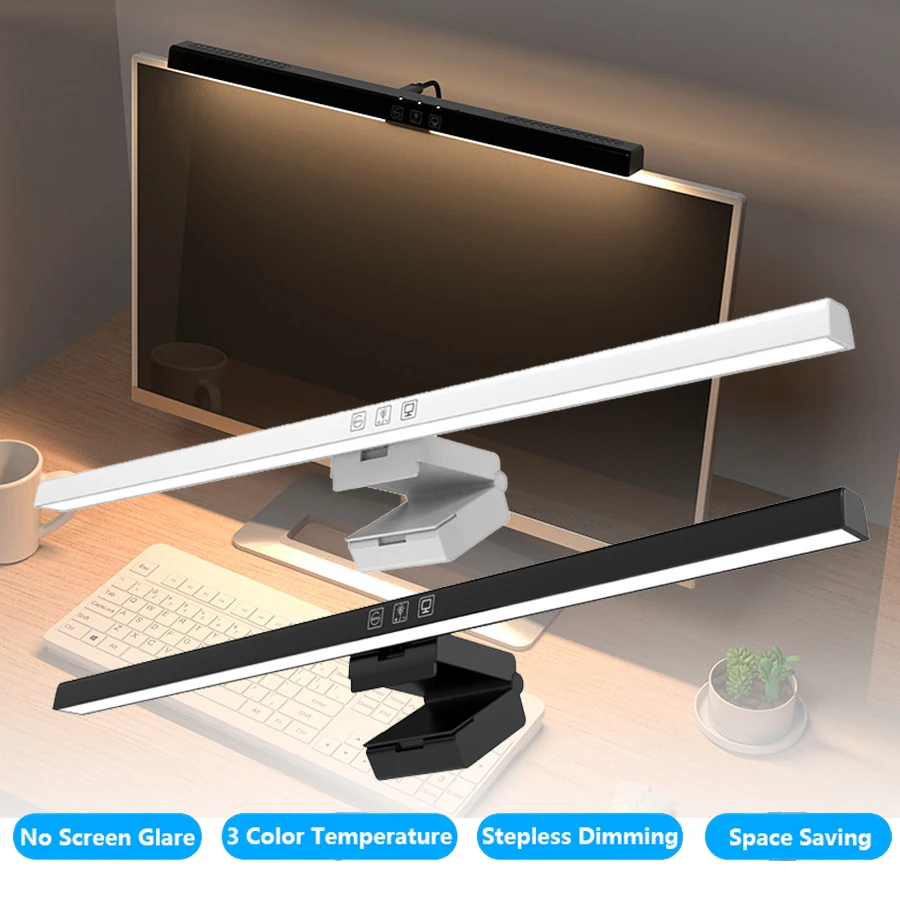
Monitor Light Bar — 50cm LED Screen Hanging Lamp
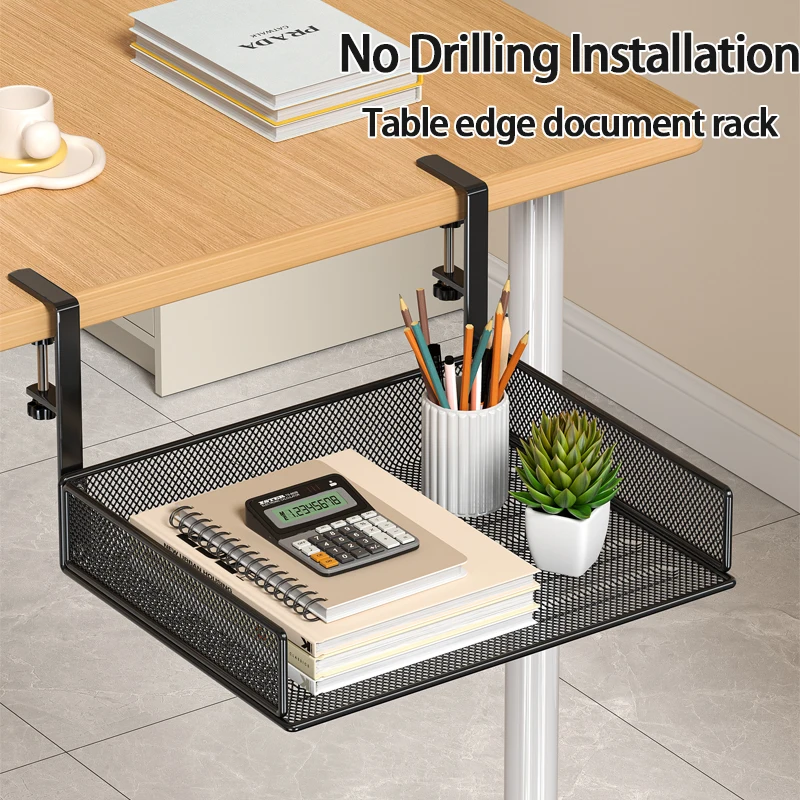
Clamp-On Under-Desk Drawer — Mesh Metal Organizer
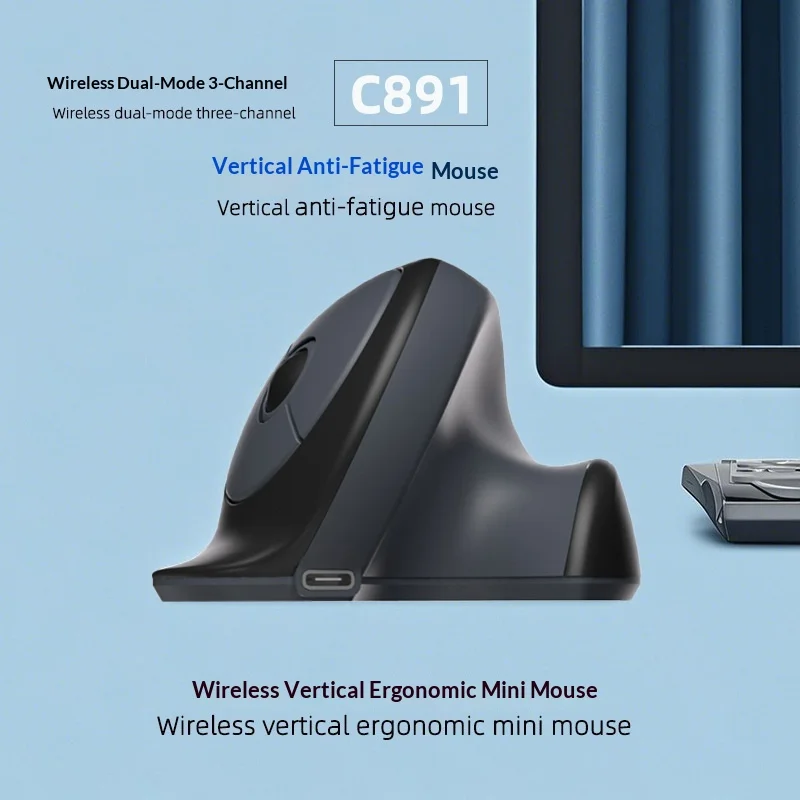
C891 Vertical Ergonomic Wireless Mouse — Dual-Mode Rechargeable
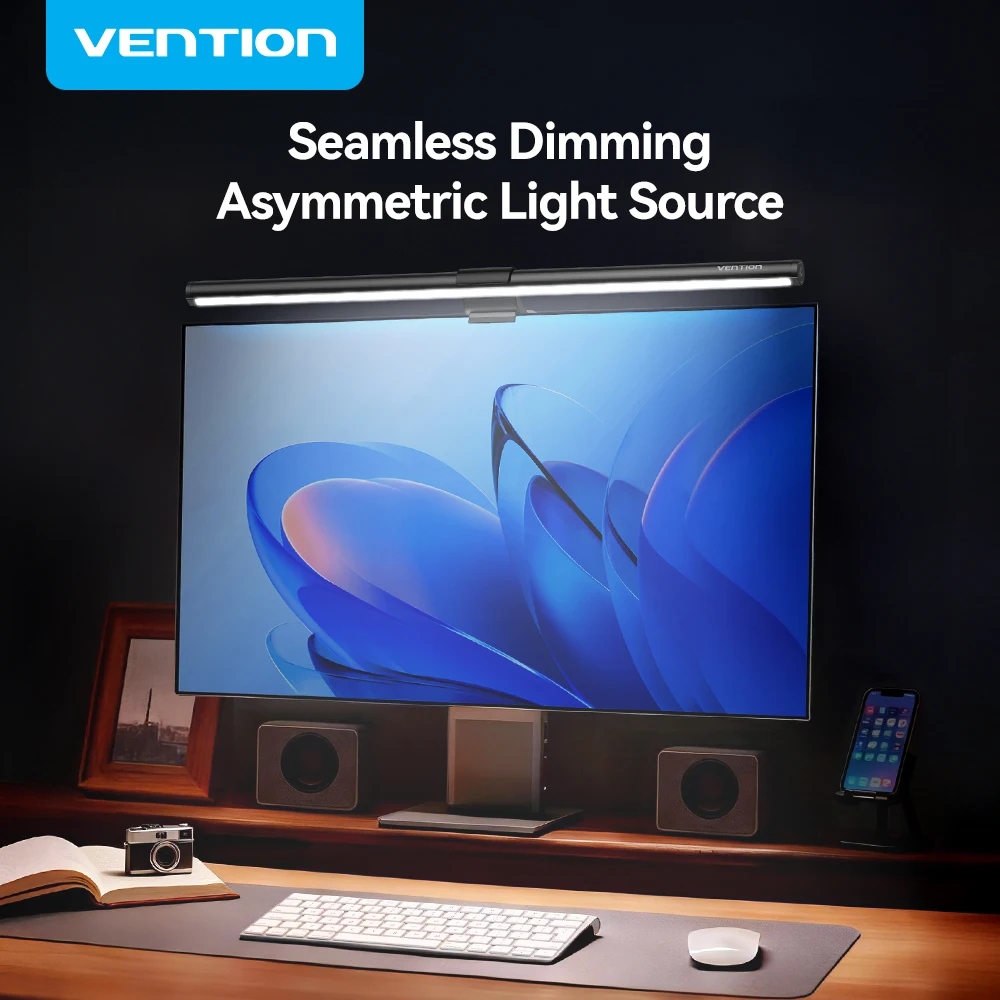
Vention Monitor Light Bar — LED Screen Hanging Lamp
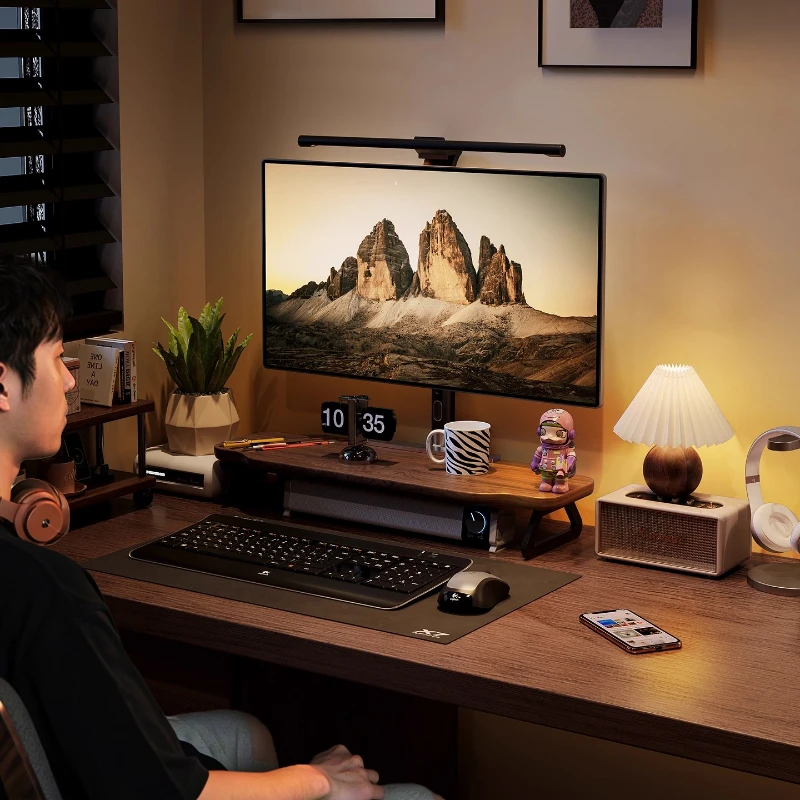
Walnut Wood Monitor Riser — Desk Stand with Keyboard Storage