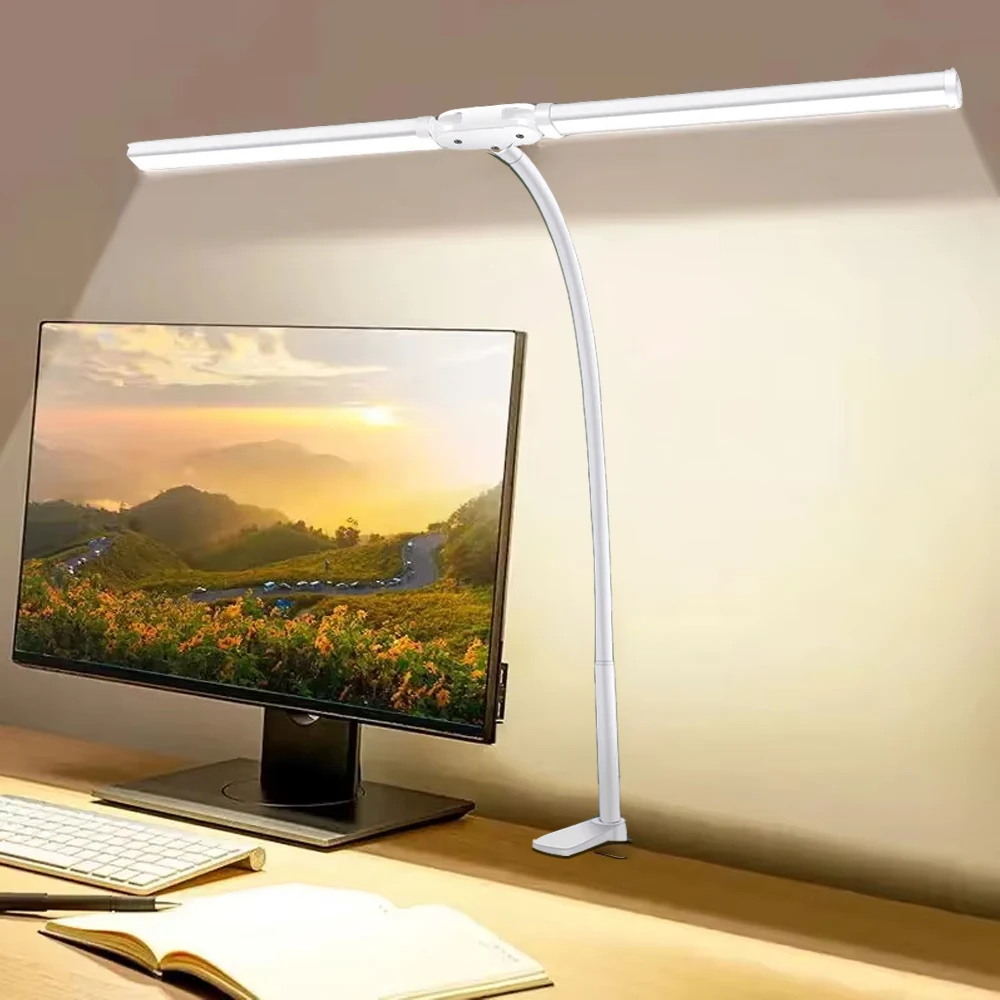
Best Desk Organizers for Home Office: Maximize Workspace Efficiency
A cluttered desk isn't just unsightly—it's a productivity killer that can cost you hours of focus every week. Whether you're juggling video calls, managing paperwork, or switching between multiple devices, the right organizational system can transform your workspace from chaotic to streamlined.
The best desk organizers for home office environments combine functionality with space efficiency, helping you maintain a clean workspace while keeping essential items within easy reach. From multi-compartment desk caddies to under-desk cable management systems, the right organizers can reduce daily stress, improve focus, and create a more professional appearance during video conferences.
Key Takeaways:
- Vertical organizers maximize limited desk space better than horizontal solutions
- Multi-functional organizers (with charging stations or document holders) provide better value
- Cable management systems are essential for modern home offices with multiple devices
- Wooden and bamboo organizers offer durability and professional aesthetics
- Modular systems allow customization as your workspace needs evolve
What Makes a Desk Organizer Ideal for Home Office Use?
The transition to remote work has fundamentally changed what we need from our workspace organization. Unlike traditional office settings, home offices must serve multiple functions while often operating within limited space constraints.
Effective home office organizers share several key characteristics. First, they maximize vertical space rather than consuming valuable desktop real estate. Second, they accommodate the diverse mix of technology and traditional office supplies that modern remote workers use daily. Finally, they maintain a professional appearance that looks appropriate during video calls while remaining functional for everyday use.
Consider your daily workflow when evaluating organizers. Do you frequently switch between digital devices and physical documents? Do you need quick access to charging cables, pens, and notebooks simultaneously? The most effective organizers anticipate these workflow patterns and position items accordingly.
Space Efficiency vs. Functionality Trade-offs
Home offices often operate under space constraints that traditional offices don't face. This creates a constant balance between having enough organizational capacity and maintaining a clean, uncluttered appearance.
Vertical organizers typically offer the best solution to this challenge. By building upward rather than outward, they provide substantial storage capacity while preserving precious desk surface area for active work. Look for organizers that include multiple tiers or compartments stacked vertically.
Essential Types of Home Office Desk Organizers
Modern home offices require a diverse range of organizational solutions to handle everything from traditional office supplies to the complex web of cables and devices that power our digital workdays.
Multi-Compartment Desk Caddies
Desktop organizers with multiple compartments serve as the foundation of most organized workspaces. The most effective designs include varying compartment sizes to accommodate different item types—small sections for paper clips and USB drives, medium spaces for pens and markers, and larger areas for smartphones or small notebooks.
Premium organizers often incorporate additional features like built-in phone stands, document slots, or even wireless charging pads. These multi-functional designs eliminate the need for separate accessories while maintaining a clean aesthetic.
Document and File Management Systems
Paper hasn't disappeared from the modern office—it's simply become more selective. Important contracts, reference materials, and printed documents still require organized storage that allows quick retrieval without disrupting workflow.
Tiered document trays work well for active projects, while vertical file holders efficiently store reference materials. Look for systems that can accommodate both letter-size documents and smaller items like business cards or sticky notes.
Cable and Technology Organization
The proliferation of devices in modern home offices has created a cable management crisis. Between laptops, monitors, webcams, keyboards, and charging stations, the average home office can quickly become a tangle of wires that's both unsightly and functionally problematic.
Effective cable management requires both surface-level organization and under-desk solutions. Under-desk cable management trays hide the bulk of power cables and adapters, while desktop organizers with integrated cable routing keep frequently used charging cables accessible but tidy.
For setups with multiple devices, consider organizers that include dedicated spaces for USB hubs and docking stations. These central connection points reduce cable clutter while providing easy access to ports for temporary device connections.
Choosing Organizers Based on Your Work Style
Your organizational needs depend heavily on the type of work you do and how you prefer to structure your day. A graphic designer's requirements differ significantly from those of a financial analyst or project manager.
For Creative Professionals
Creative work often involves switching between digital and analog tools throughout the day. Organizers for creative professionals should accommodate art supplies, reference materials, and technology simultaneously.
Look for systems with easily accessible compartments for frequently used items like styluses, color swatches, or sketch pads. Many creative professionals benefit from organizers that can be easily reconfigured as projects change.
For Technology-Heavy Workflows
Remote workers who rely heavily on technology need organizers that can handle multiple devices, cables, and accessories without creating a cluttered appearance during video calls.
These setups often benefit from monitor stands with built-in storage, which elevate screens to ergonomic heights while providing organizational space underneath. Monitor stands with integrated storage compartments serve this dual purpose effectively while maintaining a professional appearance.
For Document-Heavy Professions
Legal professionals, accountants, and others who work extensively with physical documents need robust filing systems that integrate seamlessly with their digital workflows.
Multi-tier document organizers work well for active projects, while vertical filing systems handle reference materials. The key is creating clear visual separation between different document types and project stages.
Material Considerations and Durability Factors
The materials used in desk organizers significantly impact both their longevity and their integration with your overall workspace aesthetic.
Wood and Bamboo Options
Natural materials like wood and bamboo offer excellent durability while providing a warm, professional appearance that works well in home environments. These materials age gracefully and can withstand daily use without showing wear as quickly as plastic alternatives.
Bamboo, in particular, offers excellent sustainability credentials while providing natural antimicrobial properties. Many professionals prefer these materials because they create a more sophisticated appearance during video calls.
Metal and Composite Materials
Metal organizers, particularly those made from aluminum or steel, offer excellent durability and a modern aesthetic. They're particularly well-suited to technology-heavy workspaces where a more industrial appearance complements the electronic equipment.
Composite materials can offer the best of both worlds, combining the appearance of natural materials with enhanced durability and moisture resistance.
Integration with Modern Home Office Technology
Today's home offices are increasingly technology-dependent, requiring organizational solutions that accommodate not just traditional office supplies but also the complex array of devices that power modern remote work.
The most effective organizers anticipate these technology needs. They include features like integrated charging stations, cable routing channels, and dedicated spaces for devices that need to remain accessible throughout the day.
Consider how your organizers will work with essential technology like professional webcams for video conferencing and adjustable desk lighting. The best organizational systems complement these tools rather than competing with them for space.
Future-Proofing Your Organization System
Technology evolves rapidly, and organizational systems that work well today may become inadequate as new devices and workflows emerge. Modular organizers that can be reconfigured or expanded offer better long-term value than fixed systems.
Look for organizers with removable dividers, expandable compartments, or modular components that can be rearranged as needs change. This flexibility ensures your organizational investment remains valuable as your work requirements evolve.
Maximizing Small Space Home Office Organization
Many home offices operate within significant space constraints, requiring creative solutions that maximize functionality without overwhelming the available area.
Vertical organization becomes crucial in small spaces. Wall-mounted organizers, tall desktop caddies, and multi-tier systems help utilize available height while preserving valuable surface area for active work.
Consider organizers that serve multiple functions. A monitor stand that includes storage compartments, for example, addresses ergonomic needs while providing organizational capacity. Similarly, desk lamps with integrated organizers or charging stations maximize the utility of each item in your workspace.
Creating Visual Calm in Compact Spaces
Small spaces can quickly feel chaotic if organizational systems aren't carefully chosen. The key is creating visual coherence through consistent materials, colors, and organizational principles.
Choose organizers that complement each other aesthetically rather than mixing multiple styles or materials. This creates a cohesive appearance that makes the space feel larger and more intentional.
Maintenance and Long-Term Organization Strategies
The most beautifully organized desk becomes cluttered again without proper maintenance systems. Effective organization requires not just the right tools but also sustainable habits that maintain order over time.
Establish daily and weekly maintenance routines that prevent clutter from accumulating. This might include a five-minute end-of-day reset or a weekly deep organization session where items are returned to their designated locations.
Choose organizers that make maintenance easy. Systems with clearly defined spaces for specific items reduce the mental energy required to maintain organization. When every item has an obvious home, maintaining order becomes automatic rather than burdensome.
Adapting Organization Systems Over Time
Your organizational needs will evolve as your work changes, your technology upgrades, and your workflow preferences develop. The most successful organizational systems anticipate this evolution and remain adaptable.
Regularly evaluate your organizational systems to identify pain points or inefficiencies. Items that consistently end up in the wrong place may need dedicated storage solutions, while organizers that remain empty might be repurposed for more pressing needs.
Remember that organization is a tool to support your work, not an end in itself. The best organizational system is one that reduces friction in your daily workflow while maintaining the professional appearance your work requires.
Ready to transform your workspace with professional-grade organizational solutions? Explore our complete collection of premium desk organizers and home office essentials designed specifically for the modern remote worker. From cable management systems to multi-functional desk caddies, find everything you need to create a workspace that supports your productivity and reflects your professional standards.
Shop products from this guide
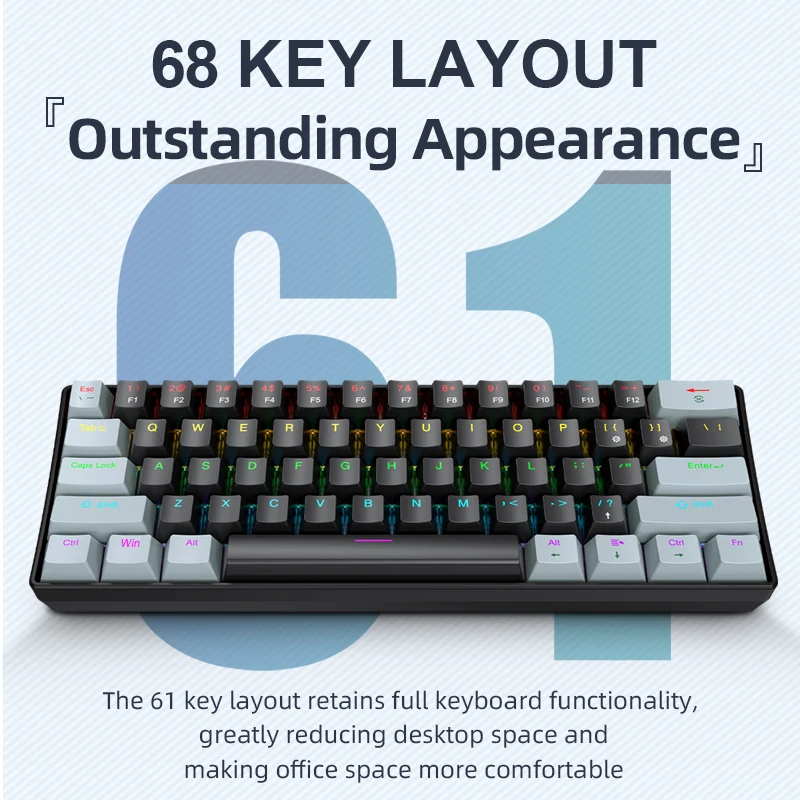
APAYADO K61 Mini RGB Mechanical Keyboard - 61 Key Compact
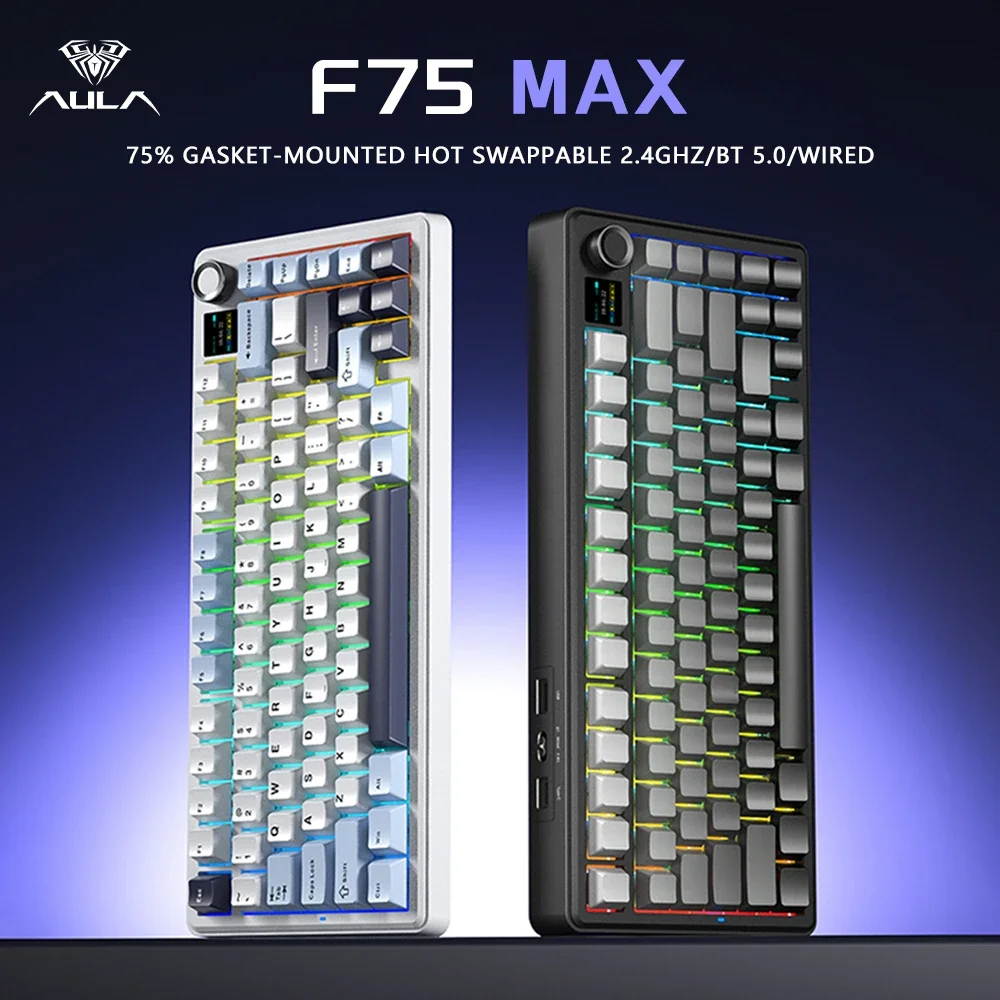
AULA F75 MAX 75% Wireless Mechanical Keyboard - Premium
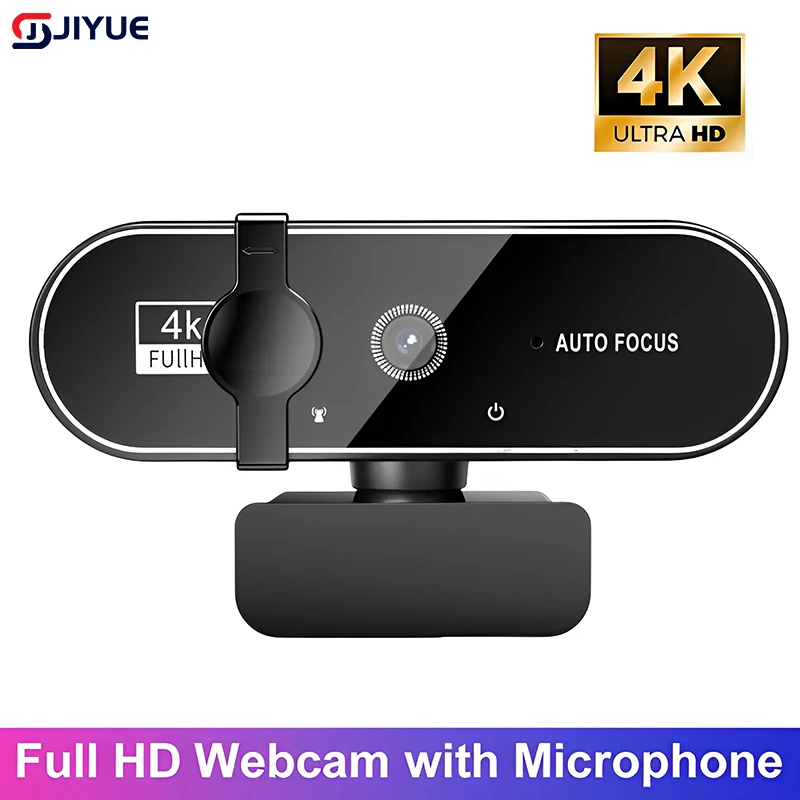
4K Webcam with Autofocus - Professional Streaming Camera
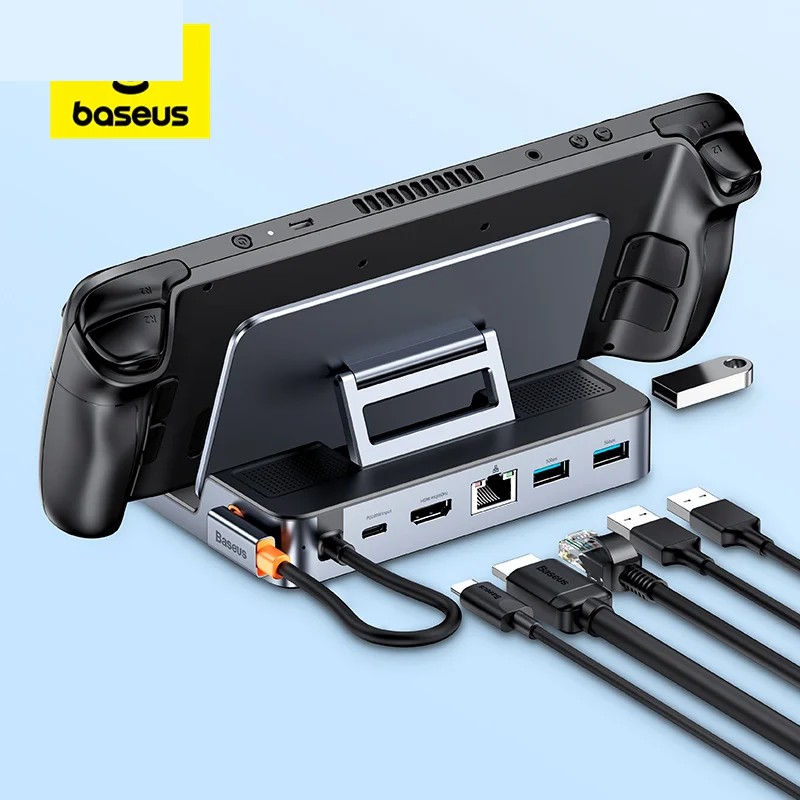
Baseus 6-in-1 USB-C Hub - 4K HDMI Docking Station 100W
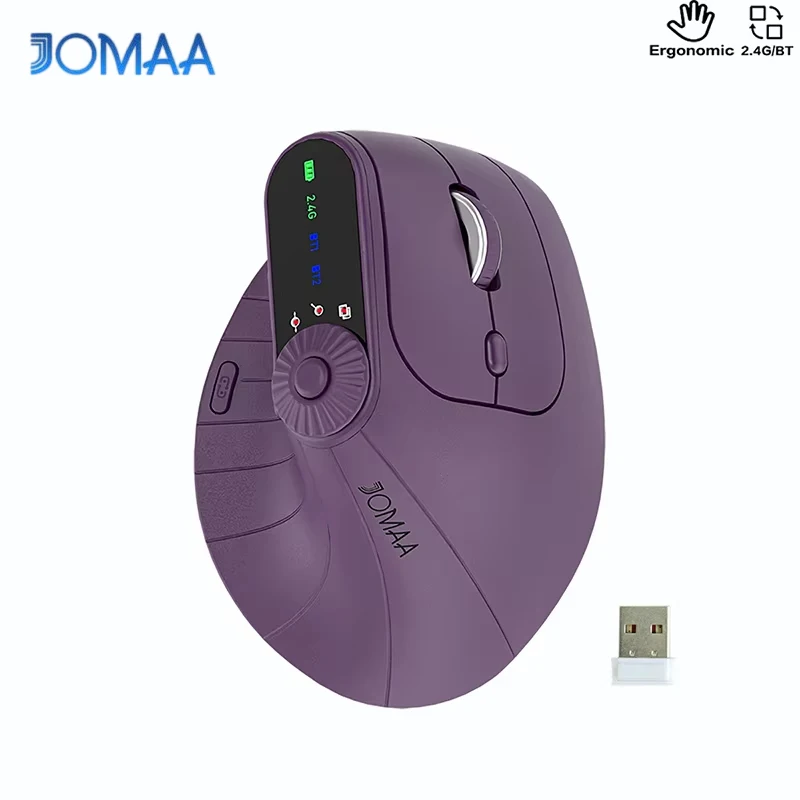
DeskCraft Ergonomic Wireless Mouse - Dual Mode 2.4G + BT