Best Gaming Desk Setup Ideas: 12 Pro Workspace Essentials
Creating the perfect gaming workspace isn't just about having the latest graphics card or fastest processor. The best gaming desk setup ideas combine ergonomic design, smart organization, and performance-enhancing accessories to create an environment where you can game for hours without fatigue or distraction.
A well-designed gaming desk setup transforms your gaming experience by reducing physical strain, eliminating clutter, and optimizing your equipment for peak performance. Whether you're a competitive esports player or casual gamer, these proven workspace strategies will help you build a setup that enhances both comfort and gameplay.
Key Takeaways:
- Prioritize ergonomics with proper monitor height and lighting to prevent eye strain
- Invest in cable management solutions to maintain a clean, professional appearance
- Choose mechanical keyboards and precision mice for competitive advantage
- Optimize lighting and streaming equipment for content creation opportunities
- Focus on modular accessories that can grow with your gaming needs
What Makes a Gaming Desk Setup Truly Exceptional?
Before diving into specific recommendations, it's essential to understand what separates amateur setups from professional-grade gaming workspaces. The best gaming desk setups share several key characteristics that enhance both performance and comfort.
Ergonomic Foundation: Your setup should promote healthy posture during extended gaming sessions. This means proper monitor placement at eye level, adequate legroom, and accessories positioned to minimize repetitive strain.
Cable Management: Professional setups maintain clean aesthetics through strategic cable routing. Hidden cables not only look better but also prevent accidental disconnections during intense gaming moments.
Scalability: Great gaming setups can evolve with your needs. Whether you're adding a second monitor, upgrading peripherals, or incorporating streaming equipment, your desk layout should accommodate growth.
Performance Optimization: Every component should serve a purpose in enhancing your gaming experience, from reducing input lag to improving audio quality or visual clarity.
Essential Gaming Workspace Components Ranked
1. Ergonomic Monitor Stand with Storage
The foundation of any professional gaming setup starts with proper monitor positioning. An adjustable monitor stand with built-in storage elevates your display to the optimal viewing angle while creating valuable desk space underneath for peripherals or accessories. This prevents neck strain during marathon gaming sessions and gives your setup a clean, organized appearance that rivals professional esports arenas.
2. Professional Mechanical Gaming Keyboard
Mechanical keyboards provide the tactile feedback and responsiveness that separate casual gamers from competitors. The AULA F75 Max wireless mechanical keyboard offers the perfect balance of performance and aesthetics, with customizable RGB lighting and wireless freedom that eliminates cable clutter. For compact setups, a 60% layout like the Apayado K61 Mini RGB mechanical keyboard maximizes desk space while maintaining essential gaming functionality.
3. Precision Gaming Mouse with Ergonomic Design
Your mouse is the primary interface between intention and action in gaming. An ergonomic wireless mouse with dual-mode connectivity provides the precision needed for competitive gaming while offering the flexibility to switch between gaming and productivity modes. The wireless design eliminates cable drag that can affect mouse movement during critical gaming moments.
4. Professional Streaming Webcam
Even if you're not currently streaming, having a professional-quality webcam opens doors for content creation and communication. A 4K webcam with autofocus capabilities ensures you're ready for streaming opportunities, video calls with teammates, or creating gaming content. The investment in quality video equipment often pays for itself as gaming and content creation increasingly overlap.
5. Comprehensive Cable Management System
Nothing destroys the aesthetic of a gaming setup like tangled cables. A telescopic under-desk cable management tray creates a hidden pathway for all your cables, maintaining the clean look that characterizes professional gaming setups. This system also makes it easier to add or remove equipment without disrupting your entire cable routing.
6. Adjustable LED Desk Lamp
Proper lighting reduces eye strain and creates the perfect ambiance for gaming. A dual-head dimmable LED architect desk lamp provides focused task lighting that can be adjusted based on the time of day or gaming environment. The dual-head design allows you to illuminate both your keyboard area and any secondary work surfaces.
7. Multi-Port USB-C Hub for Connectivity
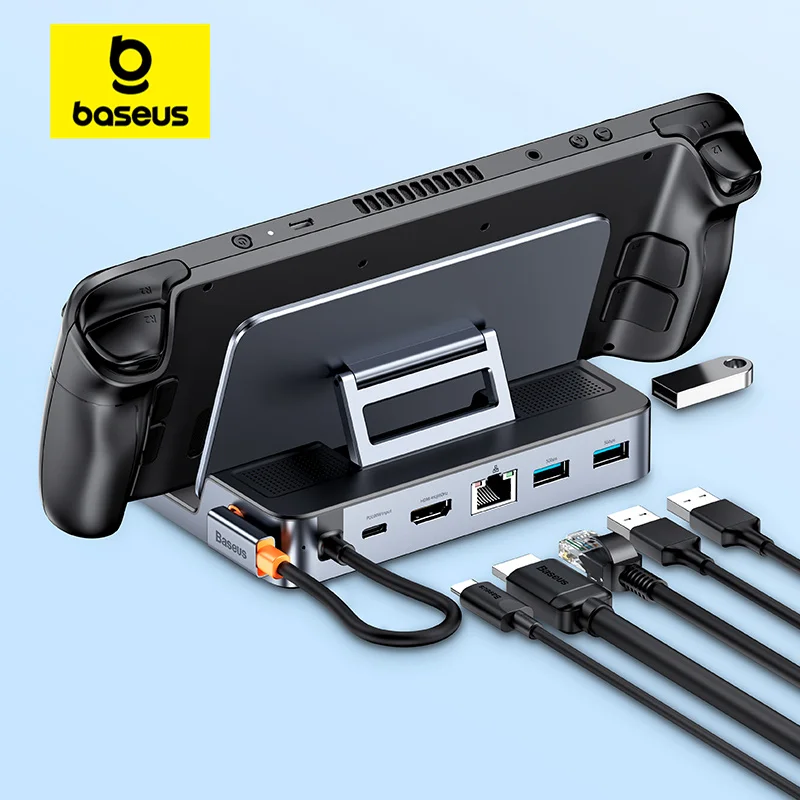
Modern gaming setups require extensive connectivity options for multiple peripherals, external drives, and charging cables. A 6-in-1 USB-C hub with 4K HDMI support centralizes your connections while supporting high-resolution displays and fast data transfer rates. This eliminates the need to constantly plug and unplug devices from your computer's limited ports.
8. Dedicated Headphone Stand with USB Hub
A quality gaming headset deserves proper storage that keeps it easily accessible while maintaining its shape and cleanliness. Look for headphone stands that incorporate additional USB ports or wireless charging capabilities to maximize functionality in minimal desk space.
9. RGB Lighting System for Ambiance
Strategic ambient lighting enhances the gaming atmosphere while reducing eye strain from screen contrast. LED strip lights behind monitors or under desk edges create a professional gaming environment that's both functional and visually appealing. Choose systems with customizable colors and brightness levels to match different gaming moods or times of day.
10. Ergonomic Desk Pad or Mouse Pad
A large, high-quality desk pad unifies your setup's appearance while providing a consistent surface for mouse movement. Extended mouse pads that cover the entire keyboard and mouse area create a cohesive workspace and protect your desk surface from wear and spills.
11. Monitor Light Bar for Eye Comfort
Monitor-mounted light bars provide screen-bias lighting that reduces eye strain during extended gaming sessions. Unlike traditional desk lamps, these lights don't create screen glare while providing adequate illumination for your keyboard and peripheral areas.
12. Modular Storage Solutions
Desktop organizers and modular storage keep gaming accessories, cables, and personal items organized without cluttering your primary gaming surface. Look for solutions that can be reconfigured as your setup evolves and equipment needs change.
Optimizing Your Gaming Setup Layout
The arrangement of your gaming components is just as important as the components themselves. Professional gamers follow specific layout principles that maximize both performance and comfort during extended gaming sessions.
Primary Monitor Positioning: Your main gaming monitor should be positioned directly in front of you, with the top of the screen at or slightly below eye level. This prevents neck strain and ensures optimal viewing angles for competitive gaming.
Peripheral Placement: Your keyboard and mouse should be positioned at the same height, allowing your arms to rest comfortably at your sides with elbows at approximately 90 degrees. This ergonomic positioning prevents repetitive strain injuries during long gaming sessions.
Secondary Equipment Integration: Streaming equipment, secondary monitors, and other accessories should be positioned to complement your primary gaming setup without interfering with your main gaming activities.
Cable Management Strategies for Professional Appearance
Effective cable management transforms amateur setups into professional-looking gaming workspaces. The key is creating pathways that hide cables while maintaining easy access for maintenance and upgrades.
Start by routing power cables separately from data cables to prevent interference. Use under-desk trays and adhesive cable guides to create clean pathways from your computer to your peripherals. Consider investing in custom-length cables to eliminate excess cable bulk that can create visual clutter.
Label your cables at both ends to make troubleshooting and upgrades easier. This professional approach saves time and prevents confusion when adding new equipment to your setup.
Lighting and Ambiance for Gaming Performance
Proper lighting setup goes beyond aesthetics – it directly impacts gaming performance by reducing eye strain and maintaining focus during extended sessions. The best gaming desk setup ideas incorporate multiple lighting sources that can be adjusted based on different gaming scenarios.
Ambient lighting behind monitors reduces the contrast between bright screens and dark rooms, preventing eye fatigue. Task lighting illuminates your keyboard and mouse area without creating screen glare. Accent lighting adds personality to your setup while maintaining the professional appearance that characterizes serious gaming workspaces.
Consider lights with adjustable color temperature – cooler temperatures for competitive gaming sessions and warmer tones for casual gaming or streaming activities.
Upgrade Your Gaming Workspace Today
Building the perfect gaming setup is an iterative process that evolves with your gaming needs and preferences. Start with the essential components that will have the biggest impact on your gaming comfort and performance, then gradually add accessories that enhance your specific gaming style.
Ready to transform your gaming workspace? Explore our complete collection of premium desk gear and gaming essentials to find the perfect components for your ideal gaming setup. From ergonomic accessories to professional cable management solutions, we have everything you need to create a gaming workspace that rivals professional esports facilities.
Shop products from this guide
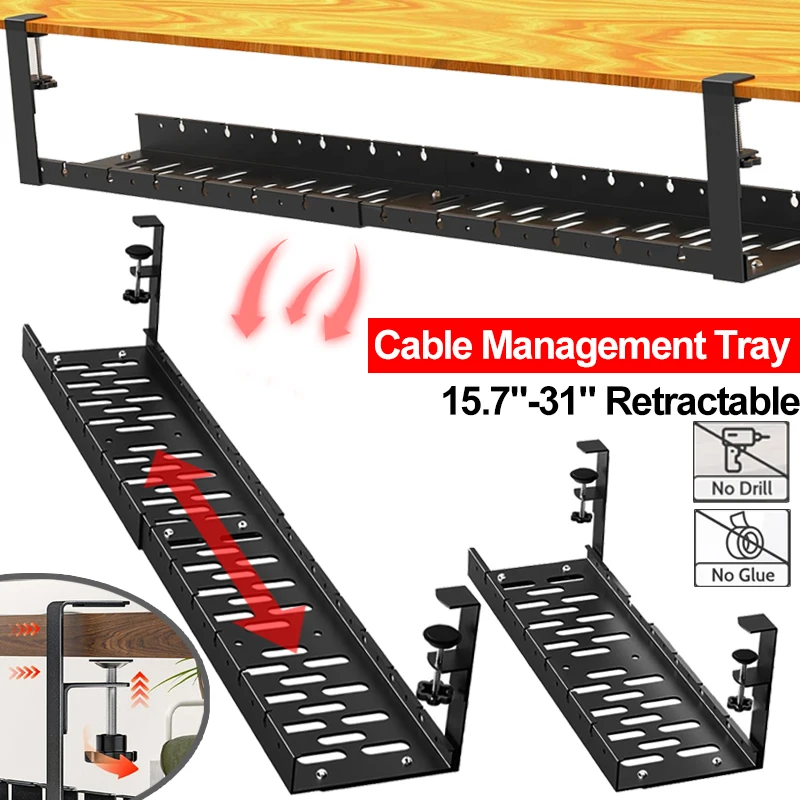
Premium Under-Desk Cable Tray | Retractable 15-31"
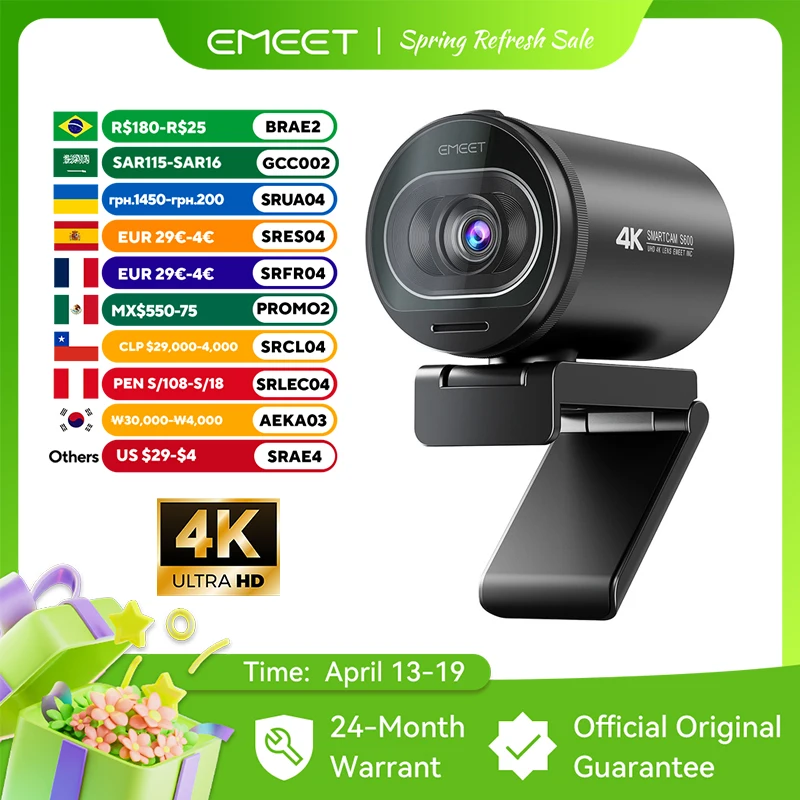
EMEET S6 4K Webcam - 1080P 60FPS Pro Streaming Camera
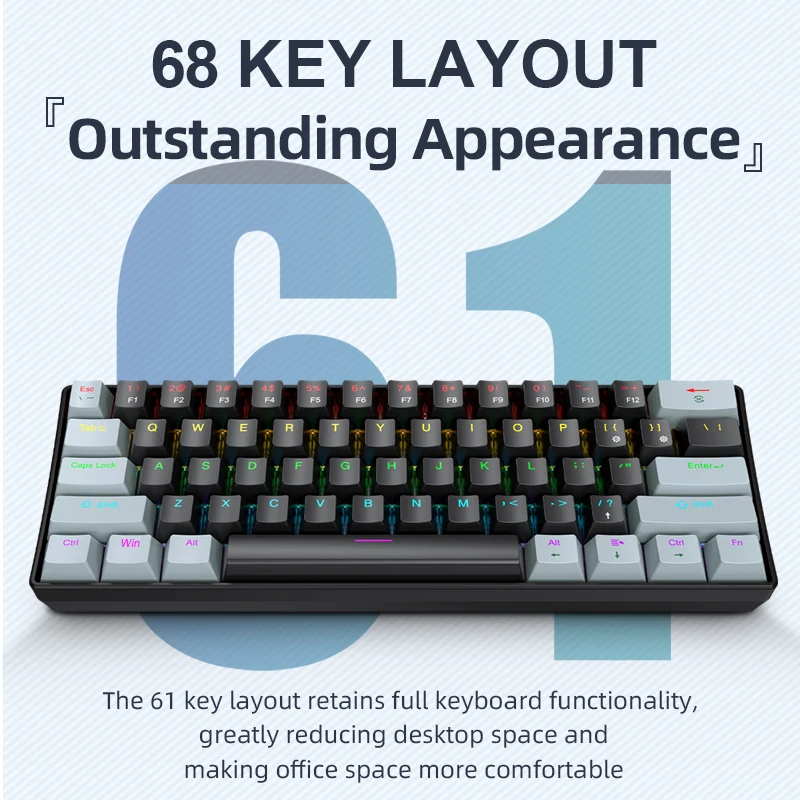
APAYADO K61 Mini RGB Mechanical Keyboard - 61 Key Compact
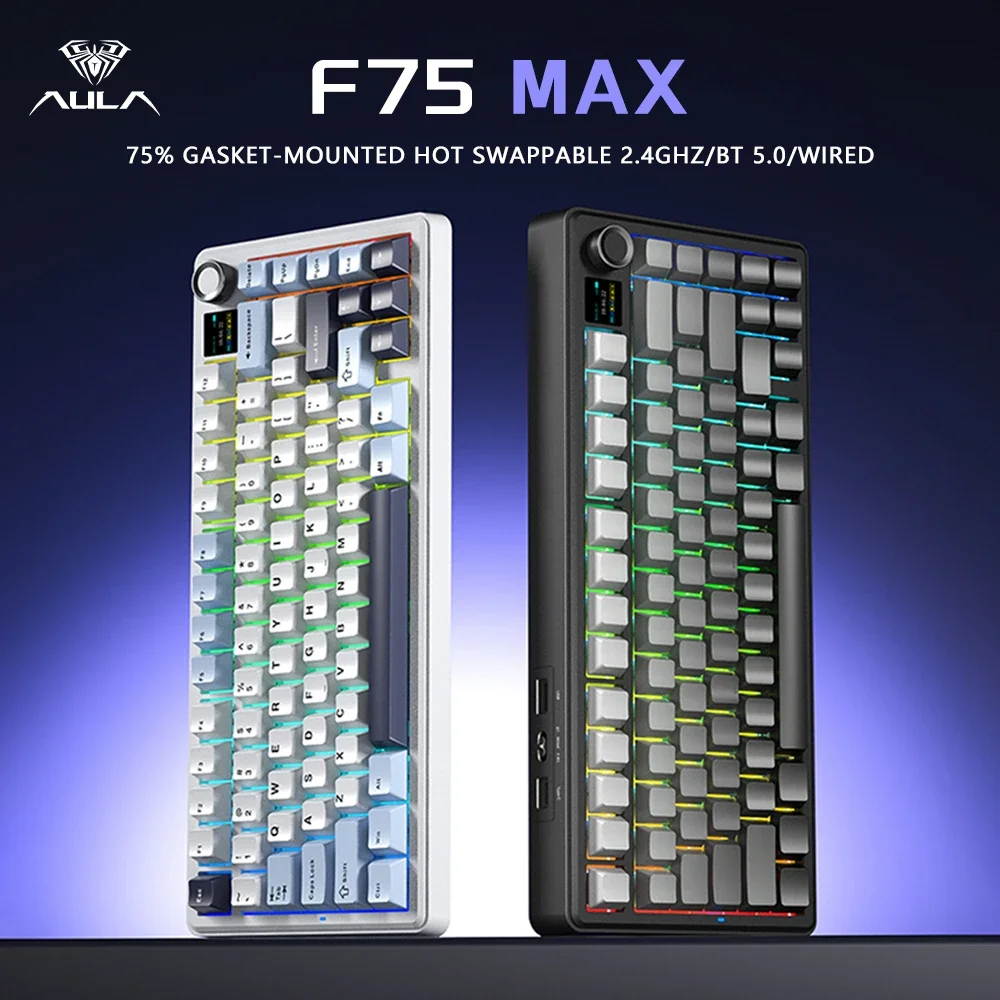
AULA F75 MAX 75% Wireless Mechanical Keyboard - Premium
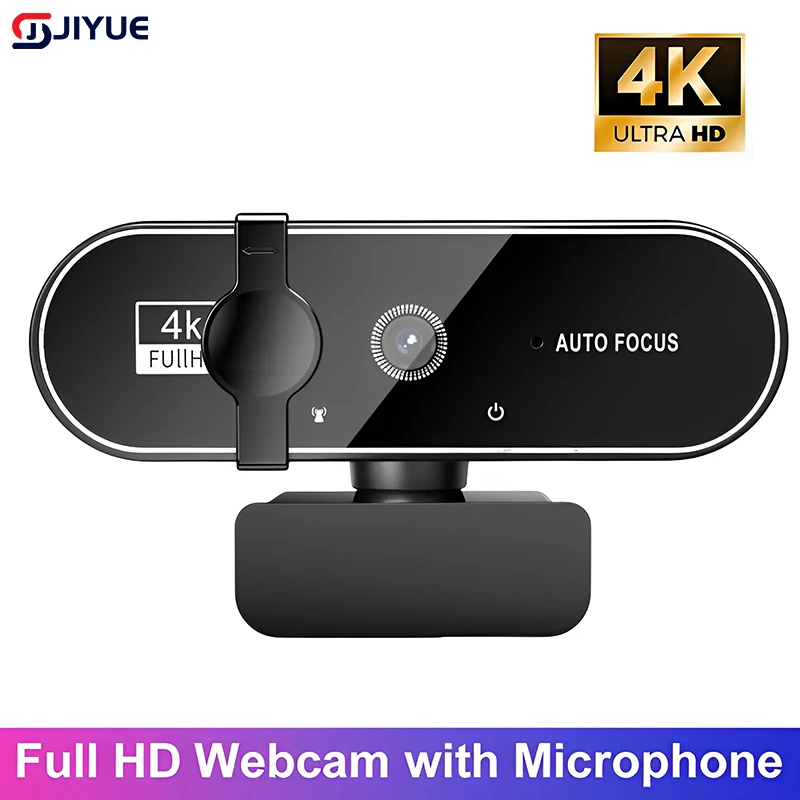
4K Webcam with Autofocus - Professional Streaming Camera