Best Wireless Charging Station Multiple Devices: Complete 2024 Guide
Managing multiple devices in today's digital workspace can be overwhelming, especially when each device needs its own charging cable. Whether you're juggling a smartphone, smartwatch, wireless earbuds, and tablet throughout your workday, the constant cable clutter can turn even the most organized desk into chaos.
The best wireless charging station for multiple devices combines convenience, efficiency, and organization into a single solution. Top-rated multi-device wireless chargers in 2024 feature 15W fast charging, compatibility with iPhone, Samsung, and AirPods, plus space-saving designs that accommodate 3-4 devices simultaneously. Look for stations with adjustable coils, foreign object detection, and temperature control for optimal safety and performance.
Key Takeaways:
- Multi-device wireless chargers eliminate cable clutter and streamline your workspace
- Look for 15W fast charging capability and Qi certification for device compatibility
- Consider your specific device ecosystem (iPhone + Apple Watch vs. mixed Android/iOS)
- Safety features like temperature control and foreign object detection are essential
- Desk organization improves significantly with a quality wireless charging hub
What Makes the Best Wireless Charging Station for Multiple Devices?
A superior multi-device wireless charging station goes beyond simply powering your gadgets. The best options combine fast charging speeds, universal compatibility, and intelligent design to create a seamless charging experience.
Essential Features to Consider:
- Charging Speed: Look for stations supporting 15W for phones, 5W for earbuds, and dedicated Apple Watch charging
- Device Compatibility: Qi-certified stations work with iPhone 8+, Samsung Galaxy S6+, Google Pixel 3+, and most wireless earbuds
- Coil Design: Multiple charging coils or adjustable positioning accommodate different device sizes
- Safety Certifications: FCC, CE, and RoHS certifications ensure safe operation
- Build Quality: Premium materials like aluminum or high-grade plastic resist heat and wear
The charging station becomes the central hub of your workspace, much like how a well-organized monitor stand with built-in organizer serves as the foundation for an efficient desktop setup.
Top Wireless Charging Stations for Different Device Ecosystems
For Apple Users:
Apple ecosystem users benefit most from 3-in-1 stations designed specifically for iPhone, Apple Watch, and AirPods. These stations typically feature a MagSafe-compatible charging pad, a magnetic Apple Watch charger, and a dedicated spot for AirPods cases.
Key advantages include optimized charging speeds for each device type and seamless integration with iOS charging animations and battery notifications.
For Android and Mixed Ecosystems:
Universal charging stations offer greater flexibility for households or offices with diverse device brands. These typically feature flat charging pads with multiple coils, allowing you to place devices anywhere on the surface.
Look for stations with LED indicators showing charging status for each device, especially helpful when managing different brands with varying charging requirements.
For Power Users:
Heavy device users need stations supporting 4+ devices simultaneously. These larger stations often include USB-A or USB-C ports alongside wireless charging pads, accommodating devices that don't support wireless charging.
Wireless Charging Speed and Efficiency Comparison
Understanding charging speeds helps you choose a station that matches your daily routine and device requirements.
Standard Charging Speeds by Device Type:
- Smartphones: 5W (standard), 7.5W (iPhone optimized), 10W (Samsung fast), 15W (maximum Qi standard)
- Earbuds: 2.5W-5W (AirPods, Galaxy Buds, etc.)
- Smartwatches: 2.5W (Apple Watch), varies by brand
- Tablets: 15W (iPad Pro with MagSafe), limited wireless options
Real-world charging times vary based on device battery capacity, ambient temperature, and case thickness. Most quality stations include temperature monitoring to prevent overheating and maintain optimal charging speeds.
Just as investing in quality peripherals like a professional wireless mouse improves your daily workflow, a premium charging station enhances your device management routine.
Multi-Device Charging Station Setup and Placement Tips
Proper placement and setup maximize your charging station's effectiveness and integrate seamlessly with your workspace organization.
Optimal Placement Strategies:
- Desk Positioning: Place the station within arm's reach but away from high-activity areas to prevent accidental device displacement
- Cable Management: Route the power cable through desk grommets or use cable management solutions to maintain a clean appearance
- Ventilation: Ensure adequate airflow around the station, especially for fast-charging models that generate more heat
- Lighting Considerations: Position away from direct sunlight and consider LED indicator visibility in your typical lighting conditions
For comprehensive desk organization, pair your charging station with solutions like a telescopic cable management tray to keep power cables organized and easily accessible.
Device Arrangement Best Practices:
- Place frequently used devices in the most accessible charging spots
- Keep smartwatches elevated for easy time checking while charging
- Position phones vertically when possible for notification visibility
- Reserve dedicated spots for earbuds cases to prevent misplacement
Safety Features and Considerations for Multi-Device Charging
Safety should be your top priority when selecting a wireless charging station, especially for overnight charging or unattended operation.
Critical Safety Features:
- Foreign Object Detection (FOD): Automatically stops charging when metal objects are detected
- Temperature Control: Monitors heat levels and adjusts charging speed to prevent overheating
- Overcurrent Protection: Prevents electrical damage from power surges
- Short Circuit Protection: Automatically shuts down if internal faults are detected
- Case Compatibility: Works through cases up to 5mm thick without compromising safety
Quality charging stations include multiple safety certifications and often feature automatic shutdown capabilities if any safety threshold is exceeded.
Maintenance and Longevity Tips:
- Clean charging surfaces weekly with a dry microfiber cloth
- Avoid placing the station near heat sources or in direct sunlight
- Check cable connections periodically for wear or damage
- Update device software to ensure optimal charging compatibility
Budget Considerations and Value Analysis
Wireless charging stations range from $30 for basic dual-device models to $150+ for premium multi-device hubs with advanced features.
Budget Categories:
- Entry Level ($30-60): Basic 2-3 device charging with standard speeds
- Mid-Range ($60-100): Fast charging, better build quality, additional safety features
- Premium ($100+): Advanced materials, maximum charging speeds, comprehensive safety systems
Consider the total cost of ownership, including energy efficiency and device longevity. A quality station that properly manages charging cycles can extend your devices' battery life, potentially saving hundreds in premature replacements.
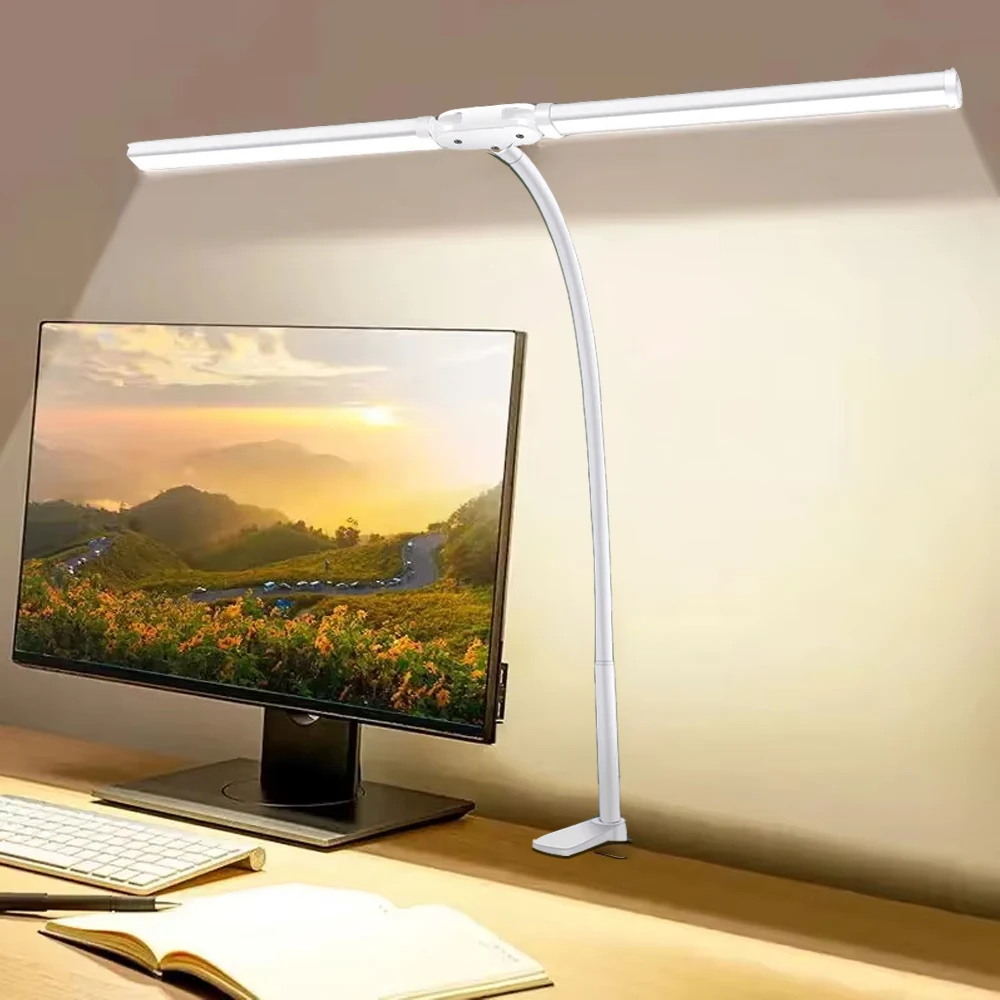
The investment in a quality charging station parallels other workspace upgrades—much like how proper lighting from a professional LED desk lamp improves productivity and reduces eye strain, a premium charging solution enhances your daily device management routine.
Future-Proofing Your Wireless Charging Setup
Technology evolves rapidly, and your charging station should accommodate future device upgrades and new charging standards.
Emerging Technologies to Consider:
- Reverse Wireless Charging: Some phones can charge other devices wirelessly
- Higher Wattage Standards: Future Qi standards may support 30W+ charging
- Magnetic Alignment: MagSafe-style magnetic positioning becoming more common
- Smart Integration: Charging stations with app control and scheduling features
Choose stations from reputable manufacturers who regularly update firmware and support new device compatibility through software updates.
Ready to Upgrade Your Workspace Charging Solution?
The best wireless charging station for multiple devices transforms your desk from a tangle of cables into an organized, efficient workspace. Whether you're managing an all-Apple ecosystem or juggling devices from multiple manufacturers, the right charging station streamlines your daily routine while protecting your valuable electronics.
Remember that a charging station is just one component of a well-organized workspace. Consider how it integrates with your other desk accessories and workflow requirements.
Ready to eliminate cable clutter and streamline your device charging? Explore our complete collection of premium desk accessories and workspace solutions designed to enhance your productivity and organization. From charging stations to cable management systems, we have everything you need to create your ideal workspace.
Shop products from this guide
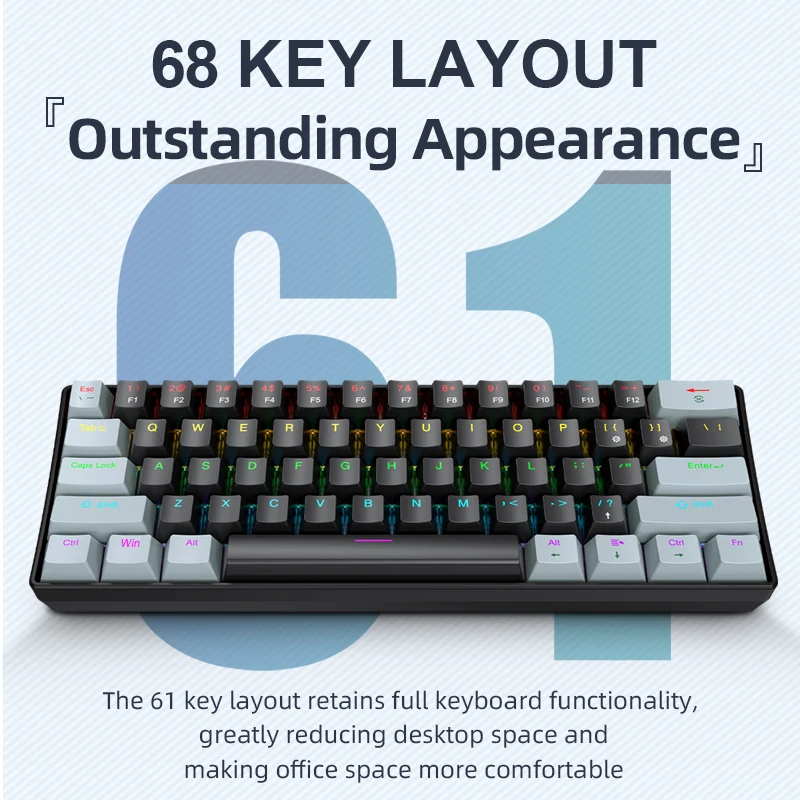
APAYADO K61 Mini RGB Mechanical Keyboard - 61 Key Compact
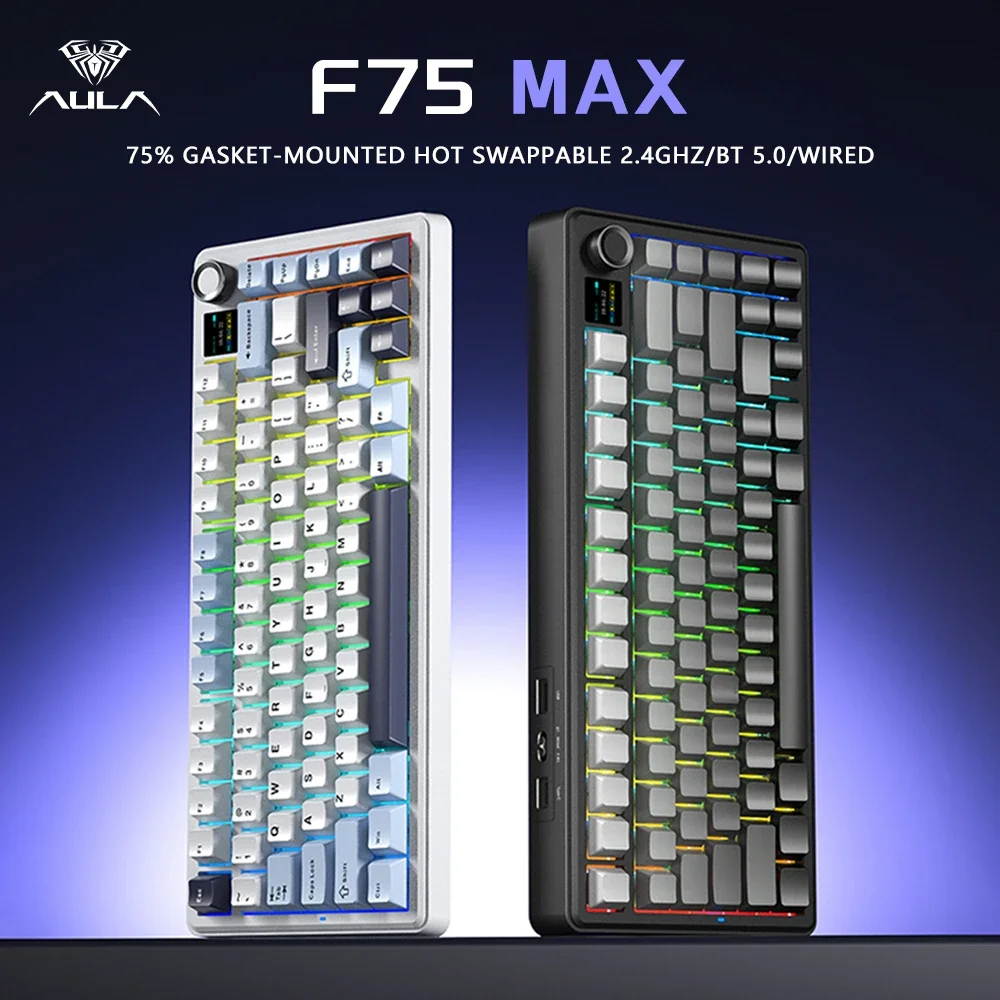
AULA F75 MAX 75% Wireless Mechanical Keyboard - Premium
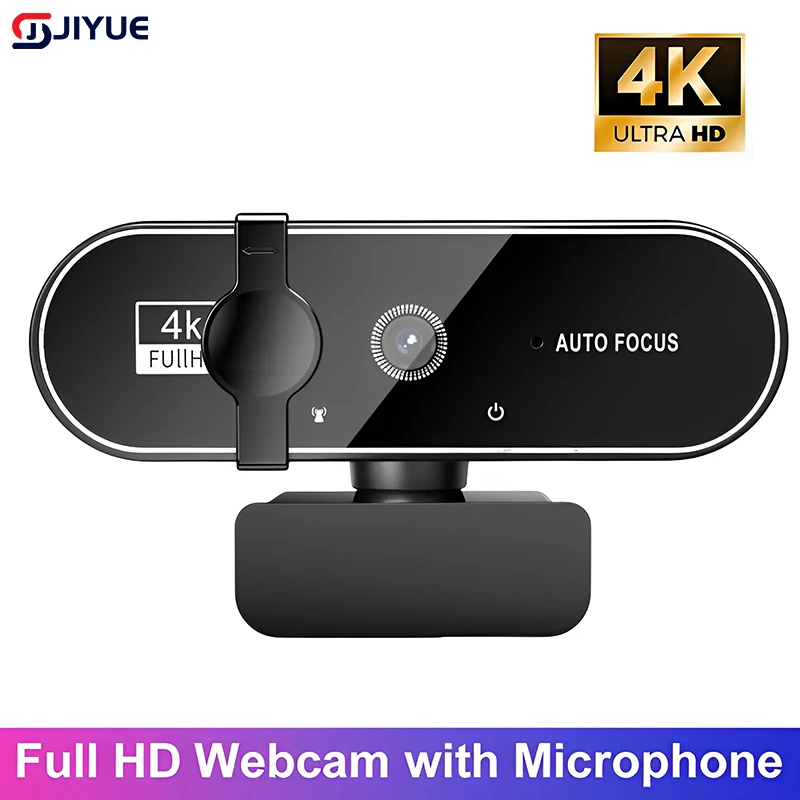
4K Webcam with Autofocus - Professional Streaming Camera
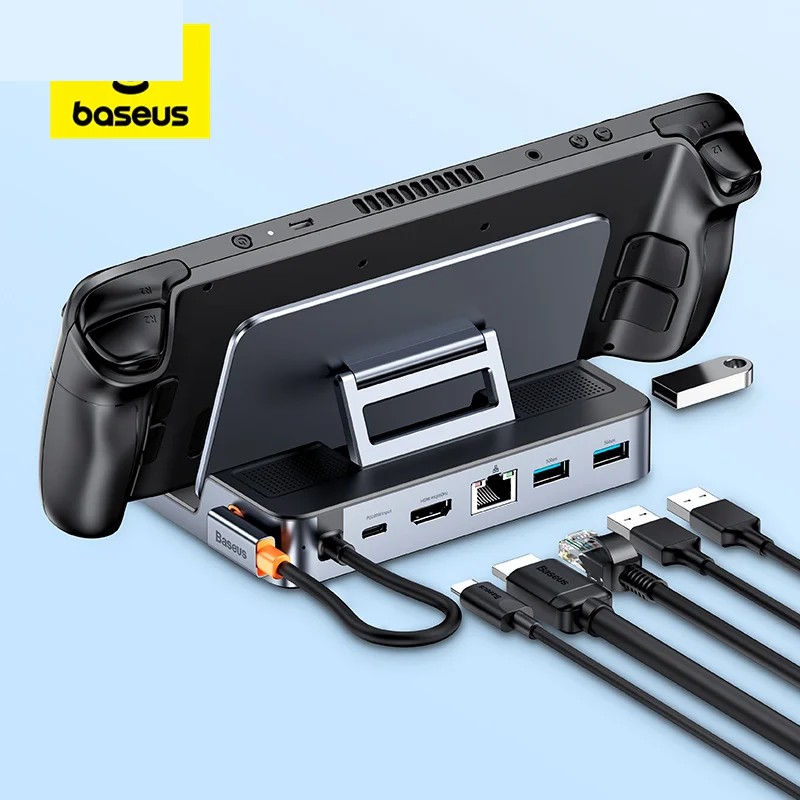
Baseus 6-in-1 USB-C Hub - 4K HDMI Docking Station 100W
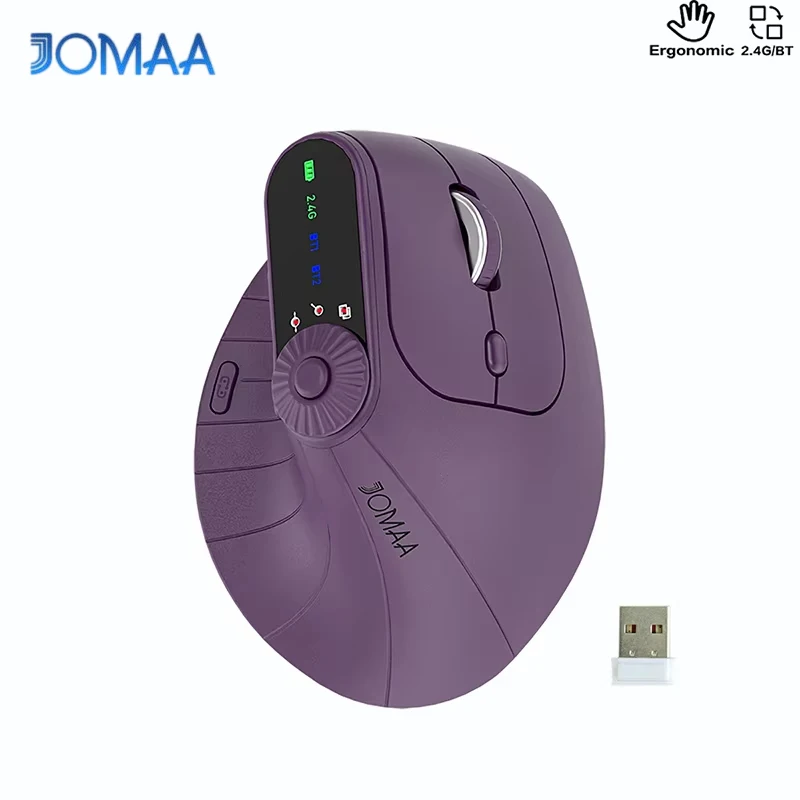
DeskCraft Ergonomic Wireless Mouse - Dual Mode 2.4G + BT