Logitech MX Master vs Razer DeathAdder: Best Mouse for Work
Choosing the right mouse for productivity work can significantly impact your daily comfort and efficiency. While both the Logitech MX Master and Razer DeathAdder are popular choices, they serve different purposes and user preferences. The MX Master excels in multi-device workflow management and precision tasks, while the DeathAdder offers gaming-grade precision that translates well to demanding professional work. Understanding their key differences will help you make the best choice for your specific productivity needs.
Key Takeaways:
- MX Master is optimized for multi-device productivity workflows with advanced scrolling and customization
- Razer DeathAdder offers superior gaming-grade precision sensors ideal for design and detailed work
- MX Master costs more but provides longer battery life and premium build quality
- DeathAdder is more affordable and lighter, making it comfortable for extended use
- Both mice offer excellent ergonomics but suit different hand sizes and grip styles
Logitech MX Master vs Razer DeathAdder: Which Mouse Wins for Professional Work?
When comparing the Logitech MX Master against the Razer DeathAdder for productivity work, several key factors determine which mouse better suits your professional needs. Both mice have earned reputations in their respective markets—the MX Master as a productivity powerhouse and the DeathAdder as a precision gaming tool that doubles as an excellent work mouse.
| Feature | Logitech MX Master | Razer DeathAdder |
|---|---|---|
| Price Range | $80-$100 | $40-$70 |
| Sensor Quality | Darkfield 4000 DPI | Focus+ 20000 DPI |
| Battery Life | 70 days | 90 hours (wireless) |
| Connectivity | Multi-device (3 devices) | Wired/Wireless options |
| Customization | 7 programmable buttons | 8 programmable buttons |
| Weight | 141g | 96g |
Design and Build Quality Comparison
The Logitech MX Master features a premium build with a distinctive thumb rest and sculpted design that accommodates larger hands comfortably. Its matte finish resists fingerprints, and the solid construction feels substantial without being overly heavy. The mouse includes a unique thumb wheel alongside the traditional scroll wheel, providing additional navigation options for productivity tasks.
In contrast, the Razer DeathAdder sports a more streamlined, ambidextrous design that works well for various hand sizes and grip styles. The lightweight construction at 96 grams makes it comfortable for extended work sessions. The DeathAdder's build quality emphasizes durability with Razer's mechanical switches rated for 70 million clicks, compared to the MX Master's 10 million click rating.
Both mice feature high-quality materials, but they target different preferences. The MX Master appeals to users who want a substantial, feature-rich mouse, while the DeathAdder suits those preferring lightweight precision tools.
Productivity Features and Performance Analysis
The MX Master shines in productivity scenarios with its multi-device connectivity, allowing seamless switching between up to three devices. This feature proves invaluable for professionals working across multiple computers or tablets. The Darkfield sensor works on virtually any surface, including glass, making it versatile for different work environments.
The DeathAdder's strength lies in its precision sensor technology. The Focus+ sensor delivers exceptional accuracy for detailed work like graphic design, CAD, or data analysis. While it lacks multi-device connectivity, the DeathAdder compensates with superior tracking precision and lower input lag, beneficial for tasks requiring pixel-perfect accuracy.
For general office productivity, the MX Master's horizontal scroll wheel and gesture controls provide efficient document navigation. The DeathAdder's programmable buttons, while fewer in unique functions, offer reliable customization for workflow optimization.
Software and Customization Options
Logitech's Options+ software provides extensive customization for the MX Master, including application-specific settings, gesture controls, and detailed button programming. The software's Flow feature enables seamless file sharing between connected devices, enhancing cross-platform productivity.
Razer Synapse offers comprehensive customization for the DeathAdder, with macro programming, sensitivity adjustment, and RGB lighting control (on applicable models). While less focused on multi-device management, Synapse excels in creating detailed profiles for different applications or work scenarios.
Ergonomics and Comfort for Extended Work Sessions
Extended work sessions demand comfortable ergonomics, and both mice address this need differently. The MX Master's larger profile and thumb rest provide excellent support for palm grip users with medium to large hands. The sculpted design reduces wrist strain during long work periods, though some users with smaller hands might find it oversized.
The DeathAdder's lighter weight and streamlined shape accommodate various grip styles, including palm, claw, and fingertip grips. This versatility makes it suitable for a broader range of hand sizes and preferences. The reduced weight also minimizes fatigue during extended use, particularly beneficial for users who frequently lift and reposition their mouse.
Both mice feature smooth-gliding feet and responsive buttons, but the choice depends on your preferred grip style and hand size. Testing both mice, if possible, helps determine which ergonomic approach suits your individual needs better.
Battery Life and Connectivity Options
Battery performance significantly impacts productivity workflows, and the MX Master excels with up to 70 days of use on a single charge. The mouse supports USB-C charging and includes a quick-charge feature providing a full day's use from just three minutes of charging. The multi-device Bluetooth connectivity operates reliably across different platforms.
The Razer DeathAdder's wireless variants offer approximately 90 hours of battery life, respectable but requiring more frequent charging than the MX Master. However, the DeathAdder's advantage lies in its dual connectivity options—many models offer both wired and wireless operation, providing flexibility for different work scenarios or backup connectivity when the battery depletes.
For users prioritizing minimal maintenance, the MX Master's superior battery life provides clear advantages. However, the DeathAdder's wired option ensures uninterrupted productivity regardless of battery status.
Price and Value Considerations
The price difference between these mice reflects their target markets and feature sets. The Logitech MX Master typically costs $80-$100, positioning it as a premium productivity tool. This price includes advanced features like multi-device connectivity, premium build quality, and extensive software support.
The Razer DeathAdder ranges from $40-$70 depending on the specific model and features. This pricing makes it accessible to a broader range of users while still delivering high-performance specifications. The DeathAdder provides excellent value for users prioritizing sensor performance and build quality over advanced productivity features.
When evaluating value, consider your specific needs. If multi-device connectivity and advanced productivity features justify the higher cost, the MX Master delivers excellent value. For users focused on precision and performance at a lower price point, the DeathAdder offers superior value.
Who Should Choose Each Mouse?
Choose the Logitech MX Master if you:
- Work across multiple devices regularly (laptop, desktop, tablet)
- Prioritize battery life and minimal charging interruptions
- Need advanced scroll wheel functionality for document navigation
- Prefer a substantial, premium-feeling mouse
- Value integrated productivity features like gesture controls
- Work primarily in office applications and general productivity tasks
Choose the Razer DeathAdder if you:
- Require maximum sensor precision for detailed work
- Prefer a lighter, more agile mouse feel
- Work primarily on a single device
- Want excellent performance at a lower price point
- Need reliable wired connectivity as a backup option
- Engage in tasks requiring pixel-perfect accuracy
Enhancing Your Workspace Setup
Regardless of which mouse you choose, optimizing your complete workspace enhances productivity. Consider pairing your new mouse with complementary accessories. A quality monitor stand improves ergonomics by positioning your screen at the correct height, reducing neck strain during extended work sessions.
For users managing multiple devices and cables, a cable management solution keeps your workspace organized and professional. Proper cable management also prevents mouse movement interference and creates a cleaner work environment.
Adequate lighting significantly impacts work quality and eye comfort. A adjustable LED desk lamp provides focused illumination for detailed tasks while reducing eye strain during long work periods.
Final Verdict: Logitech MX Master vs Razer DeathAdder
The choice between the Logitech MX Master and Razer DeathAdder ultimately depends on your specific productivity requirements and work style. The MX Master excels as a comprehensive productivity tool, offering multi-device connectivity, exceptional battery life, and features designed specifically for office workflows. Its premium price reflects the advanced functionality and build quality that justify the investment for multi-device users.
The Razer DeathAdder provides exceptional value for users prioritizing precision and performance. Its superior sensor technology, comfortable ergonomics, and competitive pricing make it an excellent choice for detailed work requiring accuracy. While it lacks the MX Master's advanced productivity features, it delivers reliable performance at a more accessible price point.
For most productivity-focused users working across multiple devices, the Logitech MX Master represents the better long-term investment. However, users focused on precision tasks or seeking excellent performance at a lower cost will find the Razer DeathAdder more suitable for their needs.
Upgrade Your Complete Workspace
Ready to optimize your productivity setup? Explore our complete collection of premium desk accessories and work-from-home essentials designed to enhance your professional workspace. From ergonomic solutions to cable management and lighting, we offer everything needed to create a productive, comfortable work environment that supports your success.
Shop products from this guide
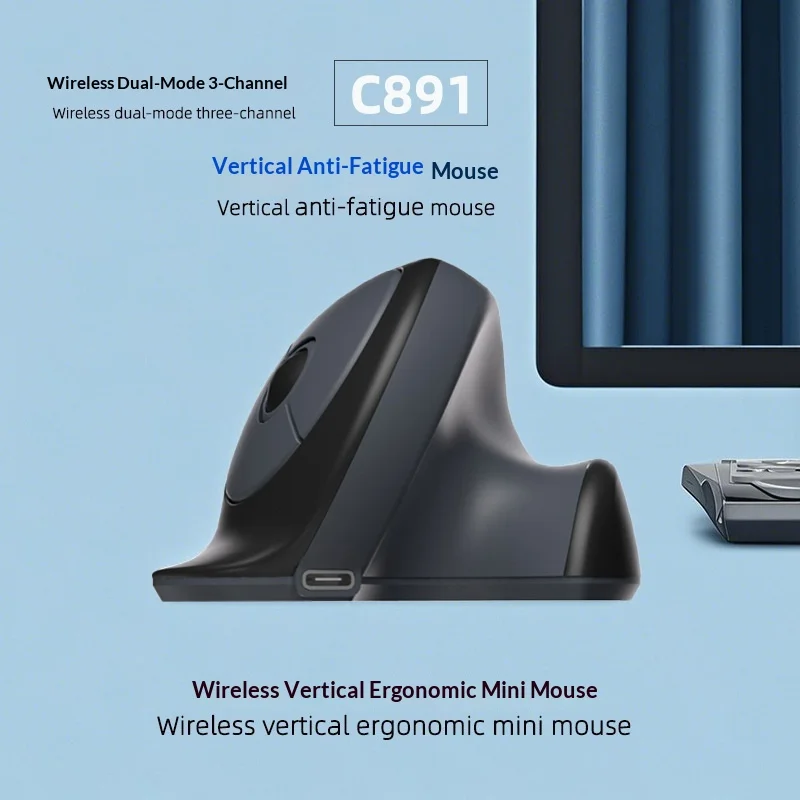
C891 Vertical Ergonomic Wireless Mouse — Dual-Mode Rechargeable
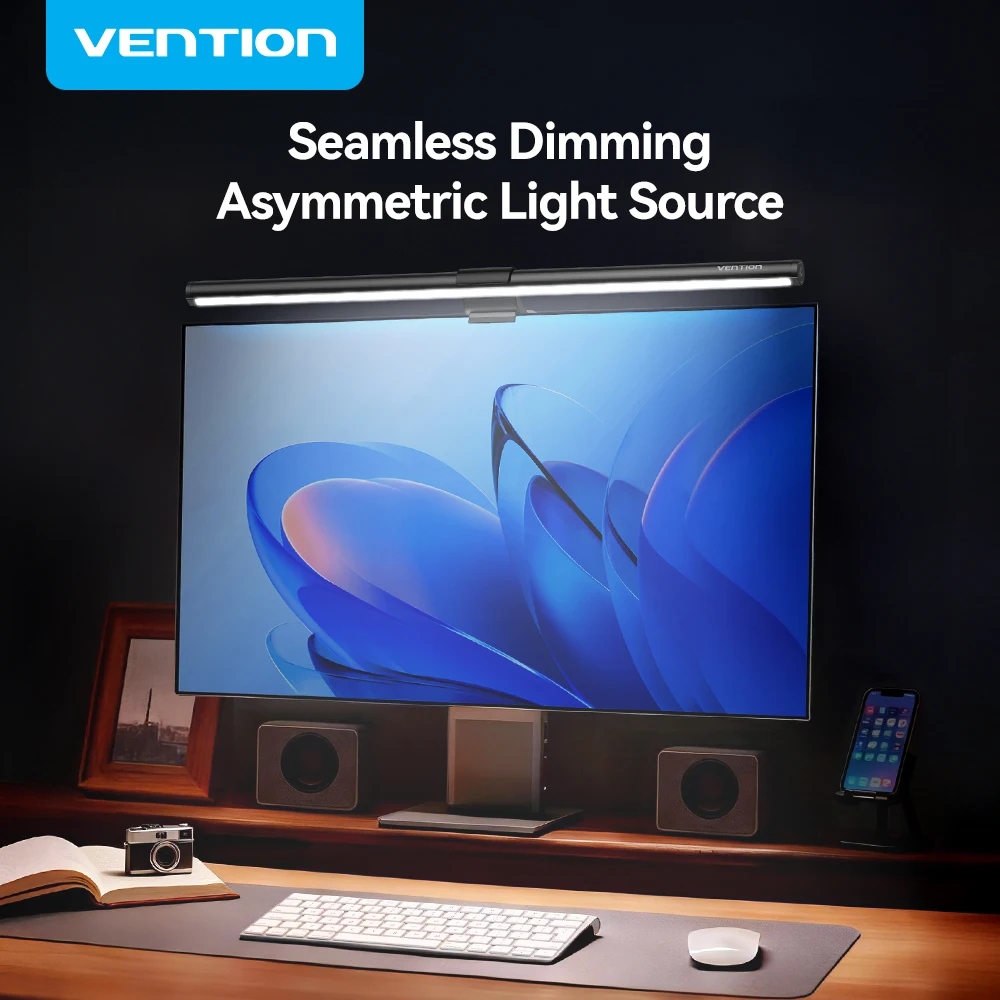
Vention Monitor Light Bar — LED Screen Hanging Lamp

Walnut Wood Monitor Riser — Desk Stand with Keyboard Storage
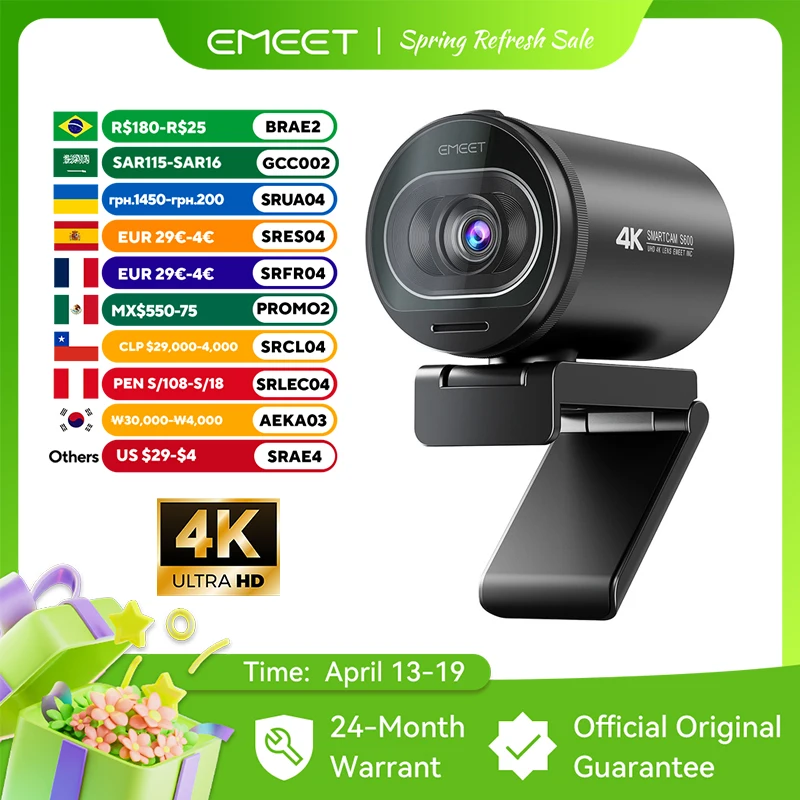
EMEET S6 4K Webcam - 1080P 60FPS Pro Streaming Camera
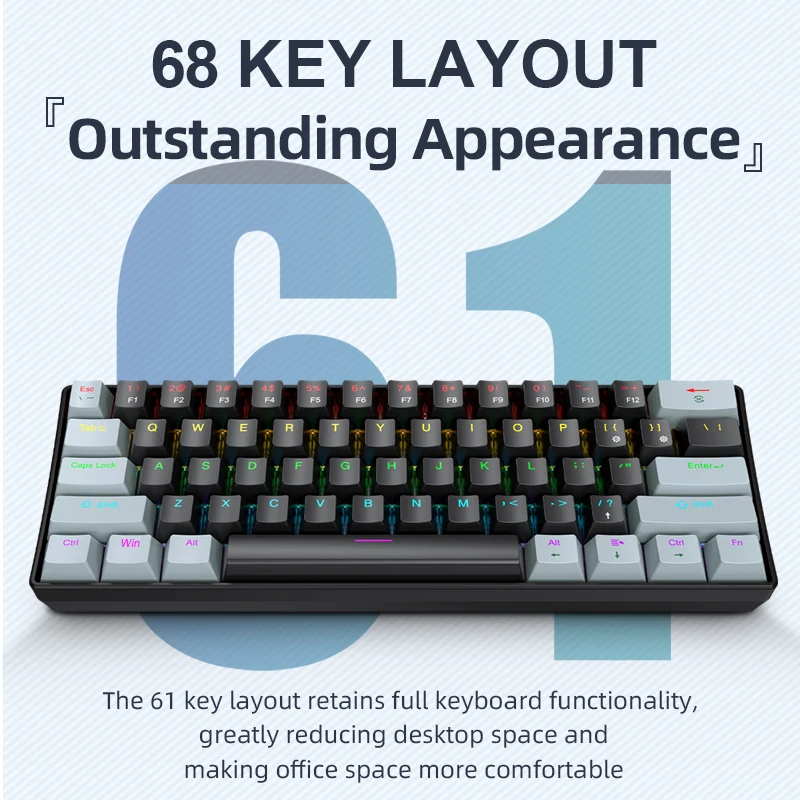
APAYADO K61 Mini RGB Mechanical Keyboard - 61 Key Compact